D - 40 Wireless LAN Module (Windows 7)
Windows 7
Windows 7
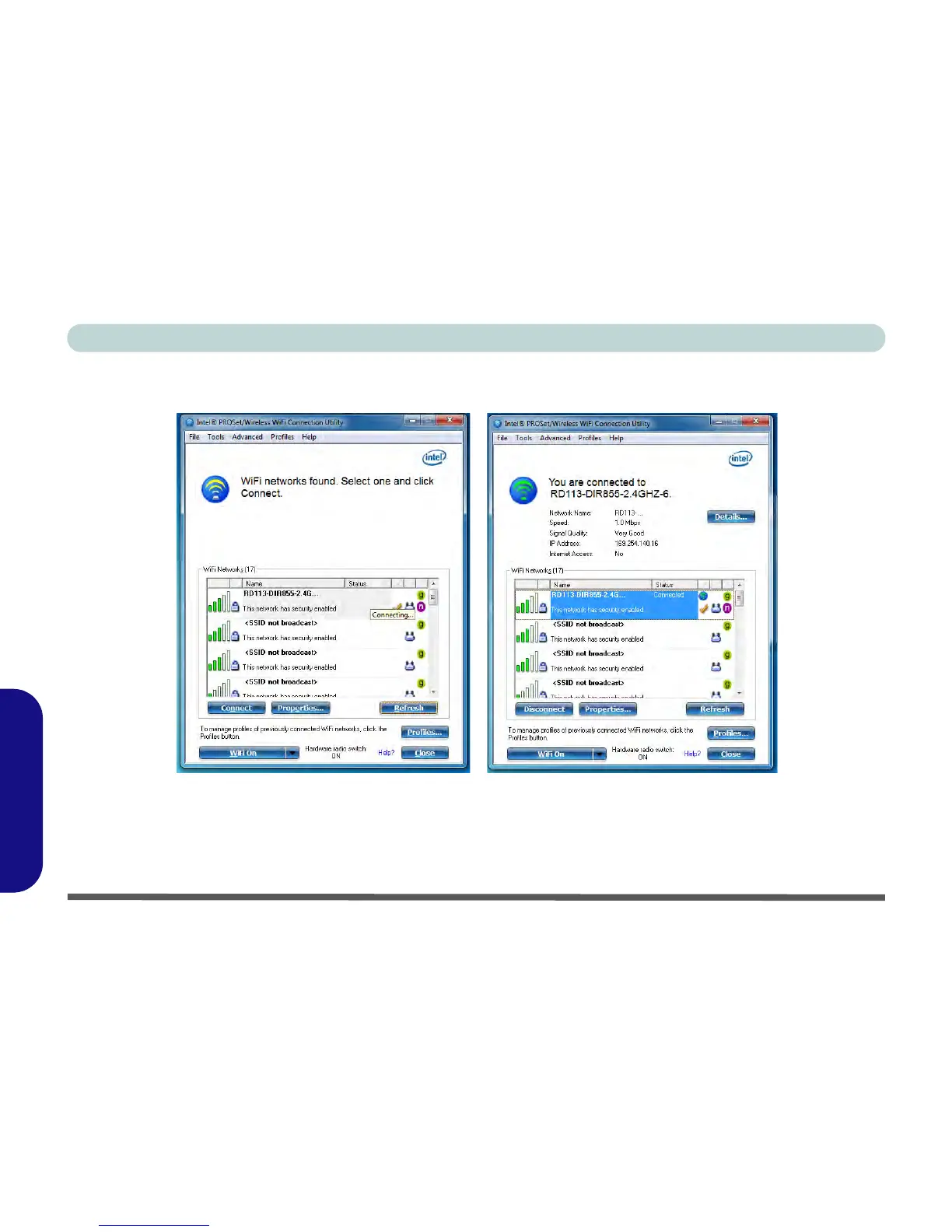
4. Click/tap Connect to connect to the select WiFi network access point.
5. If the access point is encrypted then you will need to enter the password and click/tap OK.
Figure D - 22 - Intel® PROSet/Wireless WiFi Connection Utility (Connecting & Connected)
6. You can turn WiFi On/WiFi Off from the button at the bottom of the Utility.
7. To disconnect, select the connected access point and click/tap Disconnect.
8. Select Help from the menu at the top of the utility (or at the bottom right) to bring up the Help menu.



 To Next Page