Intel Video Driver Controls
Intel® Graphics & Media Control Panel B - 3
B
OR
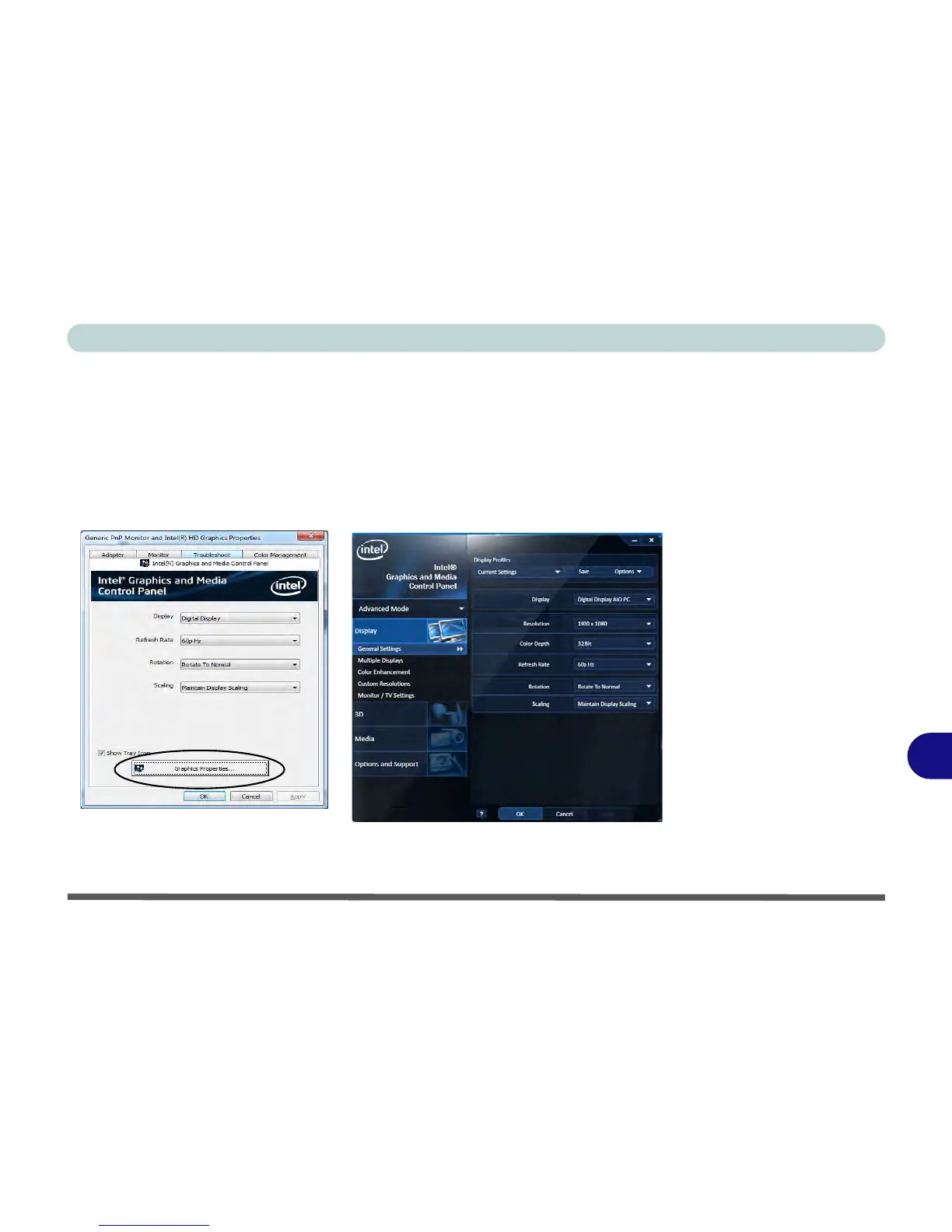
2. Right-click (tap, hold and release) the Desktop and select Graphics Properties
from the menu.
OR
3. Click/tap Advanced settings in the Screen Resolution control panel in
Windows.
4. Click/tap the Intel(R)... tab and click Graphics Properties (button).
5. Double-click/tap the Intel(R) G&M control panel in the Windows Control Panel.



 To Next Page