D - 60 Bluetooth & WLAN Combo Module (Windows 7)
Windows 7
Windows 7
To Add a Bluetooth Device
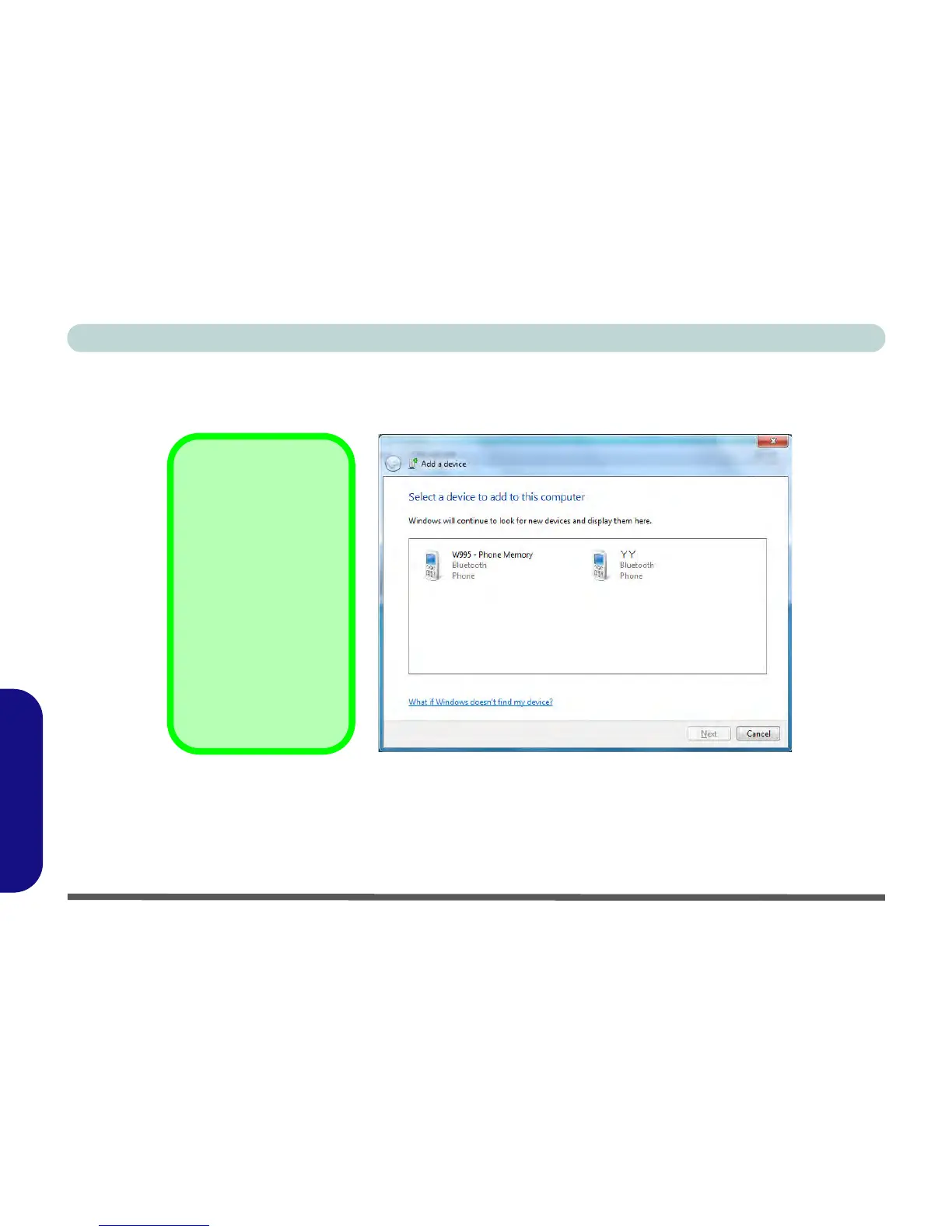
1. Access the Bluetooth Devices control panel and click/tap Add a device.
2. Double-click/tap the device you want to pair with the computer.
Figure D - 34 - Add a Device
3. On first connection the computer will provide you with a pairing code to be entered onto the device.
Pairing Options
If a device has been pre-
viously connected then
the pairing option menu
will appear when you at-
tempt subsequent con-
nections. You can choose
to have the computer cre-
ate a pairing code for you,
use the device’s existing
pairing code or you can
pair certain devices with-
out using a code.



 To Next Page