D - 14 Audio Features
Windows 7
Windows 7
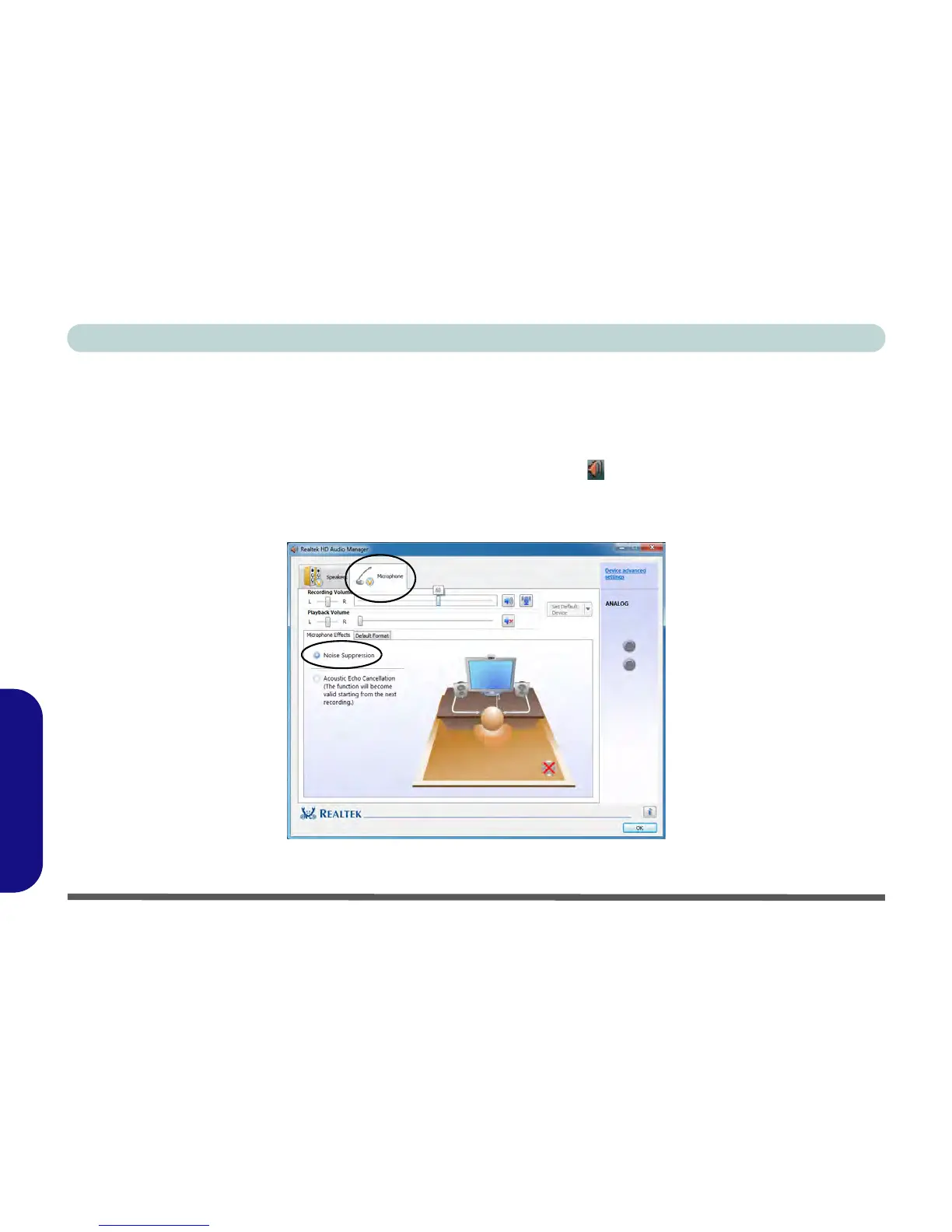
Setup for Audio Recording
To record audio sources on your computer at optimum quality follow the instructions below:
1. Click/tap Start, and click/tap Control Panel (or point to Settings and click/tap Control Panel) and make sure
you are in Classic View.
2. Click/tap Realtek HD Audio Manager (or right-click the taskbar icon and select Sound Manager).
3. Click/tap Microphone Effects (tab) in Microphone (tab), and then click/tap to select Noise Suppression
(button), or adjust the Recording Volume level to around 60, to obtain the optimum recording quality.
4. Click/tap OK to close the control panel and save the settings.
Figure D - 11 - Realtek Audio Manager - Recording Setup



 To Next Page