Modules & Options
PC Camera Module (Windows 8) 7 - 5
7
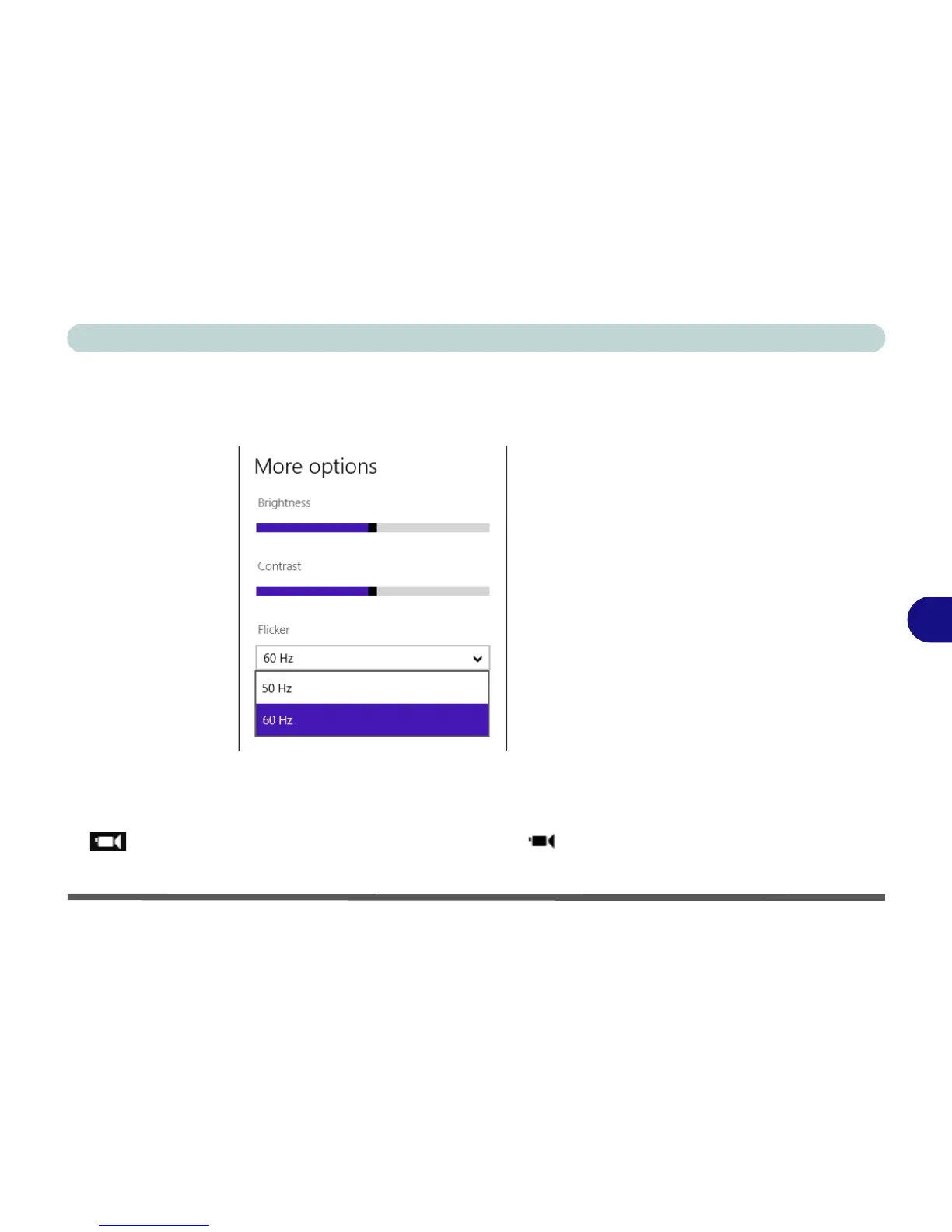
You can also click/tap on More to adjust Brightness, Contrast and Flicker (if
you find that the video screen in the camera program is flickering, you can try to
adjust the setting here).
• Timer: This button will start a three second countdown before the system takes
a still photo or video recording starts.
• Video Mode: This button toggles between still photo mode (transparent button
) and video recording mode (highlighted white button ).



 To Next Page