Modules & Options
Bluetooth & WLAN Combo Module (Windows 8) 7 - 27
7
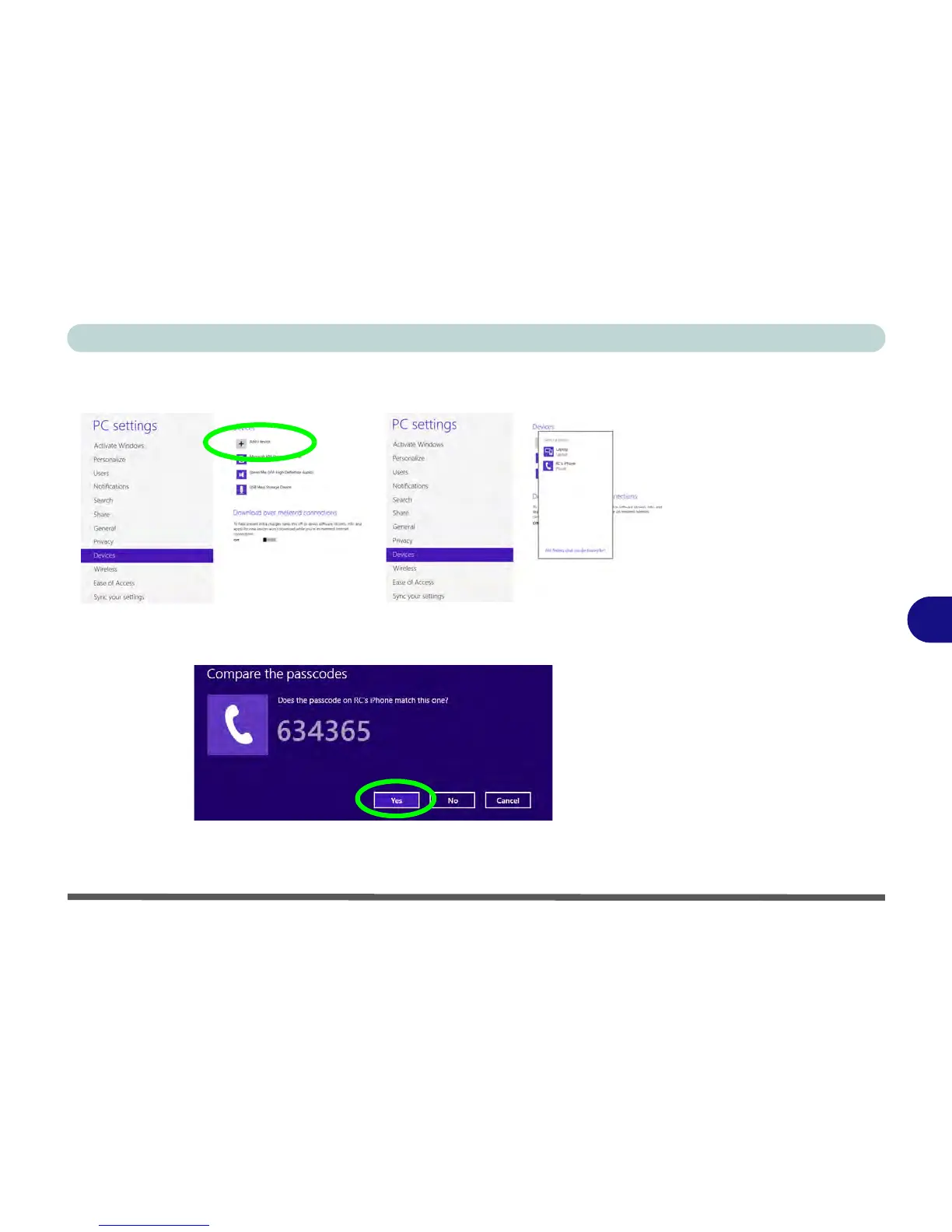
4. Click/tap Add a Device.
5. Double-click/tap the device you want to pair with the computer.
6. On first connection the computer will provide you with a pairing code to be entered
onto the device.
7. Enter the code into your Bluetooth enabled device and click/tap Yes on the
computer to complete the pairing.



 To Next Page