Modules & Options
Bluetooth & WLAN Combo Module (Windows 8) 7 - 29
7
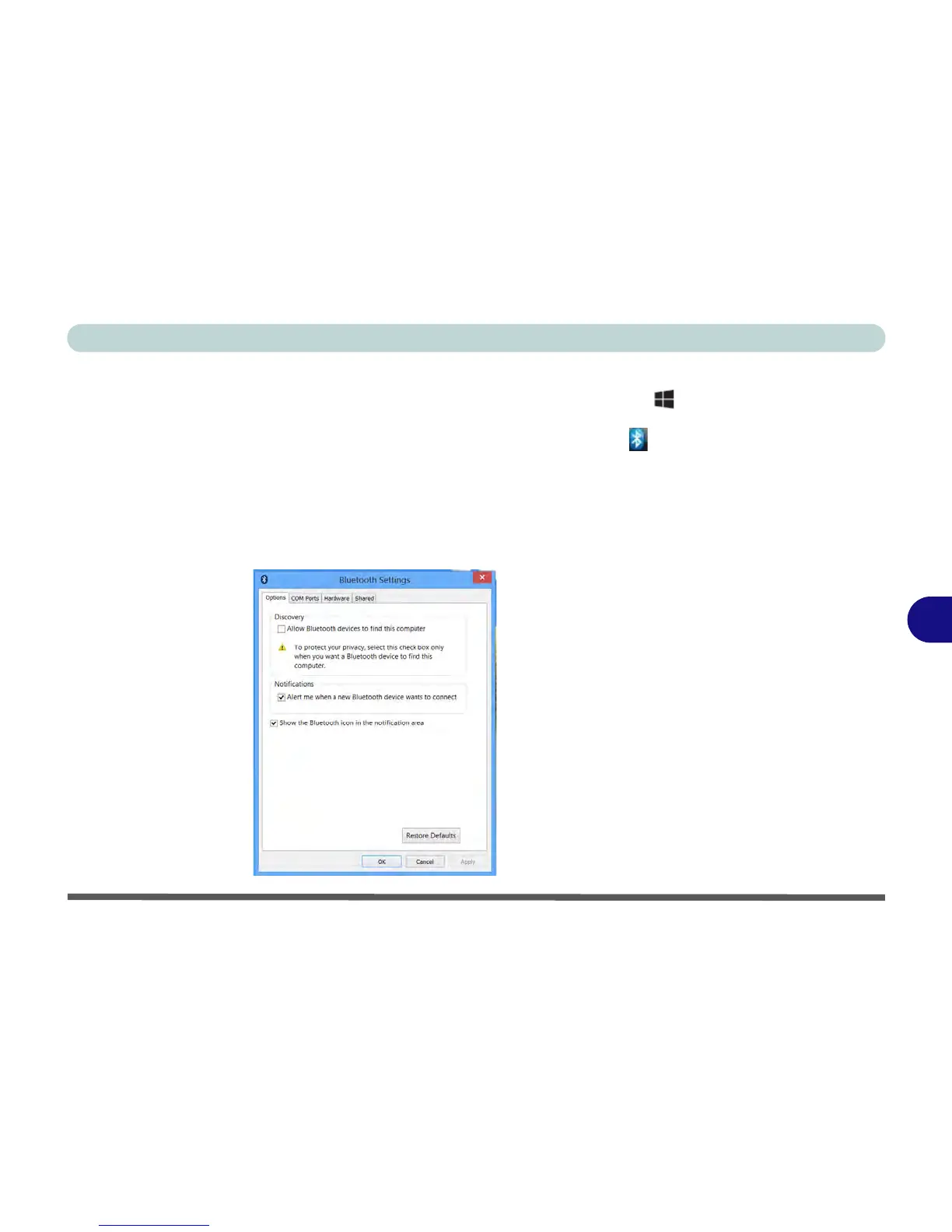
To Make your Computer Discoverable to Bluetooth Devices
1. Switch to the Windows Desktop (click/tap the app or use the Windows logo key
+ D key combination).
2. Click/tap the notification area of the taskbar, click/tap the Bluetooth icon and
click/tap Open Settings.
3. Click/tap Options, and make sure that Allow Bluetooth devices to find this
computer check box (Discovery) has a tick inside it.
4. Make sure that the Alert me when a new Bluetooth device wants to connect
check box (Connections) has a tick inside it, if you want to be notified when a
Bluetooth device wants to connect.



 To Next Page