Modules & Options
Trusted Platform (Security) Module 7 - 37
7
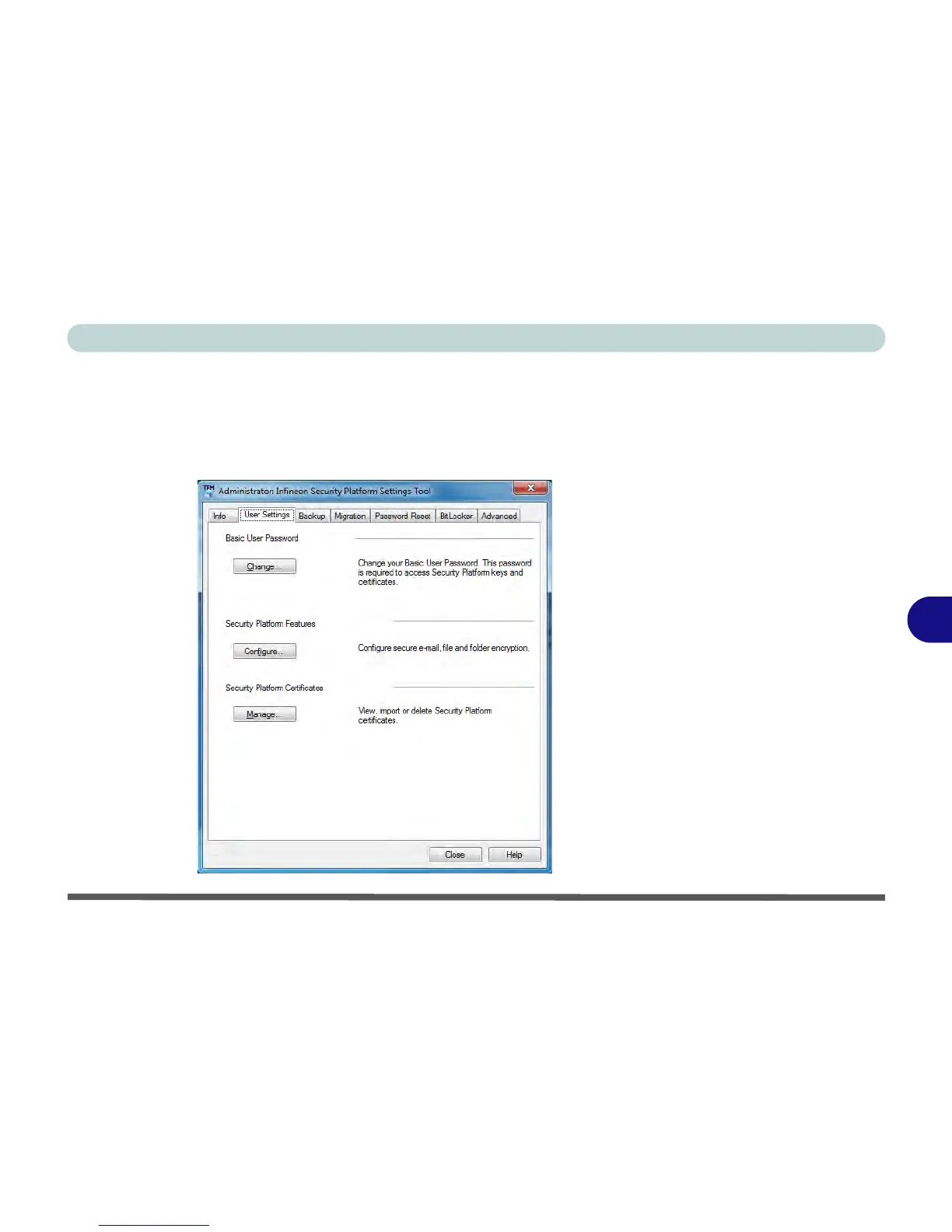
User Settings
This page allows the settings to be configured for the currently logged in Infineon
Security Platform user including the ability to change the password, configure se-
cure e-mail, file and folder encryption and Enhanced Authentication. You can also
import or delete certificates protected by the security platform.



 To Next Page