D - 42 Wireless LAN Module (Windows 7)
Windows 7
Windows 7
Intel® My WiFi Configuration
You can configure the My WiFi settings as follows.
1. Make sure the Wireless LAN module is on.
2. Access the Intel®
WiFi Connection Utility from the Start menu (Start > All Programs > Intel PROSet
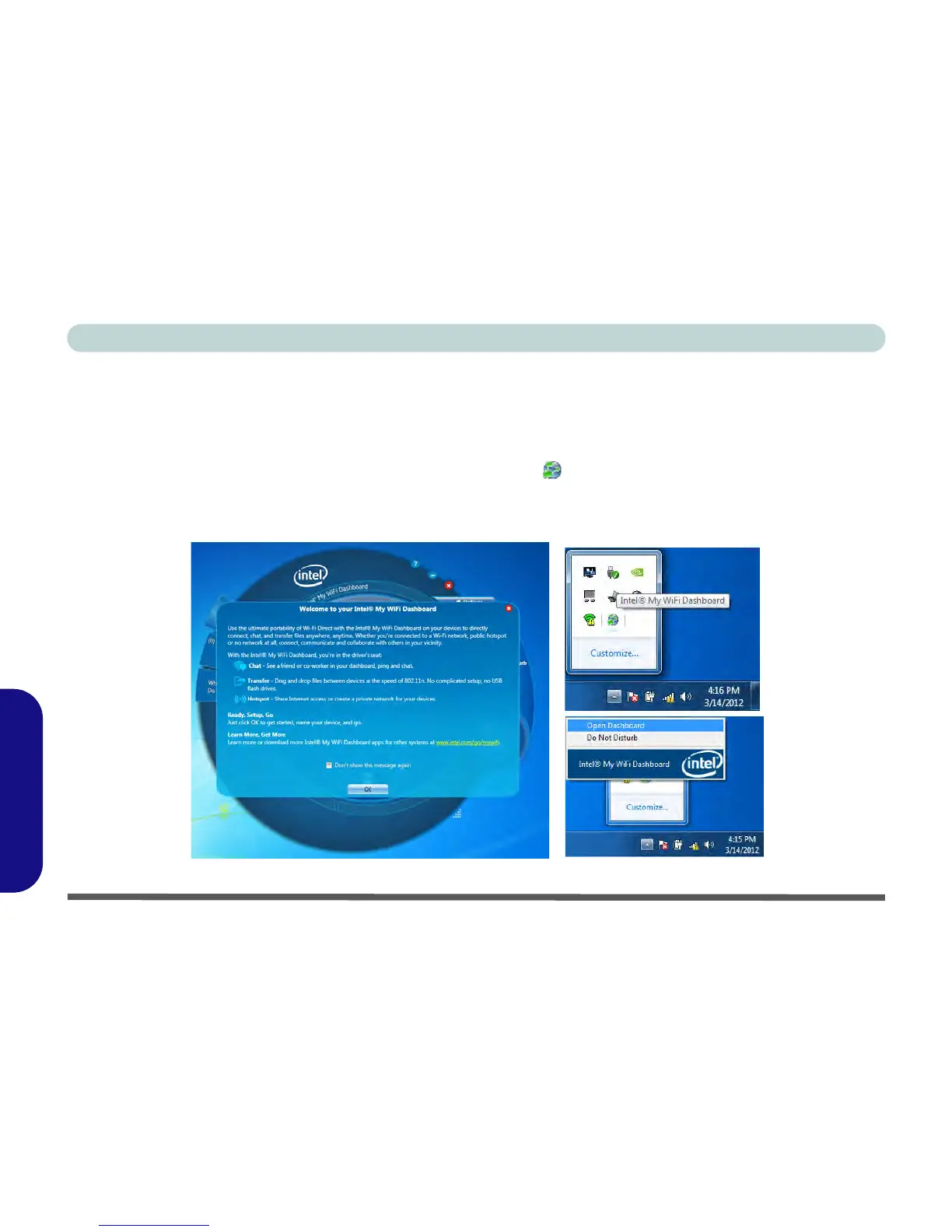
Wireless > Intel(R) My WiFi Dashboard), or click/tap the icon in the notification area of the taskbar (or right-
click/tap and select Open Dashboard).
3. An initial welcome message will appear on the first run of the program (click/tap “Don’t show this message
again” to turn this off in future).
Figure D - 23 - Intel® My WiFi Utility - Welcome



 To Next Page