D - 68 Trusted Platform (Security) Module (Windows 7)
Windows 7
Windows 7
Enabling & Activating TPM
1. Restart the computer.
2. Enter the Aptio Setup Utility pressing F2 during the POST/startup.
3. Use the arrow keys to select the Security menu.
4. Select Configuration and press Enter to access the sub-menu.
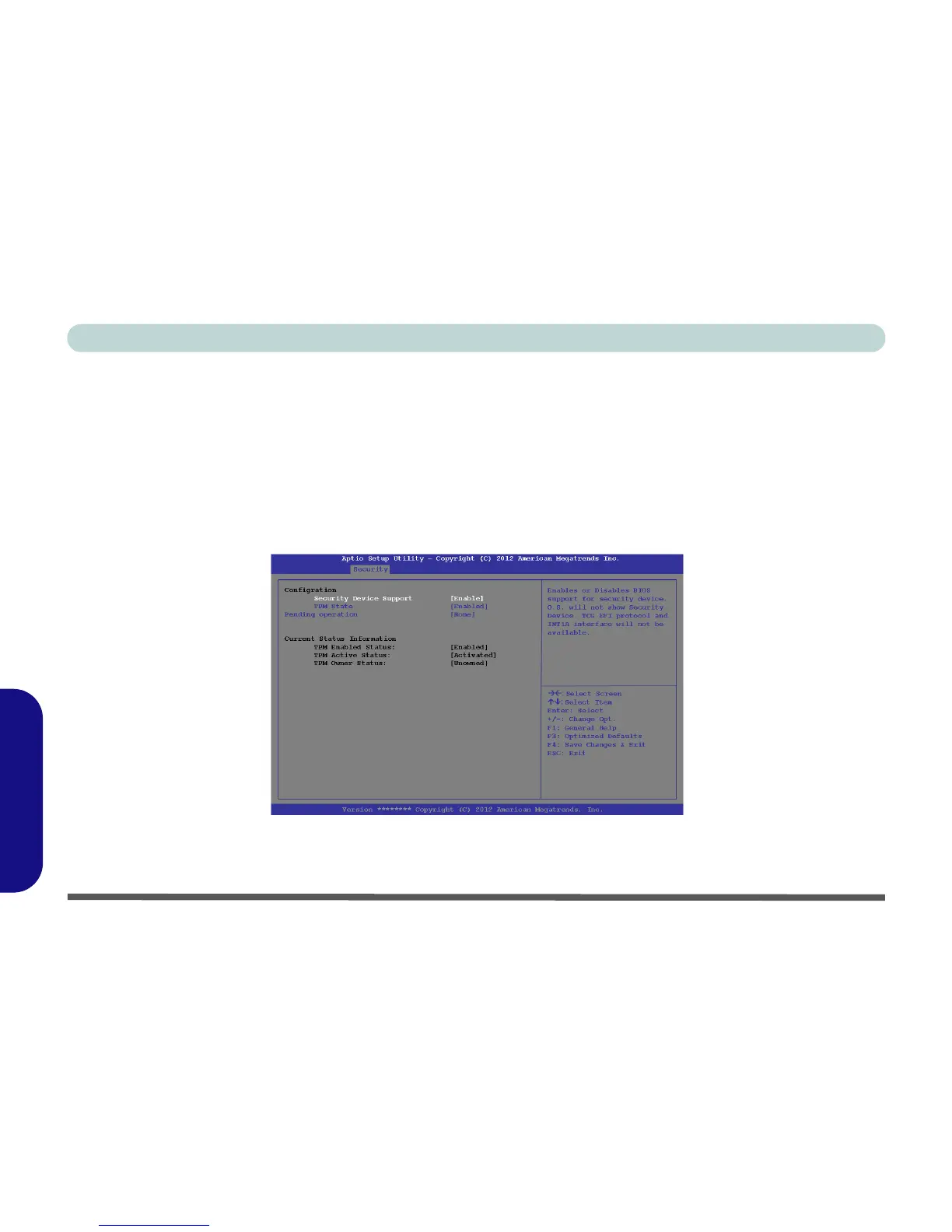
5. Press Enter to access the Security Device Support menu and select Enable to display the full TPM
configuration menu.
6. Select TPM State, press Enter and select Enabled to change the TPM state to enabled. You will then need to
press F4 to save the changes and restart the computer.
Figure D - 43 - TPM State (Enabled)
7. As the computer restarts press F2 to enter the BIOS again and go to the TPM Configuration menu.



 To Next Page