Tablet PC Input Options D - 83
Windows 7
Windows 7
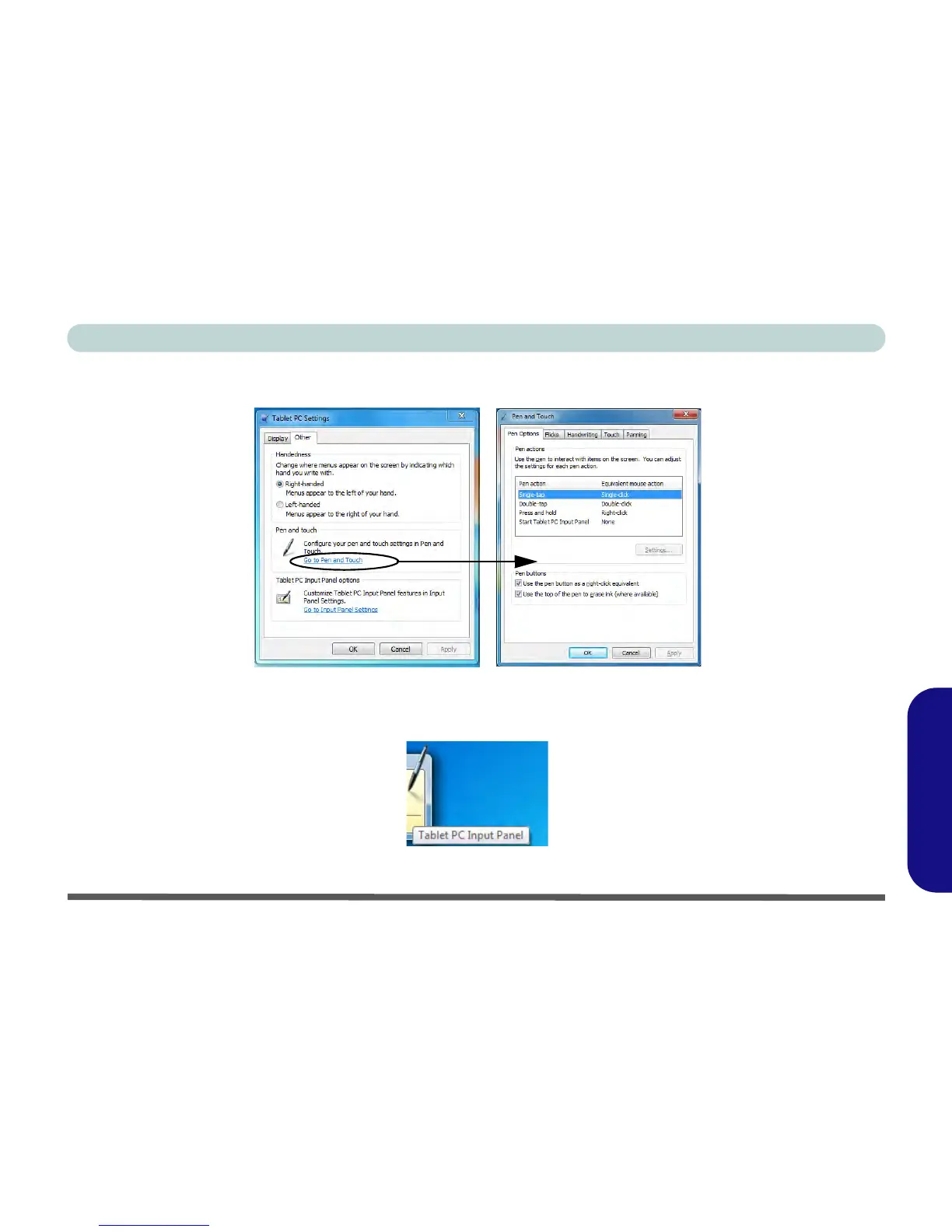
5. Click/tap Go to Pen and Touch (in Tablet PC Input Panel Options) to configure the Pen Options, flicks and
handwriting etc.
Figure D - 57 - Pen and Touch Settings
6. When not in use the Tablet PC Input Panel docks at the side of the screen (and may be docked at either side
of the screen at any height) with just a small portion visible.
Figure D - 58 - Tablet PC Input Panel



 To Next Page