Windows 8 Control Panel 1 - 31
Quick Start Guide
1
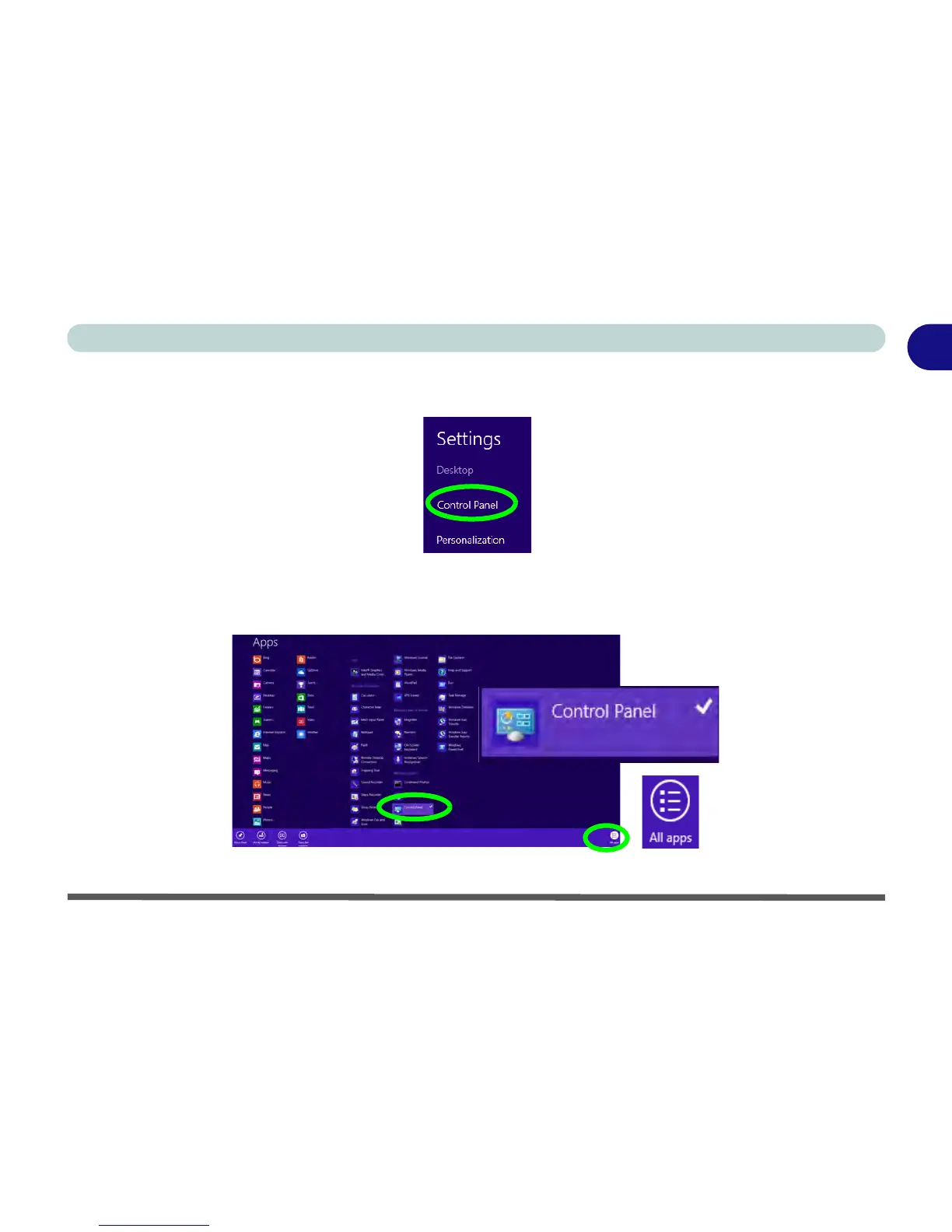
• When in the Desktop app (this does not apply to the Start screen) click/tap on Settings in the Windows
Charms Bar and select Control Panel from the menu.
Figure 1 - 25 - Settings Charms Bar (Desktop App Only)
• Right-click on a blank area of the Metro UI Start screen, or swipe a finger from the top or bottom of
the touch screen. Click/tap the All Apps icon and click/tap Control Panel.
Figure 1 - 26 - All Apps - Control Panel



 To Next Page