Power Management
Configuring the Power Buttons 3 - 11
3
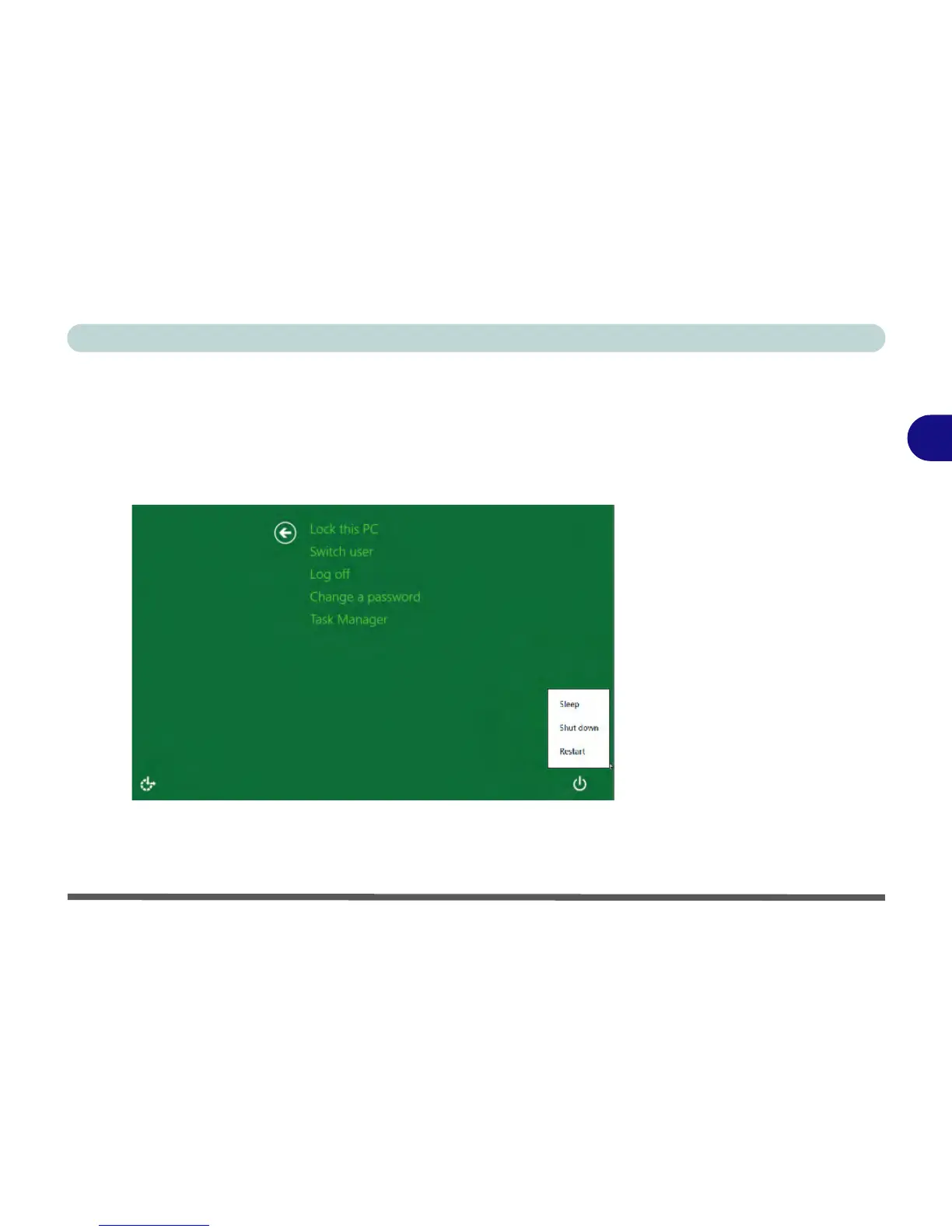
Ctrl + Alt + Delete Key Combination
You can use the CTRL + ALT + DEL key combination from almost any of the Win-
dows 8 interfaces/Apps to bring up a full-screen displaying Lock, Switch User, Log
off, Change a password and Task Manager options. If you click/tap the Power
icon in the lower right corner of the screen a power management option menu ap-
pears to display Sleep, Shut down, and Restart.
To fully control all the power options (including Hibernate mode) go to the Power
Options control panel and configure the power button, sleep button and lid to per-
form the function selected.



 To Next Page