Using the Operation Panel
1648-02K
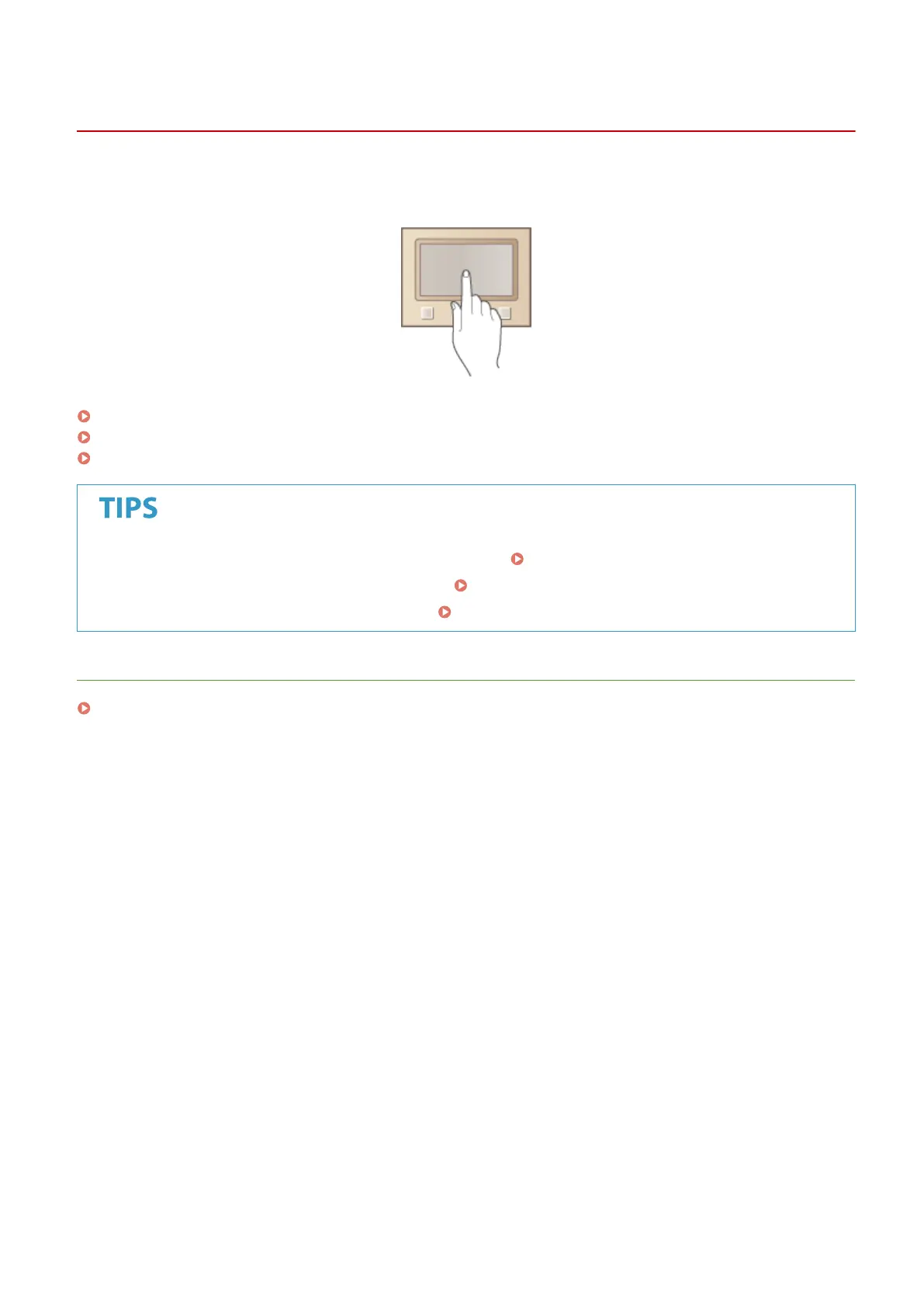
You can use the display and keys of the operation panel to congure machine settings or operate functions. This
section describes basic usage of the display and keys.
Basic Screens(P. 106)
Basic Operation(P. 114)
Entering Text(P. 119)
● If you want to invert the light and dark parts of the display: <Invert Screen Colors>(P. 326)
● If you want to adjust the brightness of the display: <Brightness>(P. 326)
● If you want to adjust the contrast of the display: <Contrast>(P. 327)
LINKS
Operation Panel(P. 97)
Basic Operations
105













 To Next Page