Replacing the Toner Cartridge
1648-0J4
The machine displays a message when the amount remaining in the toner cartridge is low. Note that the print quality
may suffer if you continue printing without resolving this issue. You can check the amount remaining in the toner
cartridges on the display ( Checking the Remaining Amount of Consumables(P. 432) ).
When a Message Appear(P. 427)
When Printouts are Poor in Quality(P. 428)
Procedure for Replacing the Toner Cartridge(P. 428)
When a Message Appear
The message that is displayed depends on the amount remaining in the toner cartridges. Depending on which
message is displayed, prepare a new toner cartridge ( Consumables(P. 446) ) or replace the current toner cartridge
with a new one (
Procedure for Replacing the Toner Cartridge(P. 428) ).
● Where "XXXX" appears in the descriptions below, the toner cartridge colors black, yellow, magenta, or cyan
appear in the actual messages.
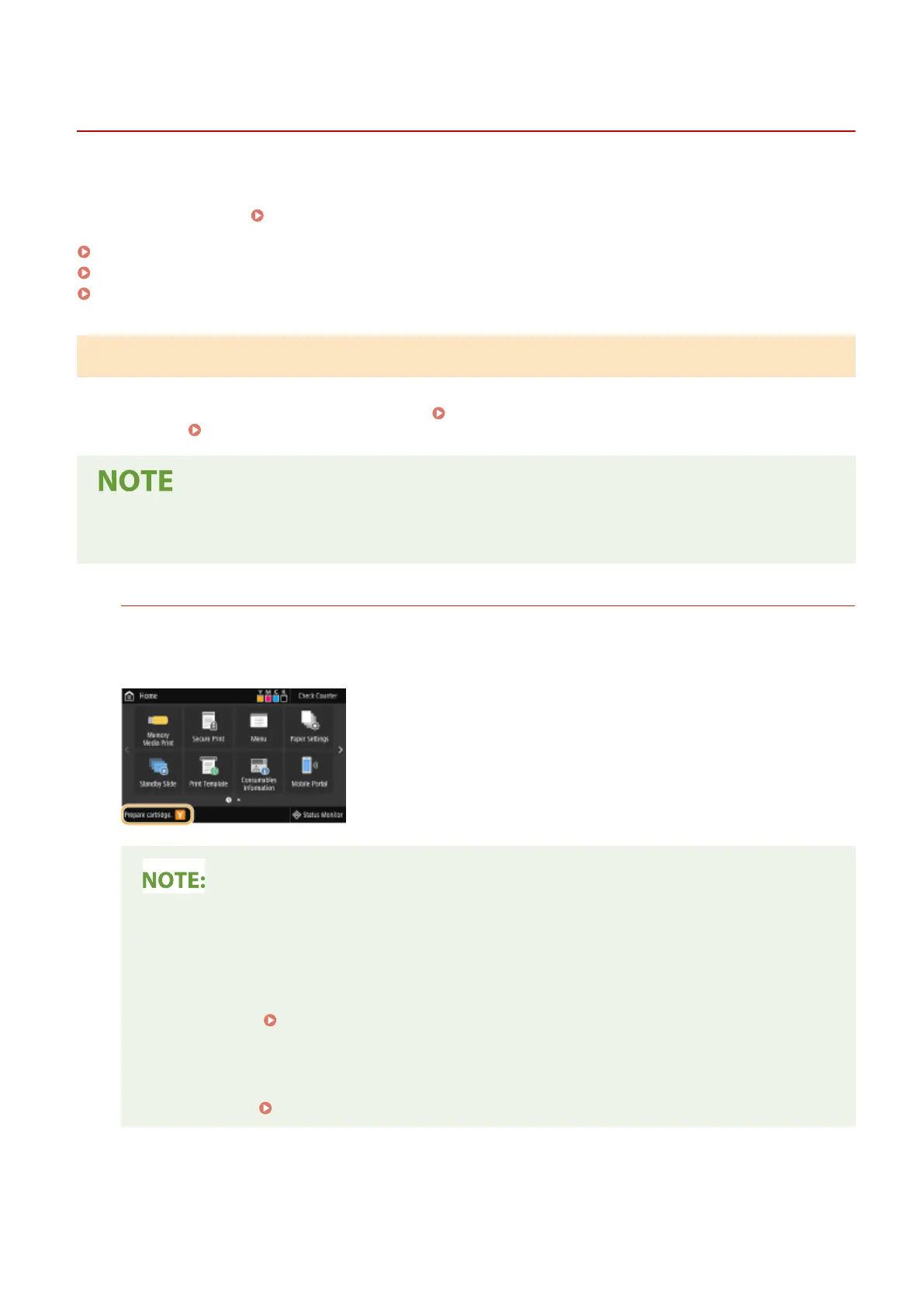
<Prepare cartridge.>/<Prepare the XXXX cartridge.>
This message noties you that a toner cartridge needs to be replaced soon. Make sure that you have a
replacement toner cartridge ready. Replace the toner cartridge if you see this message before you start to print
a large job.
When this message is displayed
● When printing, you can continue printing the original.
● If this message is displayed for the black toner cartridge while an I-Fax document is being received,
the machine does not perform printing so that unclear print is avoided. To continue printing even if
the amount remaining in toner cartridge is running low, set <Continue Print. When Amount in Cart.
Low> to <On>. <Continue Print. When Cart. Low>(P. 396)
Specify when this message is displayed
● You can set any value as the percentage of the amount remaining in the toner cartridge that triggers
this message. <Display Timing for Cart. Prep.>/<Displ. Timing for Cartridge Prep. Notif.>(P. 299)
Maintenance
427













 To Next Page