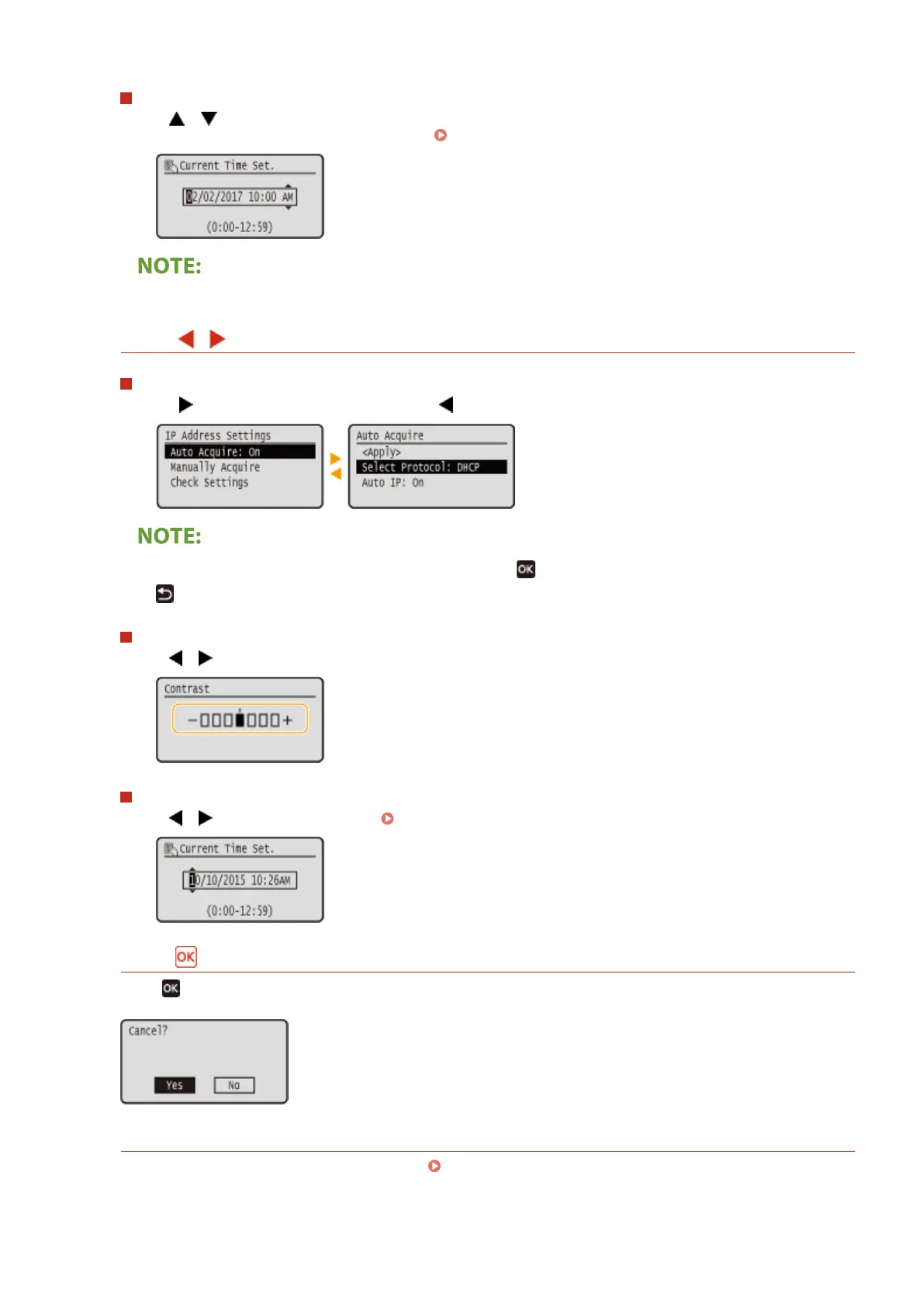
Changing Setting Values
Use / to enter values. If an icon such as below is displayed at the upper left of the screen, you can
enter values directly using the numeric keys. Entering Text(P. 119)
● Values in ( ) displayed below the entry box are the enterable value range.
Using
/
Proceeding to the Next Screen/Returning to the Previous Screen
Press to proceed to the next screen. Press to return to the previous screen.
● You can also proceed to the next screen by pressing , and return to the previous screen by pressing
.
Changing Setting Values
Use / to adjust the slider scale.
Moving the Cursor
Use / to enter text and values. Entering Text(P. 119)
Using
Press to apply a setting.
Using the Numeric Keys
Use the numeric keys to enter text and values. Entering Text(P. 119)
Basic Operations
117













 To Next Page