Specifying IP Addresses for Firewall Settings
1648-080
You can either limit communication to only devices with specied IP addresses, or block devices with specied IP
addresses but permit other communications. You can specify a single IP address or a range of IP addresses.
● For more information about the basic operations to be performed when setting the machine from the
Remote UI, see Setting Up Menu Options from Remote UI(P. 283) .
1
Start the Remote UI and log in to System Manager Mode. Starting Remote
UI(P. 275)
2
Click [Settings/Registration] on the Portal page. Remote UI Screen(P. 276)
3
Select [Network Settings] [Firewall Settings].
4
Click [Edit] for the target IP address lter.
● Select the lter that matches the target IP address. To restrict data sent from the machine to a computer,
select [Outbound Filter]. To restrict data received from a computer, select [Inbound Filter].
5
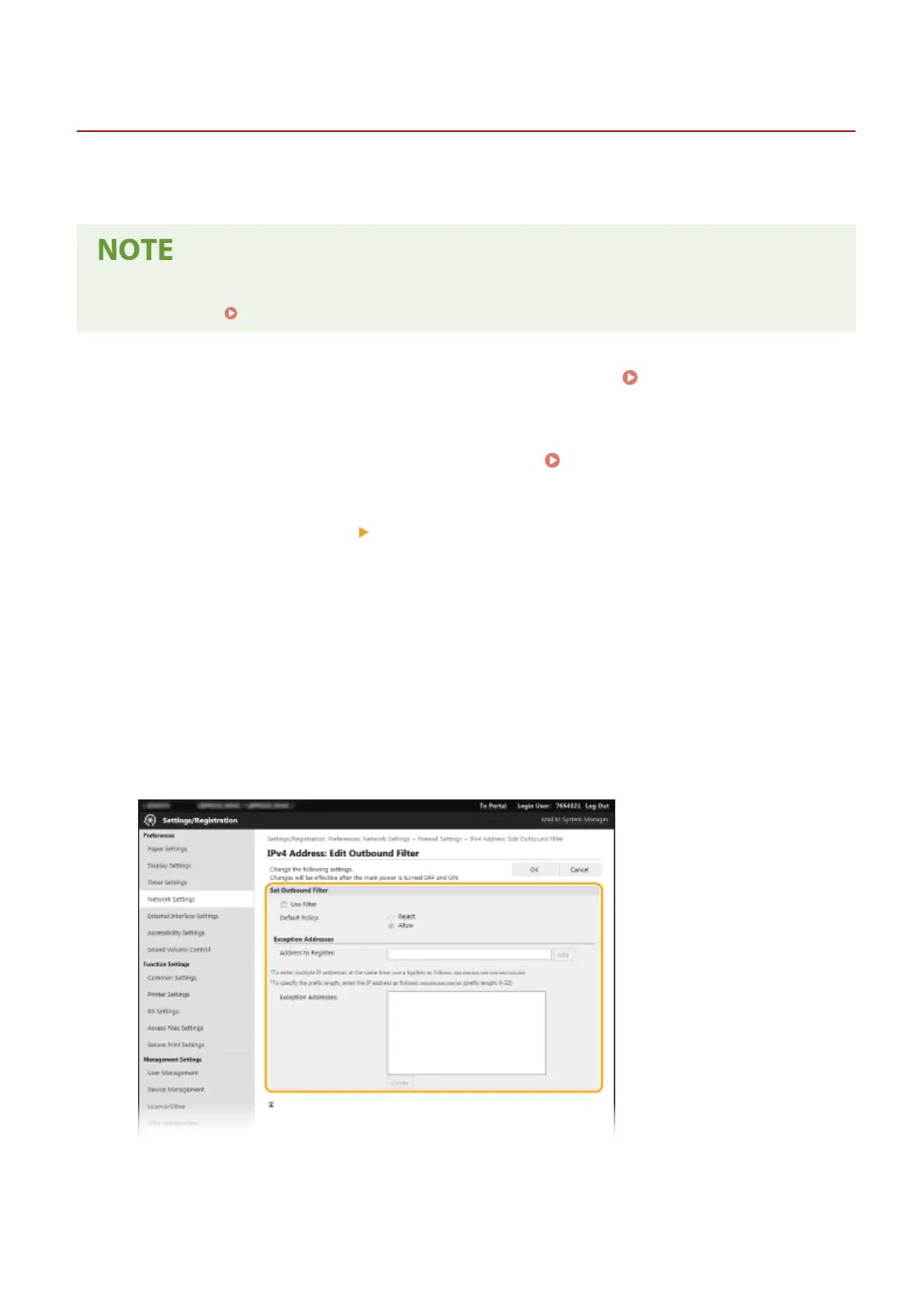
Specify the settings for packet ltering.
● Select the default policy to allow or reject the communication of other devices with the machine, and then
specify IP addresses for exceptions.
1
Select the [Use Filter] check box and click the [Reject] or [Allow] radio button for the [Default Policy].
[Use Filter]
Managing the Machine
237













 To Next Page