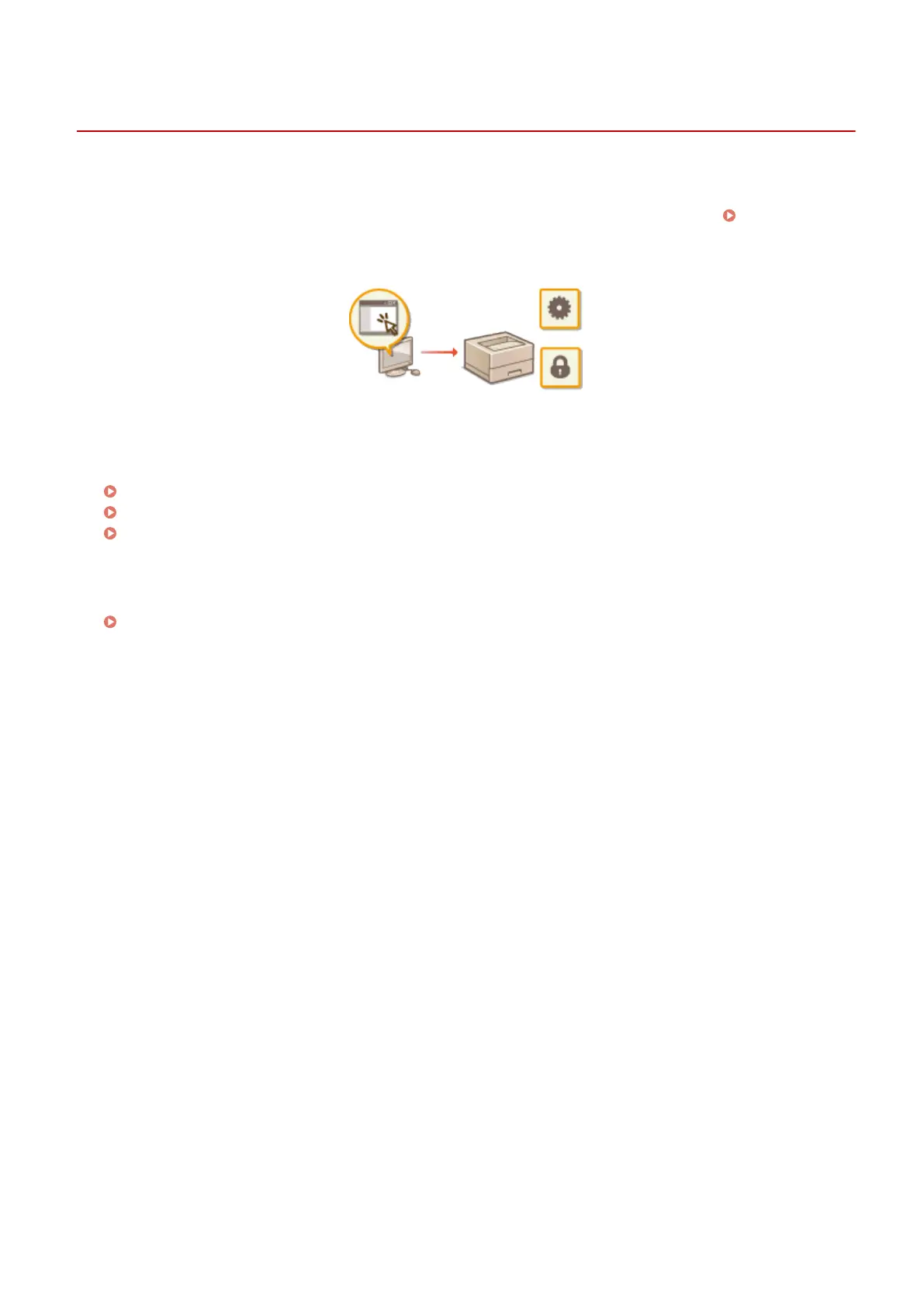
Managing the Machine from a Computer (Remote UI)
1648-090
Using a Web browser to operate the machine remotely, you can check the documents waiting to be printed or the
status of the machine. You can also make various settings. You can do this without leaving your desk, making system
management easier. For more information about the system requirements for the Remote UI, see System
Environment(P. 530) .
Functions of the Remote UI
Checking the Status and Logs(P. 278)
Setting Up Menu Options from Remote UI(P. 283)
Importing/Exporting the Setting Data(P. 286)
Basics of the Remote UI
Starting Remote UI(P. 275)
Managing the Machine
274













 To Next Page