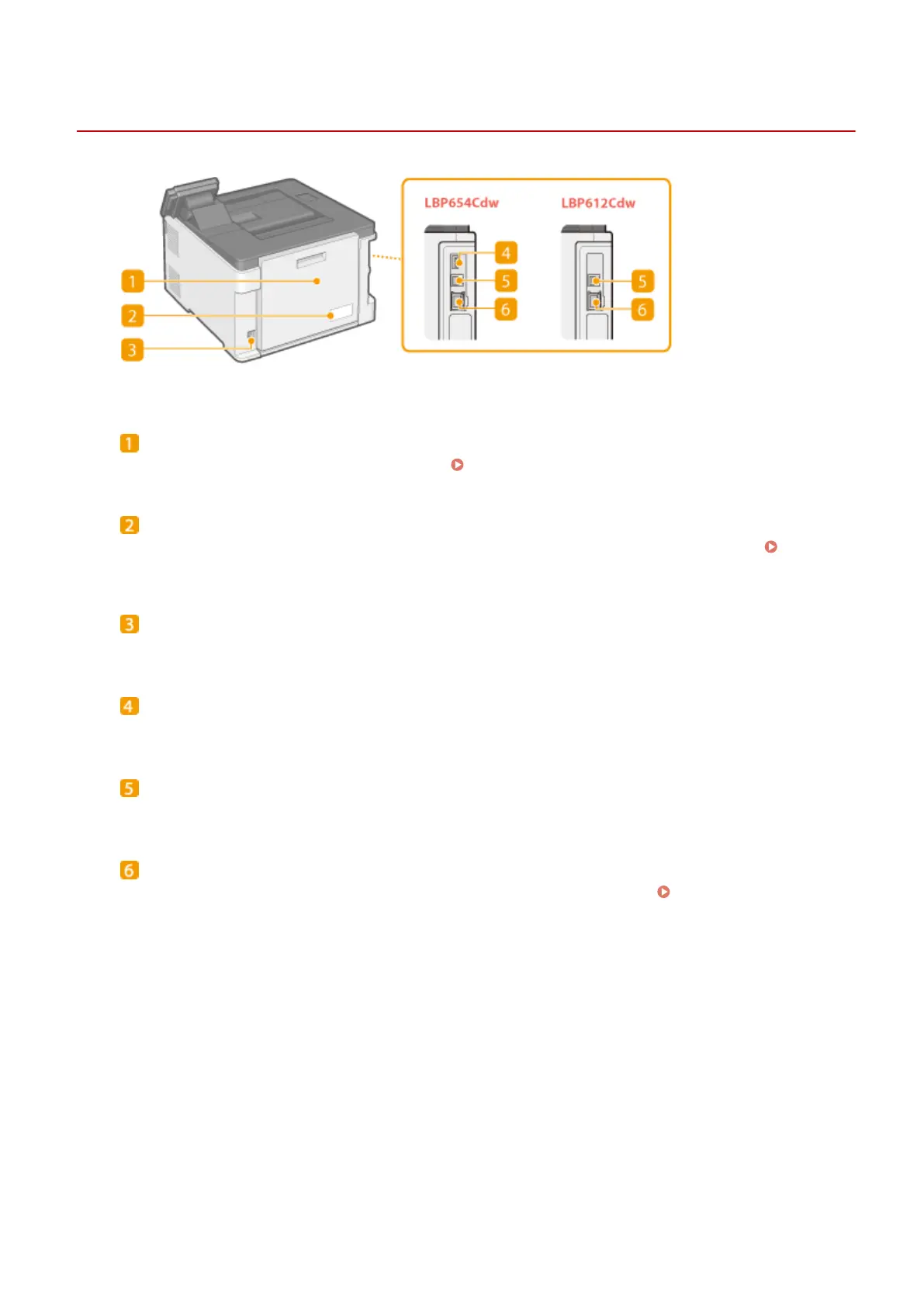
Back Side
1648-0H2
Rear cover
Open the rear cover when clearing paper jams. Clearing Paper Jams(P. 496)
Rating label
The label shows the serial number, which is needed when making inquiries about the machine.
When a
Problem Cannot Be Solved(P. 506)
Power socket
Connect the power cord.
USB port (for USB device connection)
Use this port to connect devices such as a third-party USB keyboard.
USB port (for computer connection)
Connect a USB cable when connecting the machine and a computer.
LAN port
Connect a LAN cable when connecting the machine to a wired LAN router, etc.
Connecting to a Wired
LAN(P. 26)
Basic Operations
92













 To Next Page