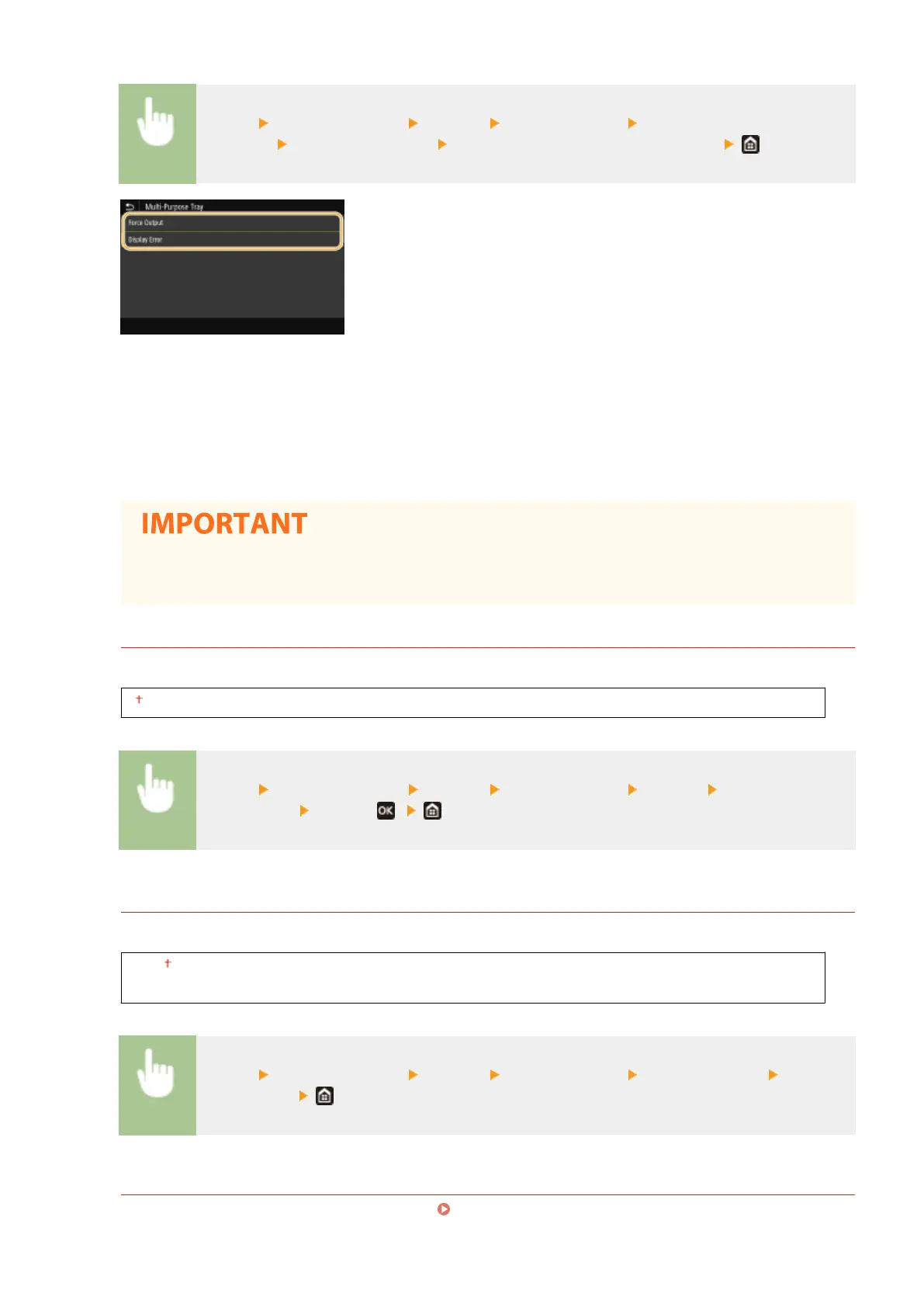
<Menu> <Function Settings> <Printer> <Printer Settings> <Action When Free Paper Size
Mismatch> Select a paper source Select <Force Output> or <Display Error>
<Force Output>
Continues printing even if the size setting in the printer driver is signicantly different from the size of the
loaded paper.
<Display Error>
Displays an error message and stops printing when the setting in the printer driver is signicantly different
from the size of the loaded paper.
● If the printer driver's settings do not match the size and type of loaded paper with <On> selected, a
paper jam or printing error may occur.
<Copies>
Set the number of copies to print.
1 to 999
<Menu> <Function Settings> <Printer> <Printer Settings> <Copies> Set the number of
copies to print
<Apply> ( )
<2-Sided Printing>
Select whether to make 2-sided printouts.
<Off>
<On>
<Menu> <Function Settings> <Printer> <Printer Settings> <2-Sided Printing> Select
<Off> or <On>
<Default Paper>
Use this item to specify the paper size and type. Available Paper(P. 521)
Setting Menu List
352













 To Next Page