<On>
<Menu> <Function Settings> <Printer> <Printer Settings> <PS> <Composite
Overprint> Select <Off> or <On>
● Overprinting using special colors is not permitted.
<Grayscale Conversion>
*1
Specify the way of printing color data in black and white.
<sRGB>
<NTSC>
<Uniform RGB>
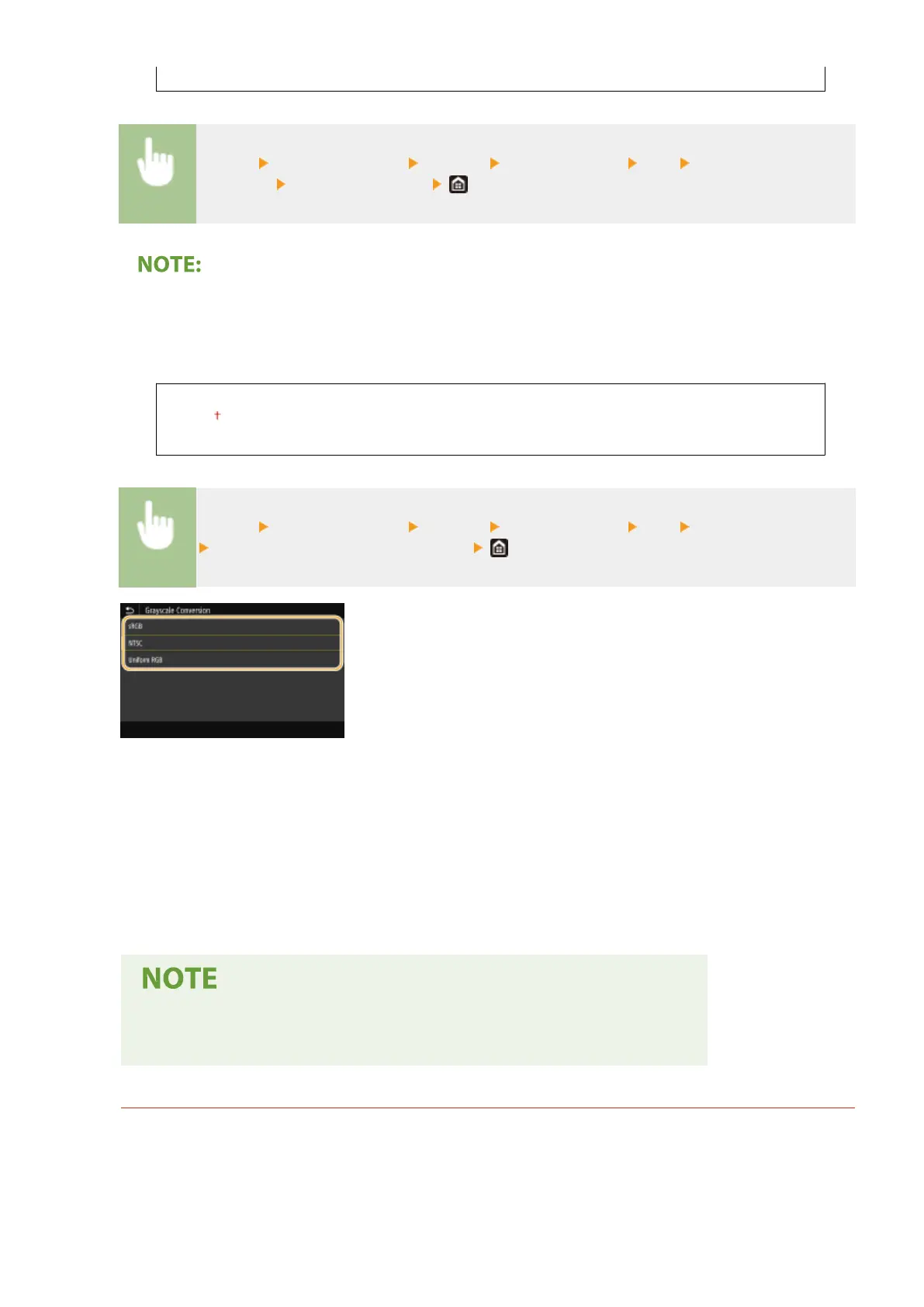
<Menu> <Function Settings> <Printer> <Printer Settings> <PS> <Grayscale Conversion>
Select the type of grayscale conversion
<sRGB>
Prints in black and white with emphasis on color differences so that a smooth gradation is achieved.
<NTSC>
Prints in black and white so that the resulting image looks like a black and white television picture (of the NTSC
system).
<Uniform RGB>
Prints in black and white so that R, G, and B are uniformly converted to the same gray level by using only
brightness as the reference.
● This section describes the settings to convert the color data into grayscale data.
● This setting is invalid for black-and-white data.
<Imaging Settings>
You can change the print settings that will apply when printing image les (JPEG/TIFF).
<Halftones>
You can change the printing method used to reproduce halftones (the intermediate range between the
lighter and darker areas of an image) for optimal image quality.
Setting Menu List
382













 To Next Page