<Menu> <Function Settings> <Printer> <Printer Settings> <Color Mode> Select <Auto
(Color/B&W)> or <Black & White>
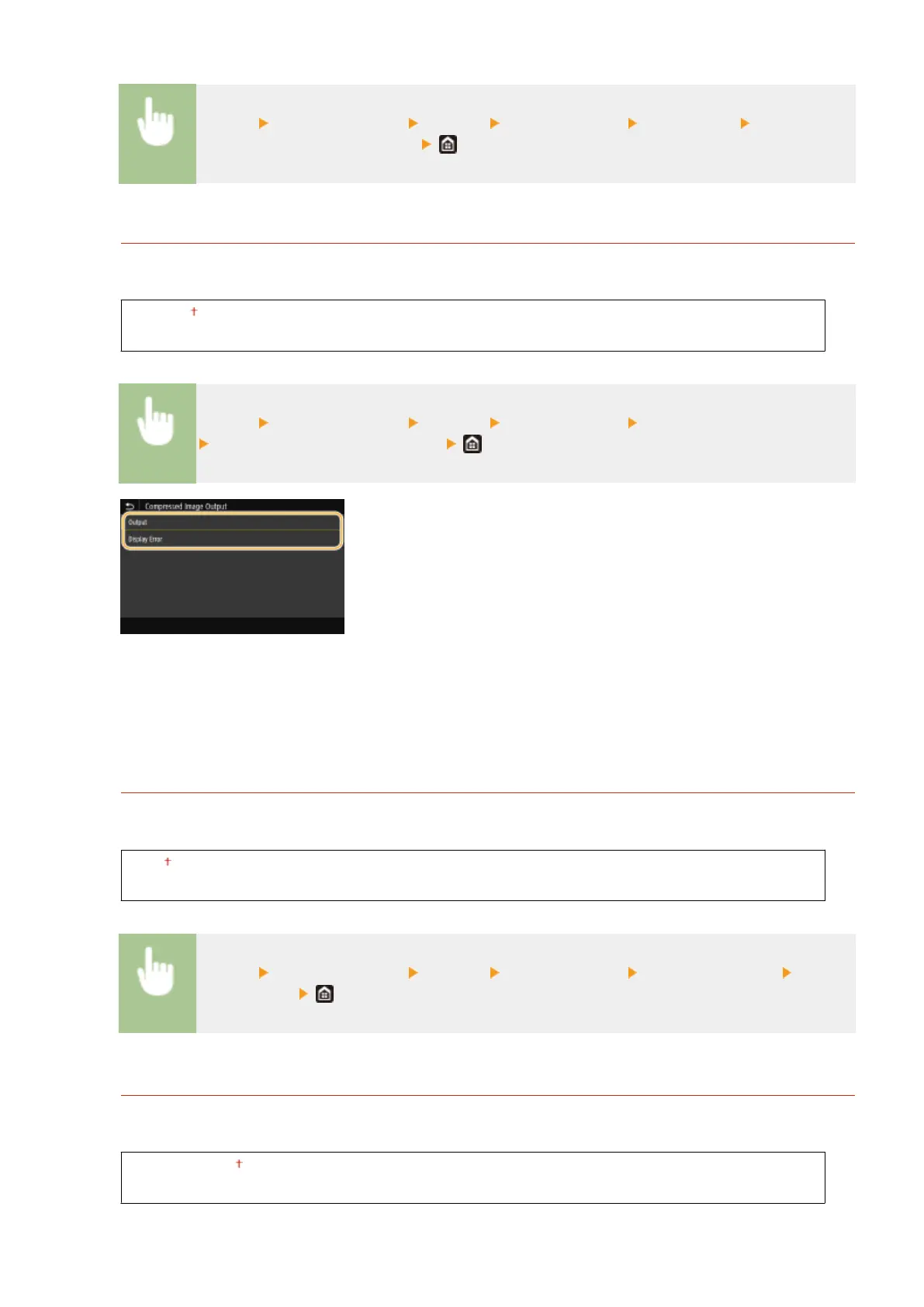
<Compressed Image Output>
Specify the operation that is to be performed when the image quality has degraded due to insucient memory
during printing.
<Output>
<Display Error>
<Menu> <Function Settings> <Printer> <Printer Settings> <Compressed Image Output>
Select <Output> or <Display Error>
<Output>
Continues printing regardless of how much the image quality has degraded.
<Display Error>
If the image quality has degraded signicantly, an error message is displayed, and printing is stopped.
<Escape Tray Mode>
Specify whether to feed paper from the multi-purpose tray when the appropriate paper is not loaded in the
paper drawer while Auto Select Paper is enabled.
<Off>
<On>
<Menu> <Function Settings> <Printer> <Printer Settings> <Escape Tray Mode> Select
<Off> or <On>
<Speed/Prt. Side Priority for 2-Sd>
Specify whether to process the last page using 1-sided printing when processing a document containing an odd
number of pages using 2-sided printing.
<Speed Priority>
<Print Side Priority>
Setting Menu List
363













 To Next Page