<Printer>
1648-0HW
All the settings related to the printer are listed with descriptions. Default settings are marked with a dagger ( ).
<Printer Settings>(P. 351)
<PDL Selection (Plug and Play)>(P. 394)
Asterisks (
*
)
● Settings marked with "
*1
" may not be displayed depending on the model you are using, options, or other
setting items.
● Settings marked with "
*2
" may be unavailable or vary or have different defaults depending on your country
or region.
● Settings marked with "
*3
" cannot be imported or exported.
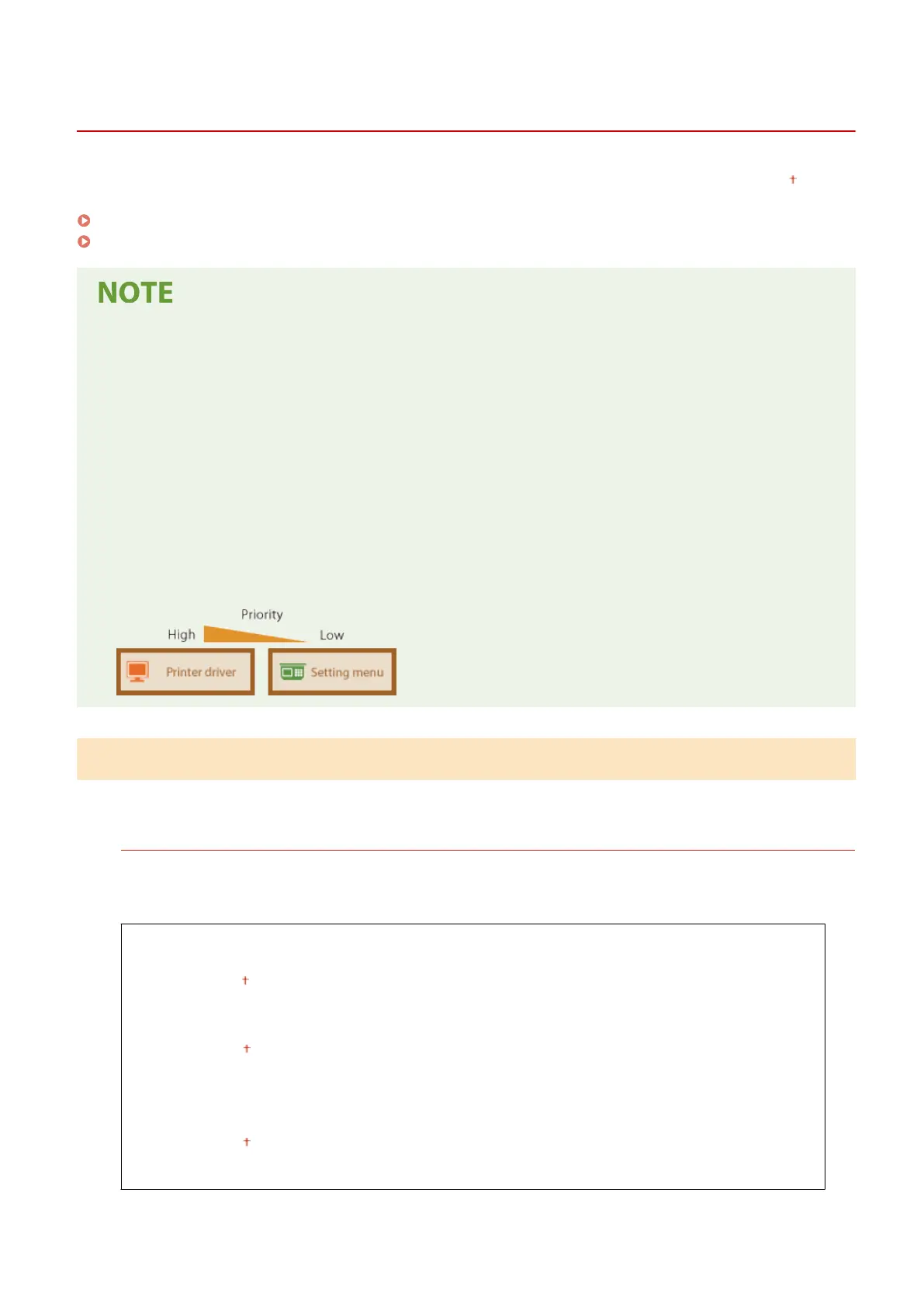
Priority of settings
● If a print setting is specied both from the printer driver and the operation panel of the machine, the
specication from the printer driver overrides that from the operation panel. The specication from the
operation panel becomes effective in some specic cases, such as when performing PS/PCL printing and
printing from UNIX or other operating system that does not support printer drivers.
<Printer Settings>
Congure settings about printing and printer operations.
<Action When Free Paper Size Mismatch>
When the paper size of each paper source is set to <Free> in <Paper Settings>, you can specify the operation
that is to be performed when the size of the loaded paper is signicantly different from the setting in the
printer driver.
<Multi-Purpose Tray>
<Force Output>
<Display Error>
<Drawer 1>
<Force Output>
<Display Error>
<Drawer 2>
*1
<Force Output>
<Display Error>
Setting Menu List
351









 To Next Page