<Timer/Energy Settings>
1648-0HK
All the settings related to the timer and energy are listed with descriptions. Default settings are marked with a dagger
( ).
<Current Date/Time Settings>(P. 301)
<Date/Time Settings>(P. 301)
<Date Format>(P. 302)
<Time Format>(P. 302)
<Auto Reset Time>(P. 303)
<Function After Auto Reset>(P. 304)
<Auto Sleep Time>(P. 304)
<Auto Sleep Daily Timer>(P. 304)
<Time Settings for Auto Adjust Gradation>(P. 304)
<Sleep Mode Exit Time Settings>(P. 305)
Asterisks (
*
)
● Settings marked with "
*1
" cannot be imported or exported.
● Settings marked with "
*2
" may be unavailable or vary or have different defaults depending on your country
or region.
<Current Date/Time Settings>
*1
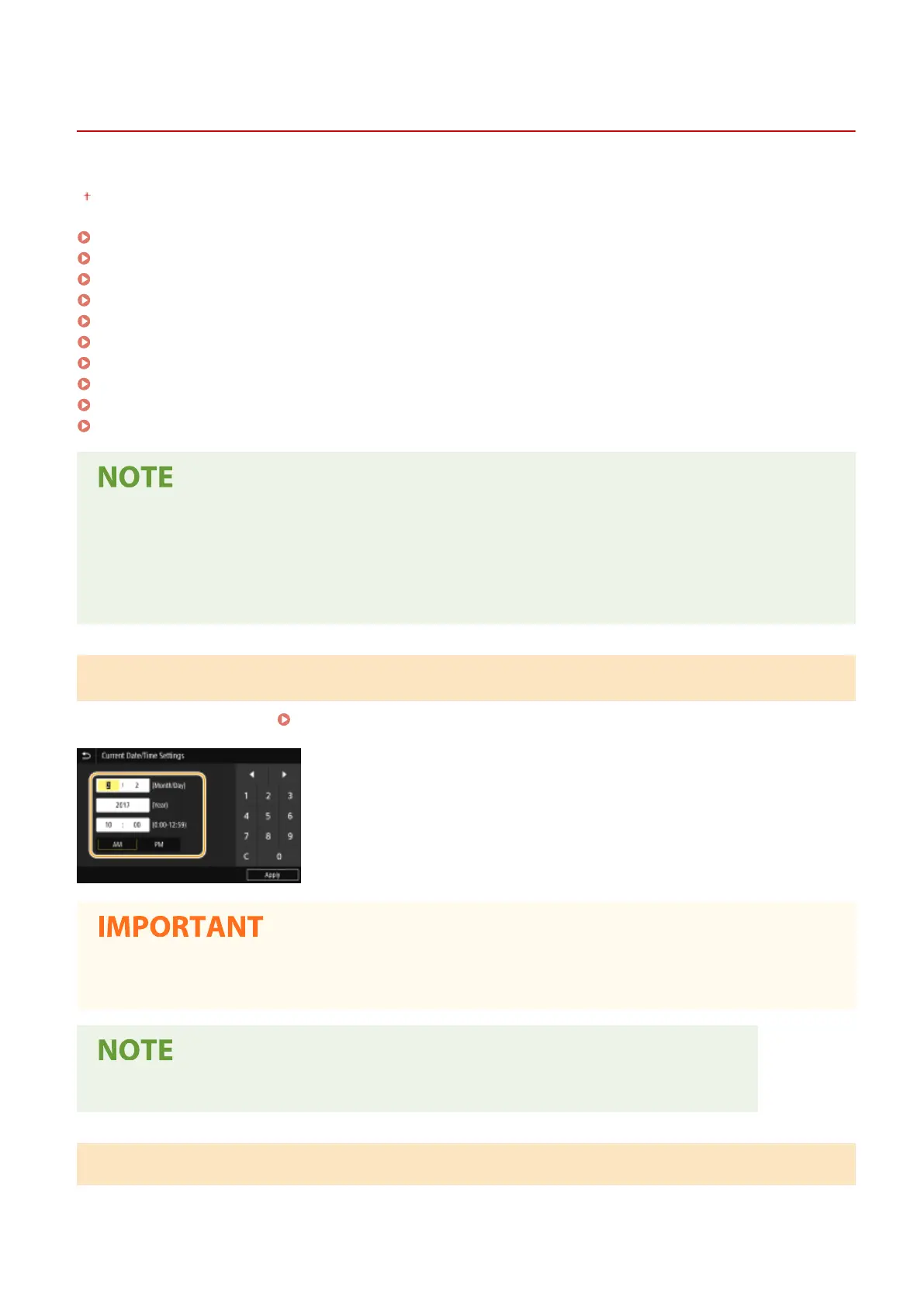
Set the current date and time.
Setting the Date/Time(P. 21)
● Set <Time Zone> before setting the current date and time. If the <Time Zone> setting is changed, the current
date and time are also changed accordingly.
● The current date and time cannot be changed for 1 hour after daylight saving time is in effect.
<Date/Time Settings>
Specify the date and time standard of the region in which the machine is to be installed.
Setting Menu List
301













 To Next Page