<Off>
<On>
(0:00 to 23:59)
Black and white LCD model
<Off>
<On>
(0:00 to 23:59)
Touch panel model
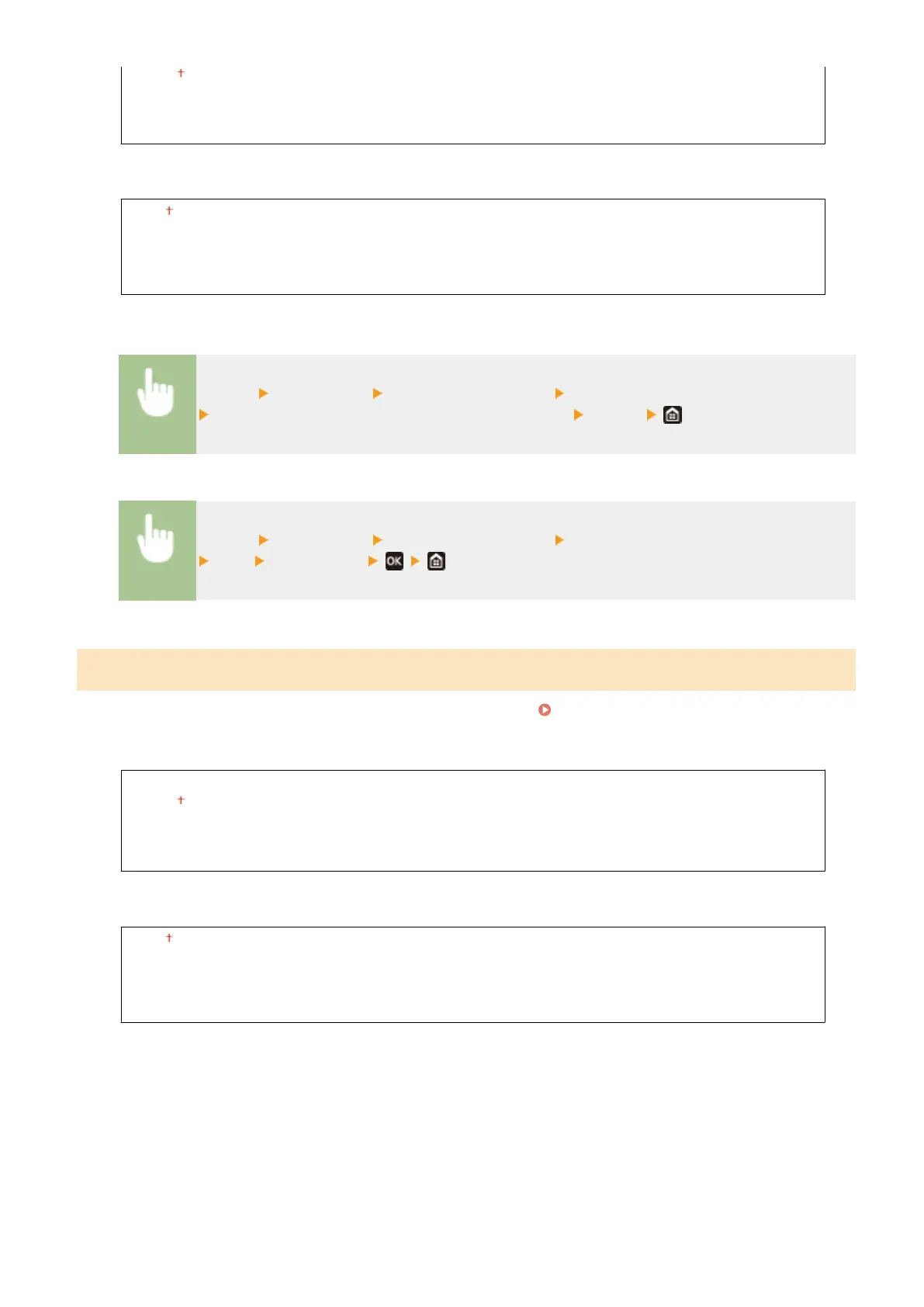
<Menu> <Preferences> <Timer/Energy Settings> <Time Settings for Auto Adjust Gradation>
Select <On> in <Set This Function>, and enter the time <Apply>
Black and white LCD model
<Menu> <Preferences> <Timer/Energy Settings> <Time Settings for Auto Adjust Gradation>
<On> Enter the time
<Sleep Mode Exit Time Settings>
Specify the time when the machine is recovered from the sleep mode.
Entering Sleep Mode(P. 163)
Touch panel model
<Set This Function>
<Off>
<On>
(0:00 to 23:59)
Black and white LCD model
<Off>
<On>
(0:00 to 23:59)
Setting Menu List
305







 To Next Page