<External Interface>
1648-09L
All the settings related to the USB are listed with descriptions. Default settings are marked with a dagger ( ).
<USB Settings>
Specify whether to enable or disable use of the USB port or a USB memory device.
<Use as USB Device>
Enable or disable the USB port that is used for connecting the machine to a computer. Restricting the USB
Connection with a Computer(P. 270)
<Off>
<On>
<Use USB Storage Device>
Specify whether to use a USB memory device.
<Off>
<On>
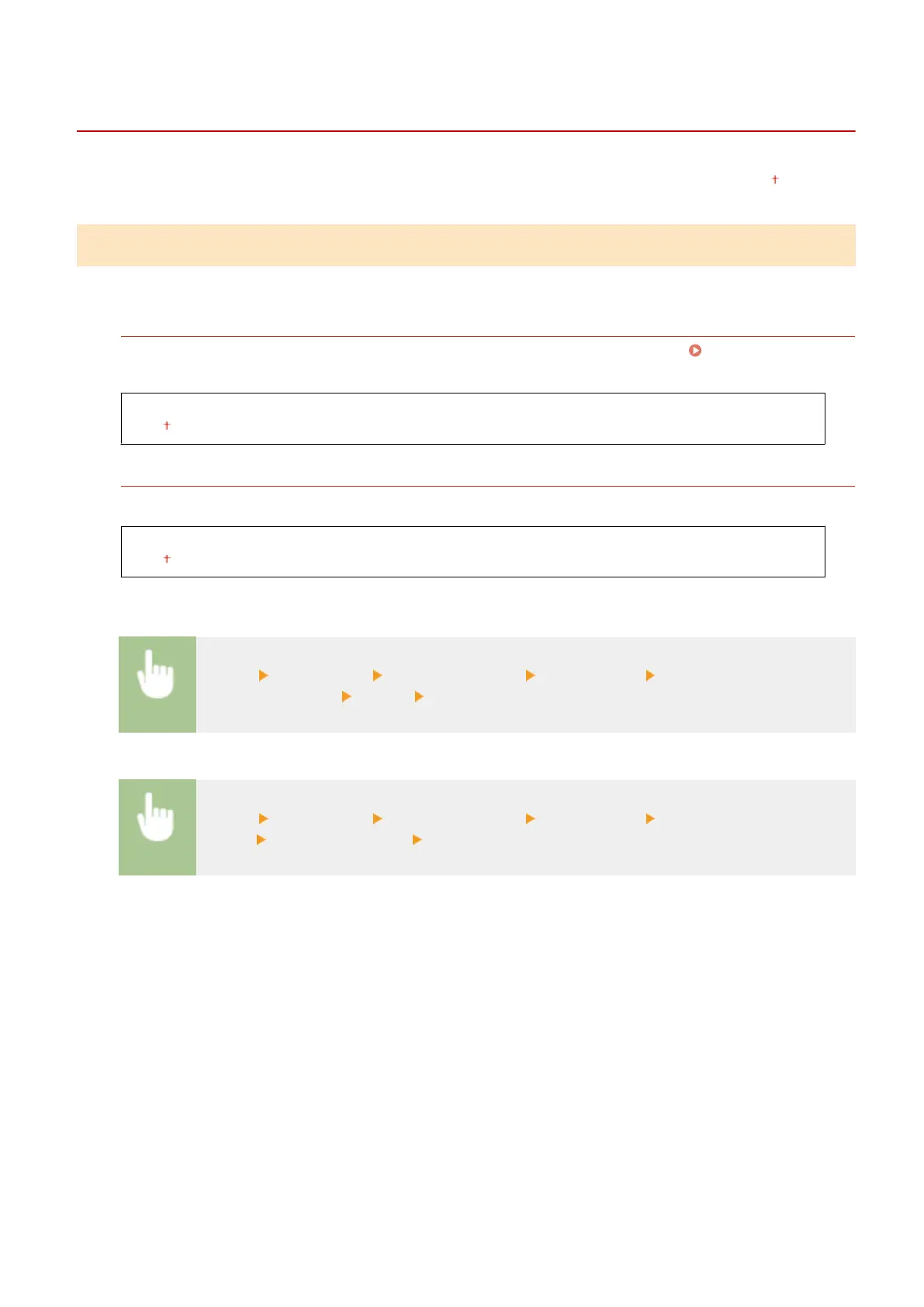
Touch panel model
<Menu> <Preferences> <External Interface> <USB Settings> Select <Off> or <On> in <Use
USB Storage Device> <Apply> Restart the machine
Black and white LCD model
<Menu> <Preferences> <External Interface> <USB Settings> <Use USB Storage
Device> Select <Off> or <On> Restart the machine
Setting Menu List
325













 To Next Page