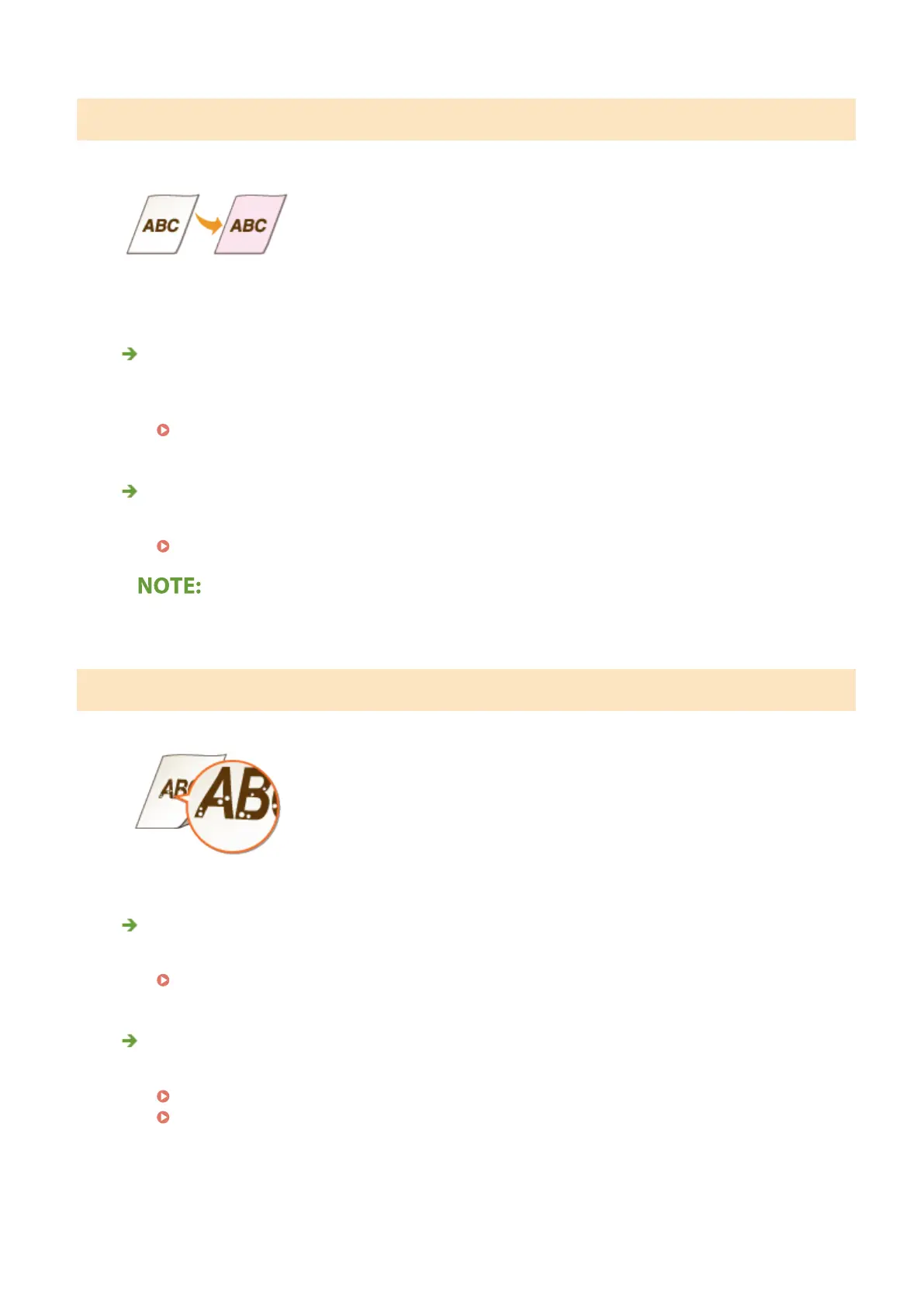
Printouts Become Lightly Colored
Is the toner cartridges consumed?
● Check how much the amount remaining in toner cartridges is left, and replace the toner cartridges as
necessary.
Replacing the Toner Cartridge(P. 427)
Are white areas lightly colored?
● Change the setting of <Prevent Fogging>. Setting to <On> may solve the problem.
<Prevent Fogging>(P. 342)
● If you set to <On>, print density may be lighter.
White Spots Appear
Are you using paper that has absorbed moisture?
● Replace with appropriate paper.
Loading Paper(P. 124)
Are you using appropriate paper?
● Check usable paper, and replace with appropriate paper.
Available Paper(P. 521)
Loading Paper(P. 124)
Troubleshooting
468













 To Next Page