Adjusting Gradation
1648-0J6
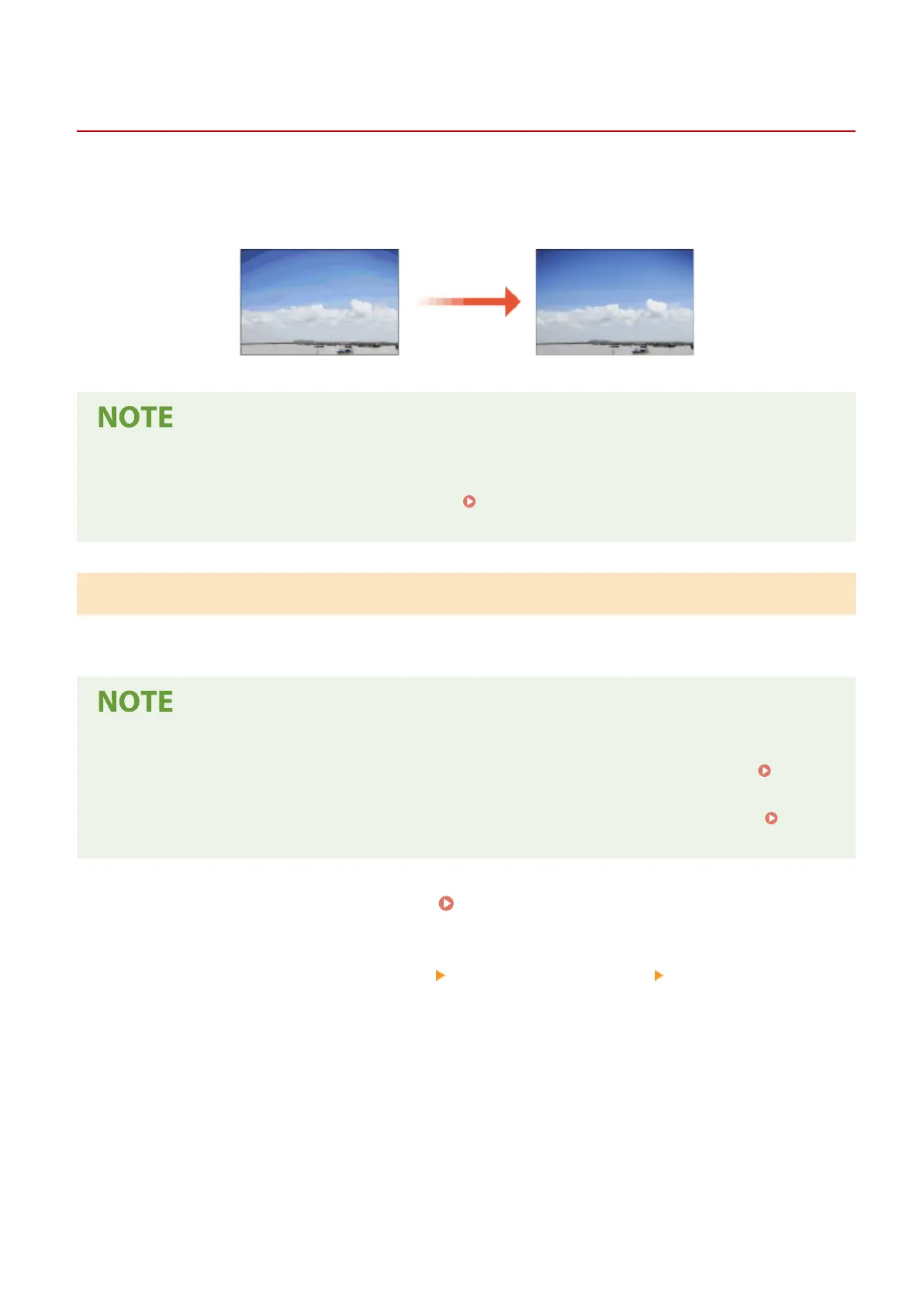
Gradation refers to the dark to light continuum of shades of a color. The more shades in the gradations of colors that
are printed, the more natural printouts seem. If color reproducibility becomes poor and the density and brightness of
printouts differs markedly from the originals, perform the appropriate auto adjustment.
● Adjustments may not be performed effectively if there is not sucient toner cartridge remaining. Check the
amount remaining in the toner cartridges. If the amount remaining in the toner cartridge is low, it is
recommended that you replace the toner cartridge. Checking the Remaining Amount of
Consumables(P. 432)
Quick Adjust
You can easily adjust the gradation. This adjustment may be automatically performed after you replace a toner
cartridge.
● Quick adjustment is not available while printing is performed.
● You can set the machine to perform this adjustment automatically after the power is turned ON. <Auto
Correction Settings>(P. 332)
● You can set the machine to perform this adjustment automatically at the specied time every day.
<Time
Settings for Auto Adjust Gradation>(P. 304)
1
Select <Menu> in the Home screen. Home Screen(P. 107)
2
Select <Adjustment/Maintenance> <Adjust Image Quality> <Auto Adjust
Gradation>.
3
Select <Quick Adjust>.
4
Select <Start>.
➠ The adjustment starts.
Maintenance
436













 To Next Page