Checking the Remaining Amount of Consumables
1648-0AY
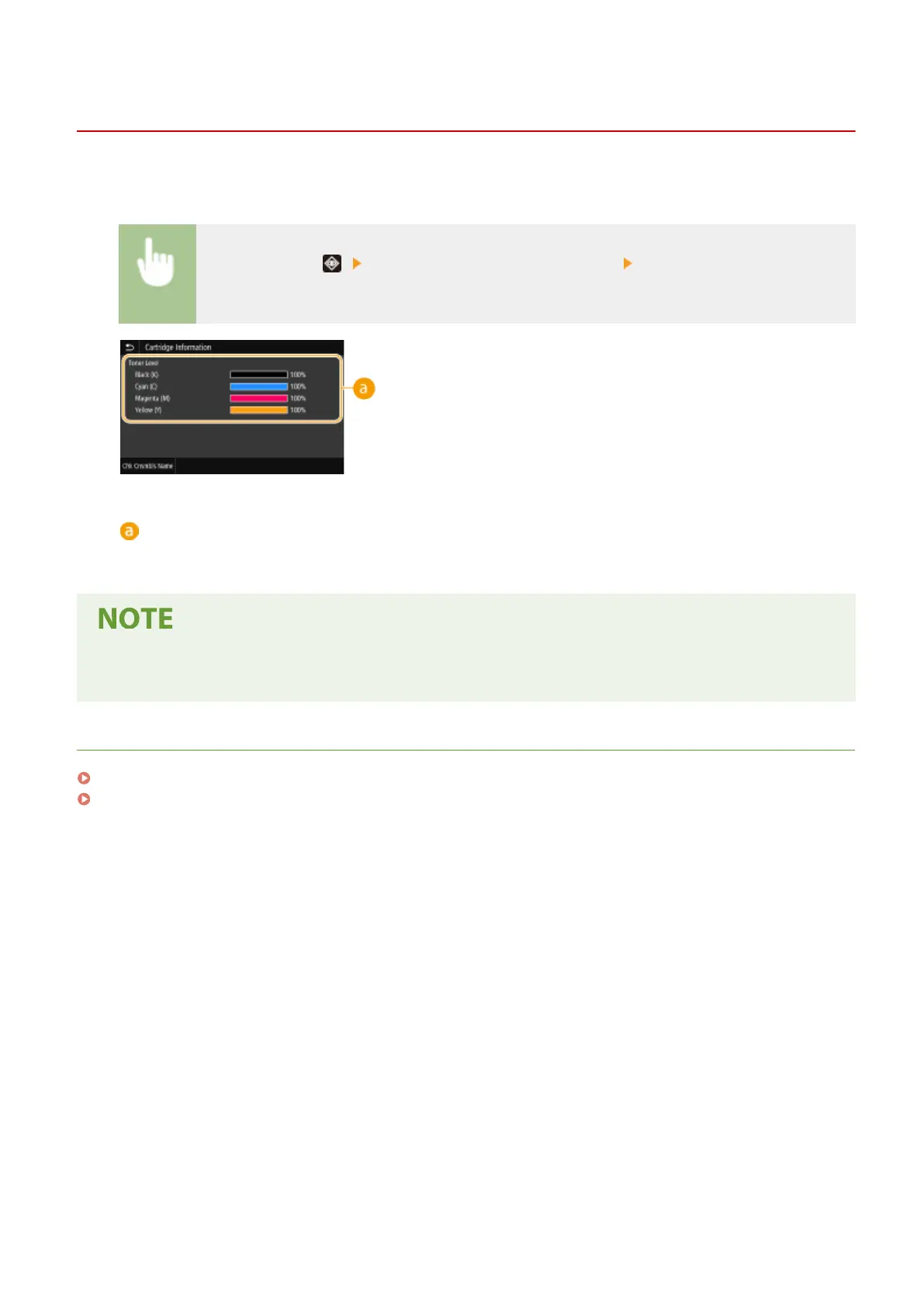
Use the procedure below to check the amount remaining in the toner cartridges. It is particularly important to check
whether you need to have a new toner cartridge ready before starting a large print job.
<Status Monitor> ( ) <Device Information>/<Device Status> <Cartridge Information>/
<Cartridge Level>
Amount Remaining in Cartridge
Displays the amount remaining in the toner cartridges. Other internal parts may reach the end of their
lifetime before the toner runs out.
● The displayed amount remaining in a toner cartridge can be used only as a guide and may differ from the
actual amount.
LINKS
Replacing the Toner Cartridge(P. 427)
Consumables(P. 446)
Maintenance
432













 To Next Page