Countermeasures for Each Error Code
1648-0J9
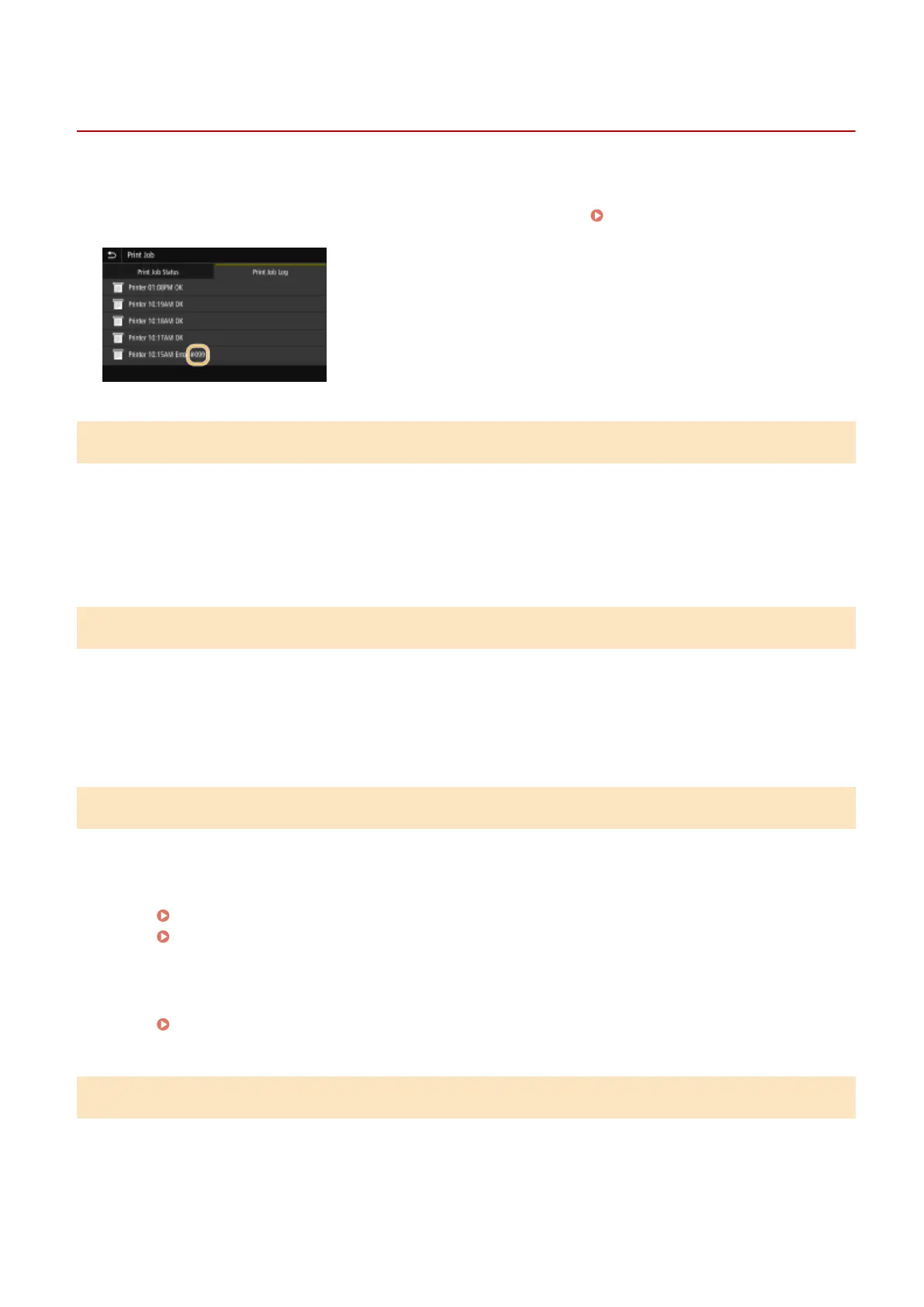
If an error occurs such as when printing is not successful or when you cannot send or receive an I-Fax, the
corresponding error code is displayed in the job log screen as a three-digit number. Check the following to nd out
causes and solutions for each error code. For details of the job log screen, see <Status Monitor> Screen(P. 110) .
#037
The le is too large to print.
● Optimize the le to reduce the size or divide the le into sections, and then proceed to printing again.
● Try printing from the printer driver. This may work well.
#099
An operation that caused a job to be canceled has been performed.
● When you cancel a job, this error code is displayed, but this is not abnormal. Print, send, or receive
documents again as necessary.
#408
Read failed because the USB memory device was removed while data was being read from it.
● Check that the USB memory device has not been removed and then read the data again.
Insert a USB Memory Device(P. 90)
Printing from a USB Memory Device (Memory Media Print)(P. 180)
The connected USB memory device is using an unsupported format.
● Check that the USB memory device is using a format supported by this machine.
Insert a USB Memory Device(P. 90)
#701
Authentication failed because an incorrect Department ID or PIN was entered when the Department ID
Management was activated.
● Enter the correct Department ID and PIN.
Troubleshooting
491













 To Next Page