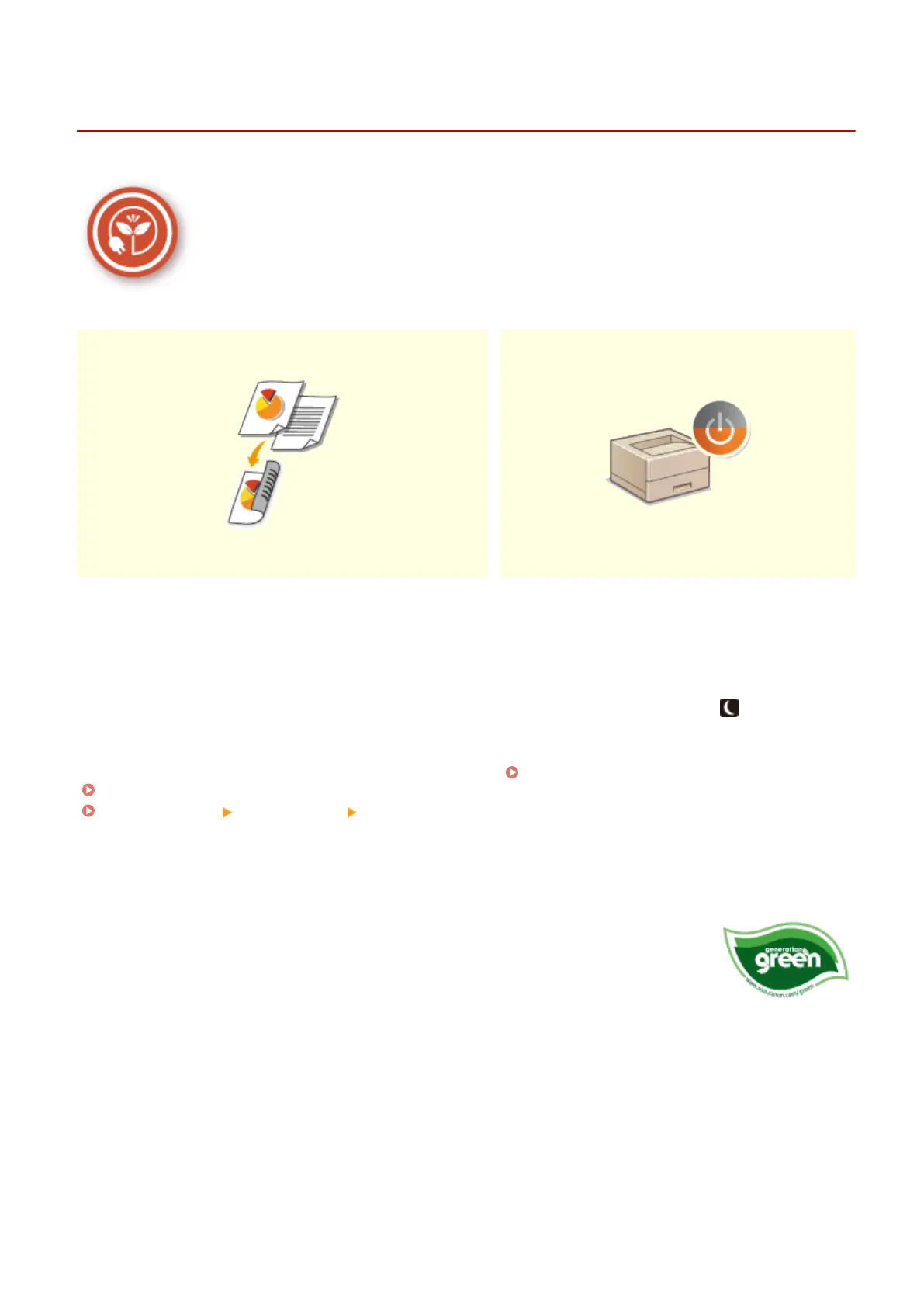
Going Green and Saving Money
1648-0JA
There are lots of ways to cut back on paper, toner, power, and expenses.
2-Sided Printing Sleep Mode
You can use the 2-sided printing function to print data from
your computer and print received I-Fax documents. Because
you'll only be using half the paper you would otherwise, you
can cut your paper costs in half. To save even more, combine
2-sided printing with N on 1 printing of multiple pages on
one sheet of paper. You can print up to 32 pages on a single
sheet, which is both economical and environmentally
friendly.
Printing from a Computer(P. 167)
<Receive>(P. 396) <I-Fax Settings> <Print on Both
Sides>
For saving energy and money, a sleep mode that
powers down a machine when nobody is using it has
become an essential feature. This machine will enter
sleep mode automatically, and can also be put to
sleep whenever you want. Press once to put the
machine to sleep. Press it again to instantly wake
the machine back into action.
Entering Sleep Mode(P. 163)
Canon strives to be environmentally and energy conscious in all aspects of its
operations. Click here to learn about the ways in which Canon is helping to protect the
environment.
Appendix
513







 To Next Page