Automatically Selecting an Appropriate Paper Source
for Each Function
1648-0K1
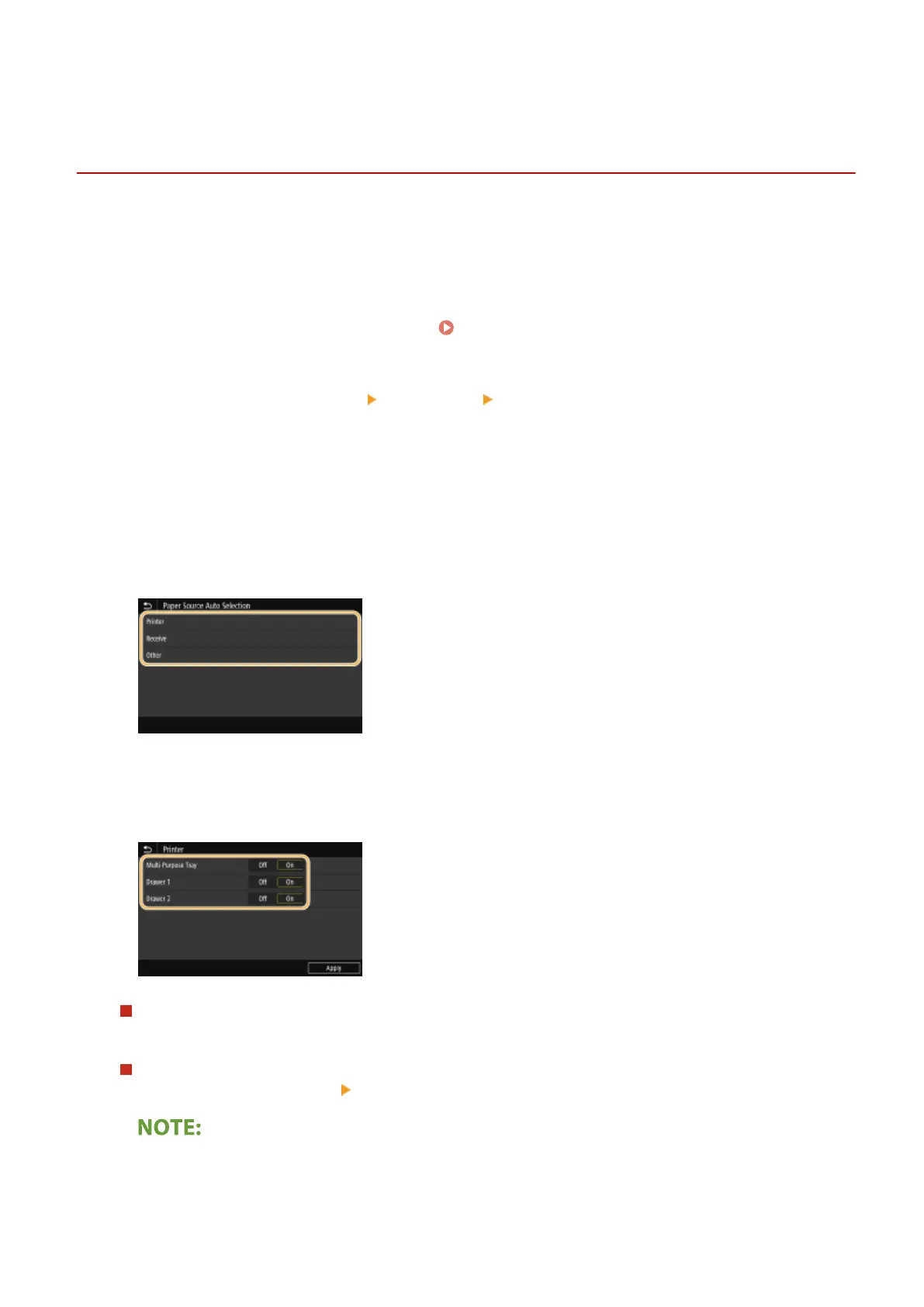
Enable or disable the automatic paper source selection feature for each paper source. If this feature is set to <On>, the
machine automatically selects a paper source that is loaded with paper of the appropriate size for each print job. Also,
when the paper in the selected paper source runs out, this feature enables continuous printing by switching from that
paper source to another that is loaded with the same paper size.
1
Select <Menu> in the Home screen. Home Screen(P. 107)
2
Select <Function Settings> <Common> <Paper Feed Settings>.
3
Select <Paper Source Auto Selection>/<Drawer Auto Selection On/Off>.
4
Select the target function.
● When the target function is report/list printing or memory media print, select <Other>.
5
Specify <On> for each target paper source.
● <Drawer 2> is displayed only when the machine is equipped with the cassette feeding module (option).
Touch panel model
For each target paper source, select <On>.
Black and white LCD model
Select the target paper source
<On>.
● Always specify <On> for at least <Drawer 1> or <Drawer 2>. If you specify <Off> for the both, then you
cannot nish the setting procedure.
Basic Operations
156













 To Next Page