Main Functions
1648-0FW
This manual covers all the functions of the model series you purchased. Before getting started, check which functions
are available on the model you purchased.
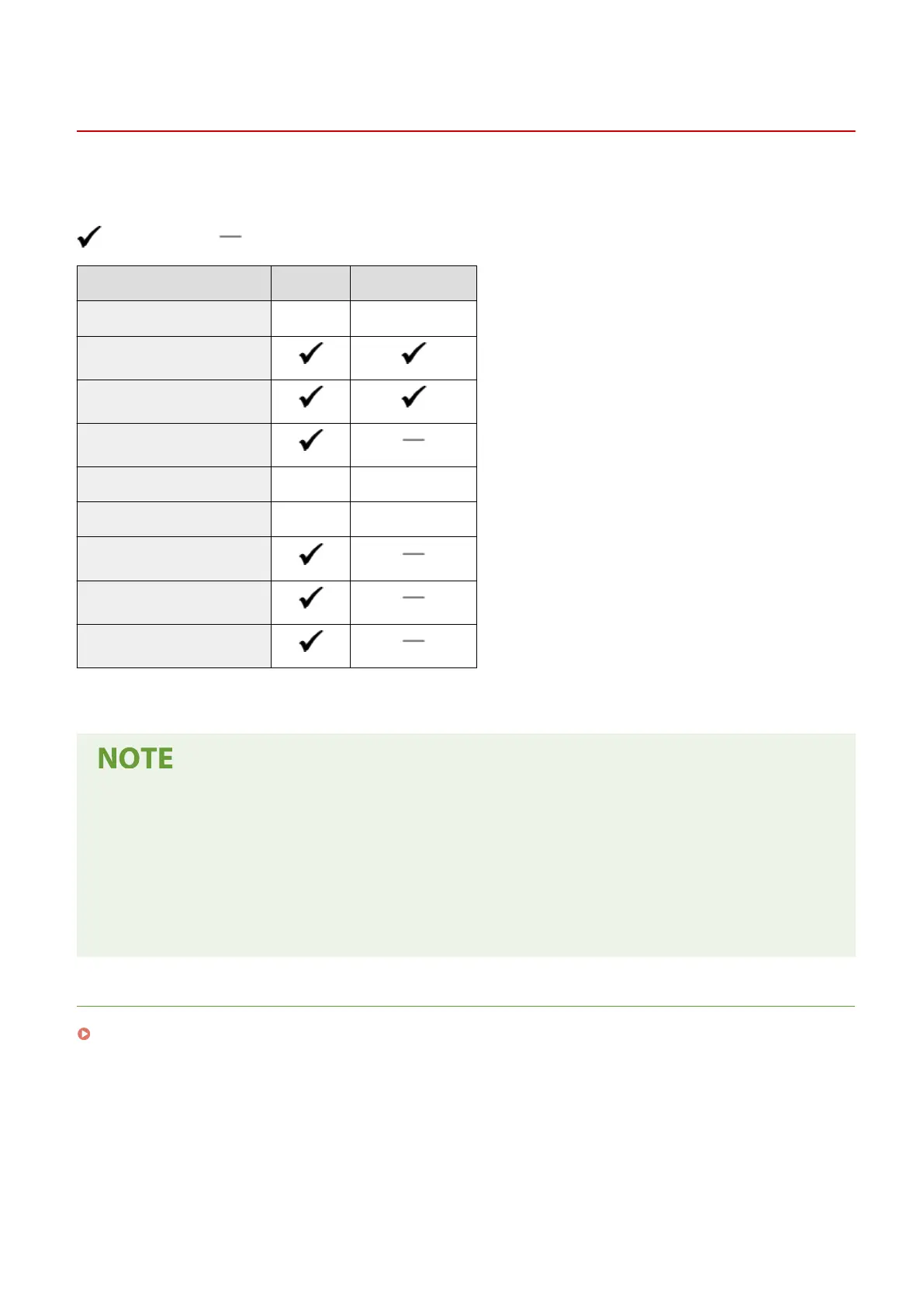
: With function : Without function
Function LBP654Cdw LBP612Cdw
Display Touch panel Black and white LCD
2-sided printing
Wireless LAN
NFC
Default System Manager ID 7654321 Not specied
Default System Manager PIN 7654321 Not specied
Application Library
Cassette Feeding Module-AF *
Barcode Printing Kit *
*
This is an optional item.
● For the available driver types, see the User Software DVD-ROM supplied with the machine, or see the Canon
website (http://www.canon.com/).
● In the User's Guide, when operations differ depending on screens, distinctions are highlighted with the
different descriptions: "touch panel model" and "black and white LCD model."
● When operations are the same for both models, the screens from the touch panel display will be used for
explanation in most cases. The black and white LCD model has screens different from those of the touch
panel model. In either case, follow the on-screen terms to perform operations.
LINKS
Viewing User's Guide(P. 541)
Setting Up
15













 To Next Page