<Status Monitor> Screen
1648-0H5
When you press <Status Monitor> ( ), a screen appears in which you can check the progress of documents as well as
the status of the machine (amount remaining in the toner cartridges, etc.) and network settings such as the machine's
IP address.
<Status Monitor> Screen of Touch Panel Model(P. 110)
<Status Monitor> Screen of Black and White LCD Model(P. 111)
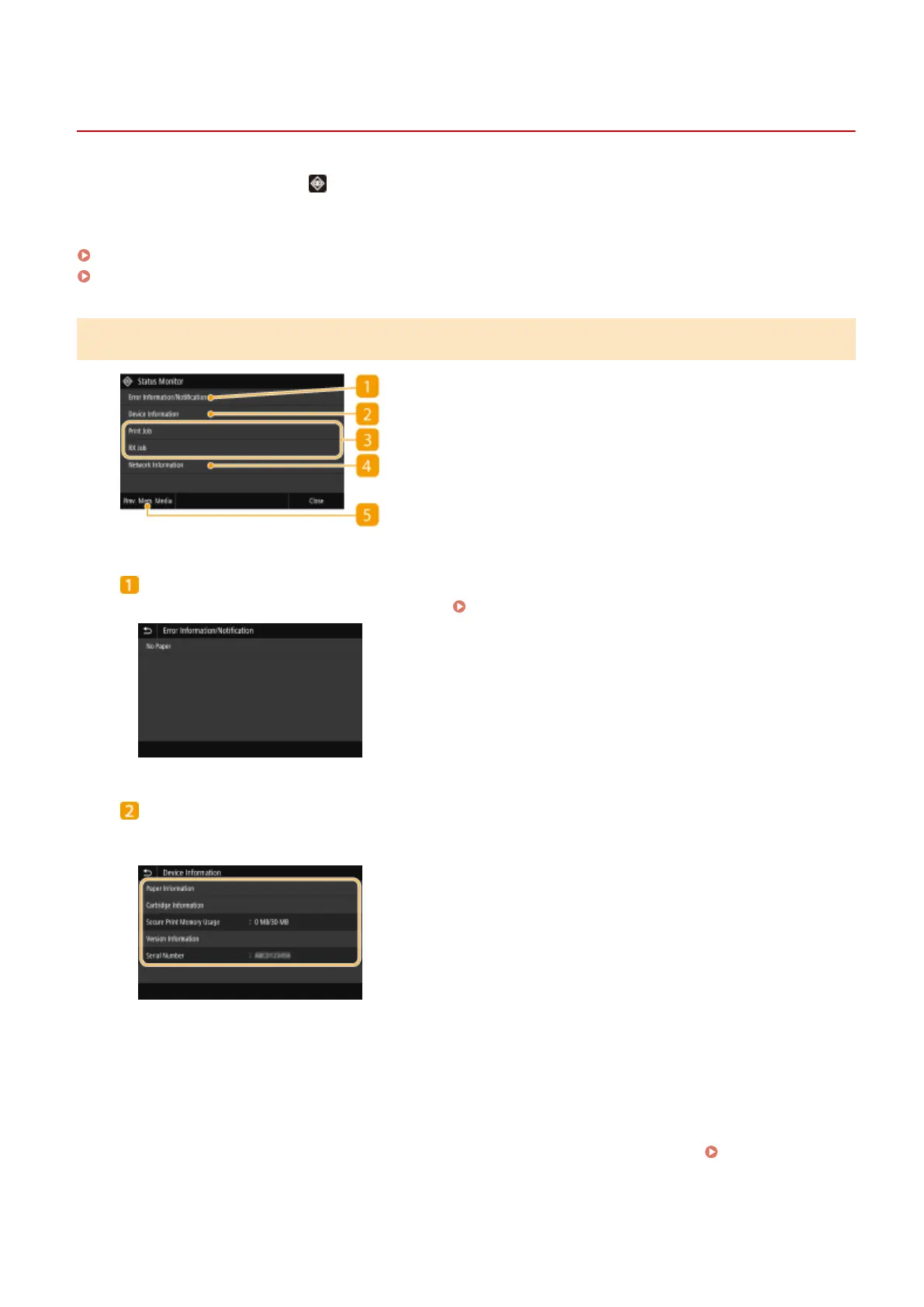
<Status Monitor> Screen of Touch Panel Model
<Error Information/Notication>
Displays the details of any errors that occurred. Countermeasures for Each Message(P. 477)
<Device Information>
Displays the status of the machine, such as the amount of paper or the amount remaining in the toner
cartridges.
<Paper Information>
Displays whether paper is loaded in each paper source.
<Cartridge Information>
Displays the amount remaining in the toner cartridges. Other internal parts may reach the end of their
lifetime before the toner runs out.
<Secure Print Memory Usage>
Displays the amount of memory currently used for storing secured document data. Printing a
Document Secured by a PIN (Secure Print)(P. 176)
<Version Information>
Displays rmware version information.
Basic Operations
110













 To Next Page