Improving Eciency
1648-0JC
Here are some simple operations that can make complicated tasks more ecient.
Print Images Right Off Your USB Memory Device Remote Management with Remote UI
Plug a USB memory device into the machine and you
can print images and documents directly, without
using a computer. You can even preview JPEG and
other images before you print, so there is no wasted
paper.
Printing from a USB Memory Device (Memory
Media Print)(P. 180)
Remote UI lets you manage a lot from your computer, all
without having to go over to the machine. Congure
settings and keep an eye on the machine's status with an
intuitive, easy-to-understand Web browser interface that
you'll master immediately. Save your time and energy for
things other than taking care of the machine.
Managing the Machine from a Computer (Remote UI)
(P. 274)
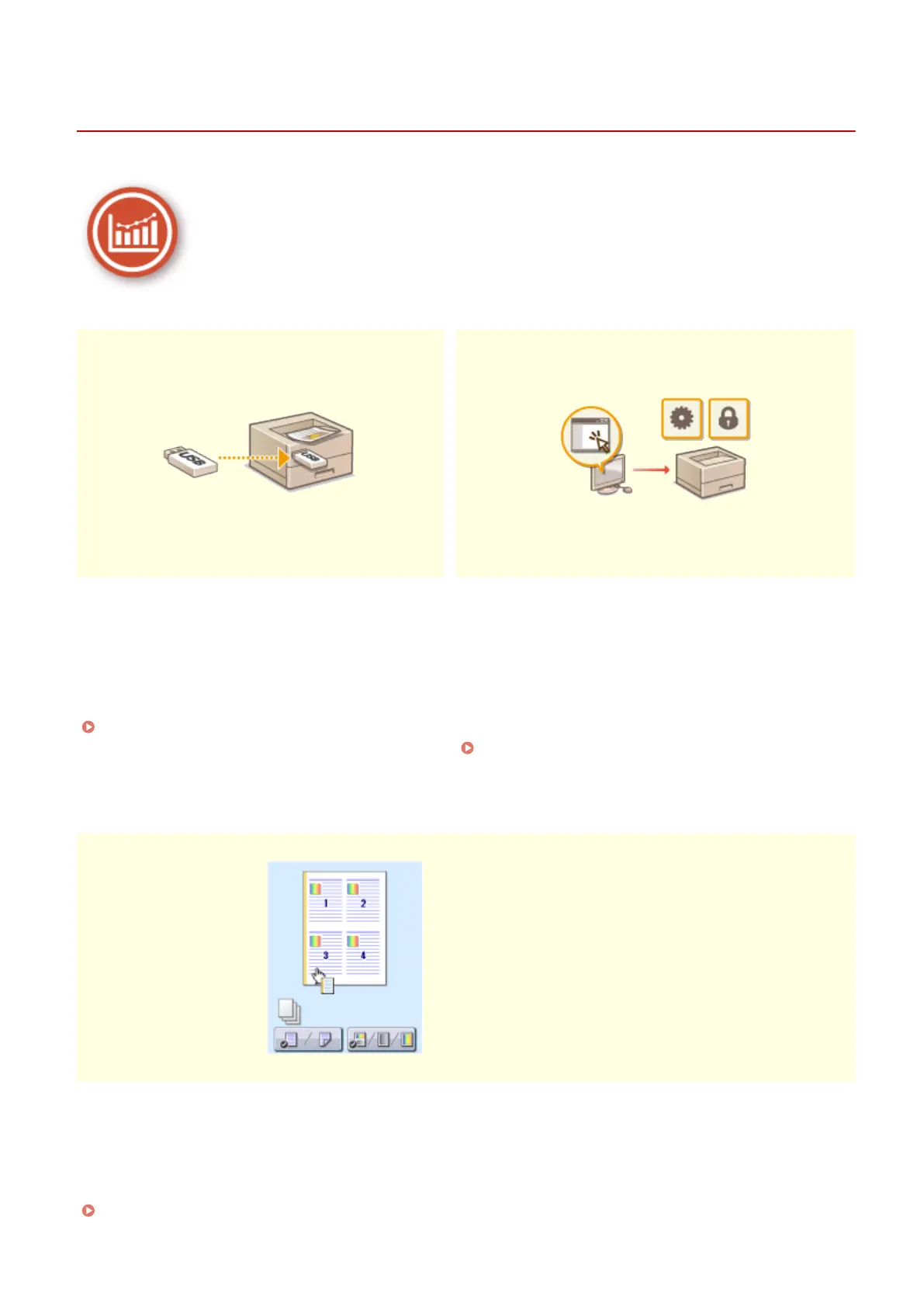
Make Print Settings Quickly with Intuitive Operation
You can easily specify the page layout as well as binding position, switching
between 1-sided and 2-sided printing, etc. intuitively on the preview image in
the printer driver. The simple click-operation allows you to conveniently make
settings while viewing how settings are applied.
Printing from a Computer(P. 167)
Appendix
514













 To Next Page