Printing Reports and Lists
1648-0J8
You can print reports and lists to check information such as the total volume of printouts for each <Department ID>
and machine settings.
Printing a Report on the Total Volume of Printouts by Department ID(P. 442)
Printing Lists of Settings(P. 442)
Printing Reports and Lists on the Usage Status of the Machine(P. 443)
Printing a Report on the Total Volume of Printouts by Department ID
Department ID Management Report
When Department ID Management is enabled, you can check the total volume of printouts for each
<Department ID> by printing a Department ID Management Report. By checking the printout totals, you can
better manage your paper and toner cartridge supplies.
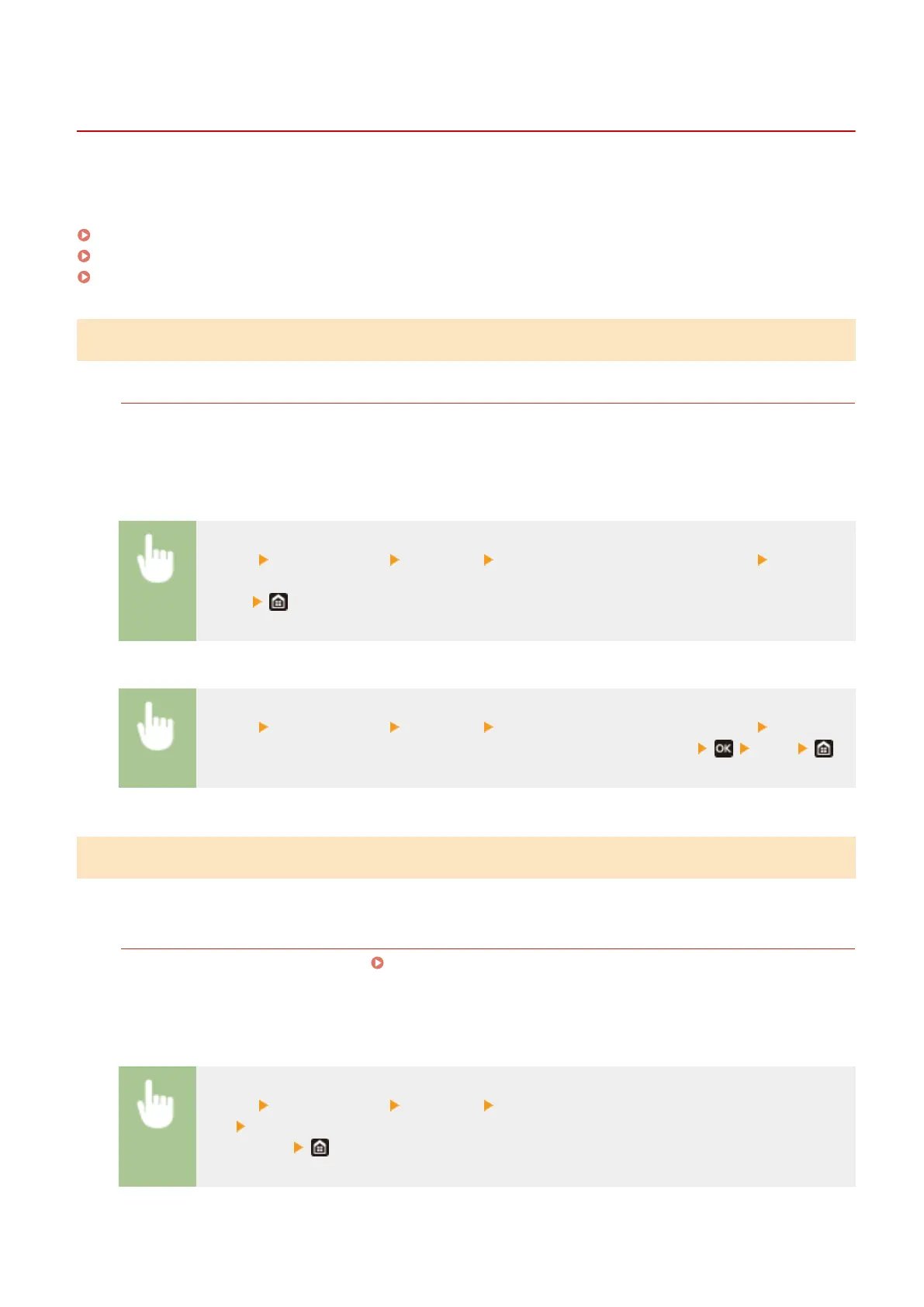
Touch panel model
<Menu> <Output Report> <Print List> <Department ID Management Report> Check that
the size and type of paper displayed on the screen is loaded in the machine, and select
<Start>
Black and White LCD Model
<Menu> <Output Report> <Print List> <Department ID Management Report> Check that
the size and type of paper displayed on the screen is loaded in the machine
<Yes>
Printing Lists of Settings
You can print information and settings registered in the machine as a list.
User Data List/System Manager Data List
You can check the list of the settings ( Setting Menu List(P. 295) ) as well as the content that has been
registered in the machine by printing a User Data List or a System Manager Data List. Both lists include the
rmware version and the paper size and type registered in the machine.
Touch panel model
<Menu> <Output Report> <Print List> Select <User Data List> or <System Manager Data
List> Check that the size and type of paper displayed on the screen is loaded in the machine, and
select <Start>
Black and white LCD model
Maintenance
442













 To Next Page