Registering a Custom Paper Size
1648-0JW
You can register up to three frequently used custom paper sizes.
1
Select <Paper Settings> in the Home screen. Home Screen(P. 107)
2
Select <Register Custom Paper>.
3
Select the registration number.
● On the black and white LCD model, if you have selected the registered number, continue on to select <Edit>.
Deleting a setting
● Select <Delete> <Yes>.
4
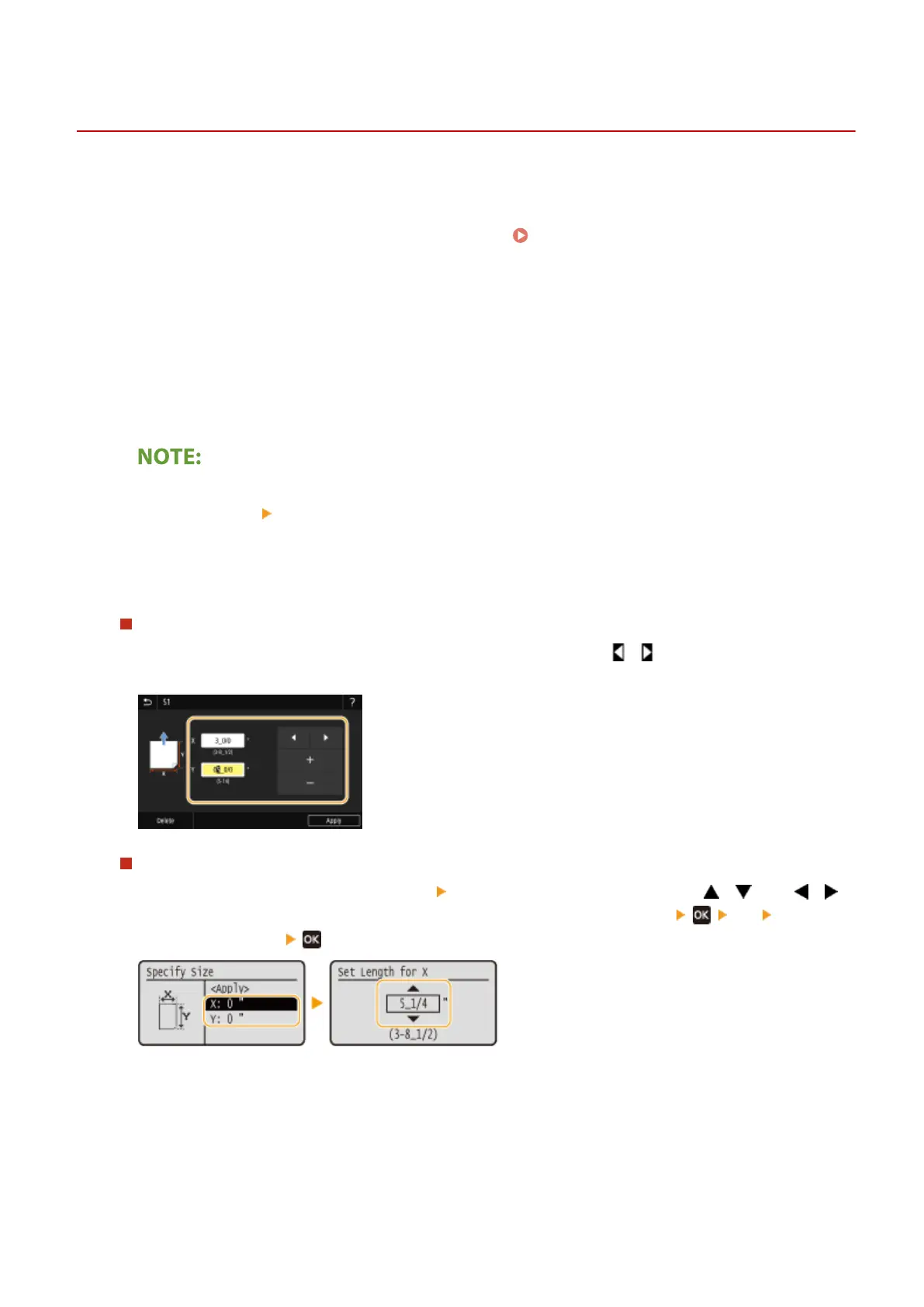
Specify the length of the <X> side and <Y> side.
Touch panel model
● Select <X> or <Y>, and enter the length of each side using <+>/<->, with / to move the cursor between
the digits for inputting whole numbers and fractions.
Black and white LCD model
● Execute the following steps in sequence: <X> enter the length of the <X> side using / , with /
to move the cursor between the digits for inputting whole numbers and fractions <Y> enter the
length of the <Y> side
5
Select <Apply>.
6
On the black and white LCD model, continue on to select the paper type.
Basic Operations
153













 To Next Page