About <Free>
● The machine operates based on the paper type setting in the printer driver. When the paper type is [Auto],
the machine operates the same way as when the paper type is [Plain 1].
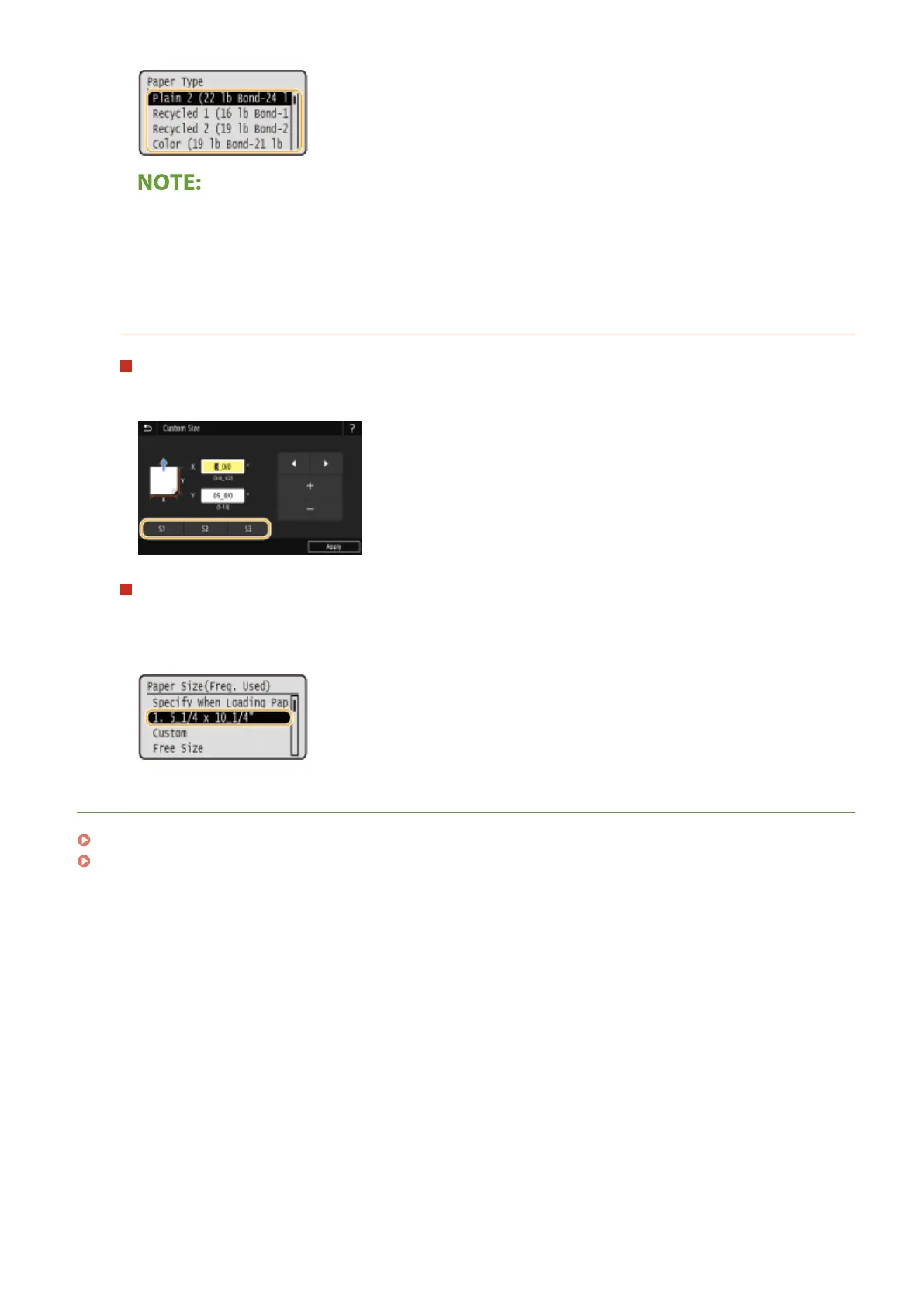
Setting to the registered custom size
Touch panel model
The paper sizes that are registered in the procedure above can be called when <Custom> is selected on the
paper size selection screen for the paper drawer or multi-purpose tray.
Black and white LCD model
The paper sizes that are registered in the procedure above are displayed on the paper size selection screen
for the paper drawer or multi-purpose tray.
Example for multi-purpose tray:
LINKS
Loading Paper in the Paper Drawer(P. 126)
Loading Paper in the Multi-Purpose Tray(P. 134)
Basic Operations
154













 To Next Page