<Adjust Image Quality>
1648-0HS
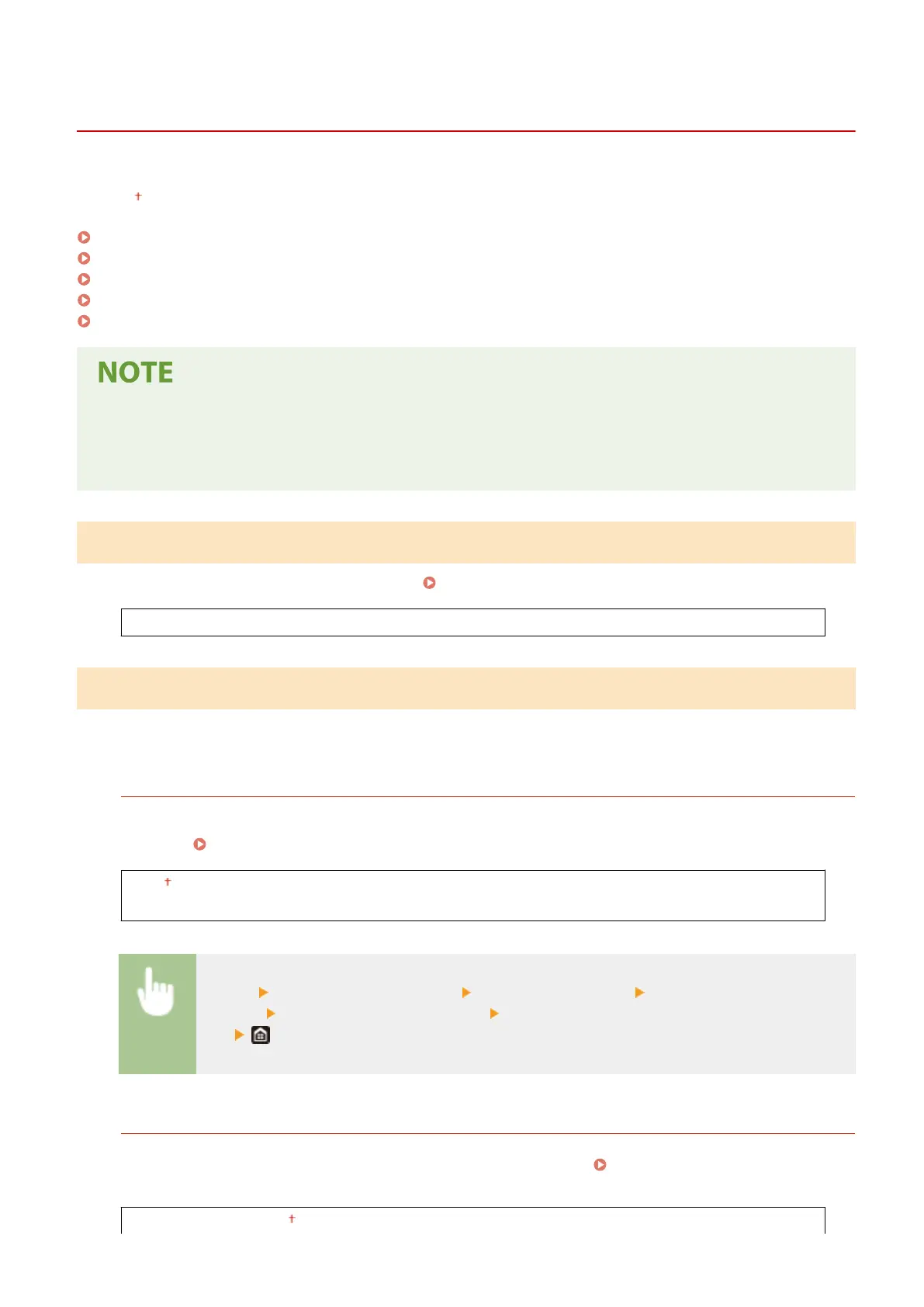
All the settings related to image quality adjustment are listed with descriptions. Default settings are marked with a
dagger ( ).
<Auto Adjust Gradation>(P. 332)
<Auto Correction Settings>(P. 332)
<Correct Print Color Mismatch>(P. 333)
<Adjust Print Position>(P. 333)
<Special Processing>(P. 334)
Asterisks (
*
)
● Settings marked with an asterisk (
*
) may not be displayed depending on the model you are using, options, or
other setting items.
<Auto Adjust Gradation>
Adjust the gradation, density, and color in printouts. Adjusting Gradation(P. 436)
<Quick Adjust>
<Auto Correction Settings>
Select whether to automatically perform a quick gradation adjustment or color shift correction after the machine is
turned ON.
<Auto Adjust Image Regularly>
Select when to make an automatic quick gradation adjustment. If <When Turning Main Power ON> is selected,
quick adjustment is automatically made after the machine is turned ON. You can also perform this adjustment
manually ( Quick Adjust(P. 436) ).
<Off>
<When Turning Main Power ON>
<Menu> <Adjustment/Maintenance> <Adjust Image Quality> <Auto Correction
Settings> <Auto Adjust Image Regularly> Select <Off> or <When Turning Main Power
ON>
<Correct Print Color Mismatch>/<Timing for Correct Print Color Mismatch>
Select the timing at which the Correct Print Color Mismatch function is to be performed automatically after the
machine is turned ON. You can also perform this adjustment manually (
Correcting "Print Color
Mismatch"(P. 437) ).
<After Printing First Job>
Setting Menu List
332













 To Next Page