Loading Paper in the Multi-Purpose Tray
1648-030
When you want to print on paper that is not loaded in the paper drawer, load the paper in the multi-purpose tray.
Load the paper that you usually use in the paper drawer. Loading Paper in the Paper Drawer(P. 126)
For the LBP654Cdw(P. 134)
For the LBP612Cdw(P. 136)
For the LBP654Cdw
Make sure to insert the paper drawer
● The machine only prints when the paper drawer is inserted, even if paper is loaded in the multi-purpose
tray. An error message is displayed if you attempt to print without inserting the paper drawer.
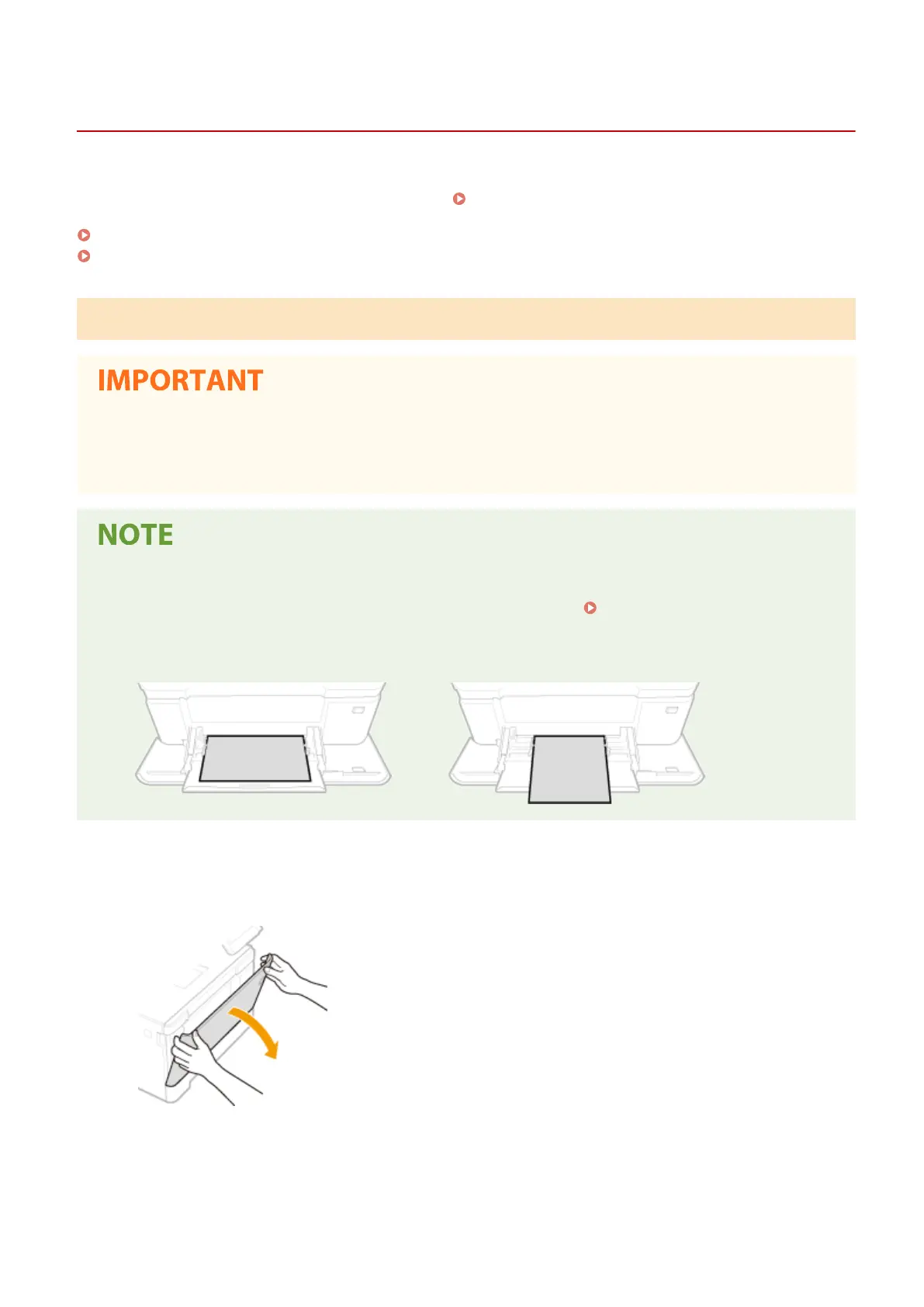
When loading A5 size paper
● When setting the paper size, make sure the current paper orientation. Specifying Paper Size and Type in
the Multi-Purpose Tray(P. 147)
Landscape orientation
Portrait orientation
1
Open the cover.
● Hold the both sides of the cover to open it.
2
Pull out the paper tray.
Basic Operations
134













 To Next Page