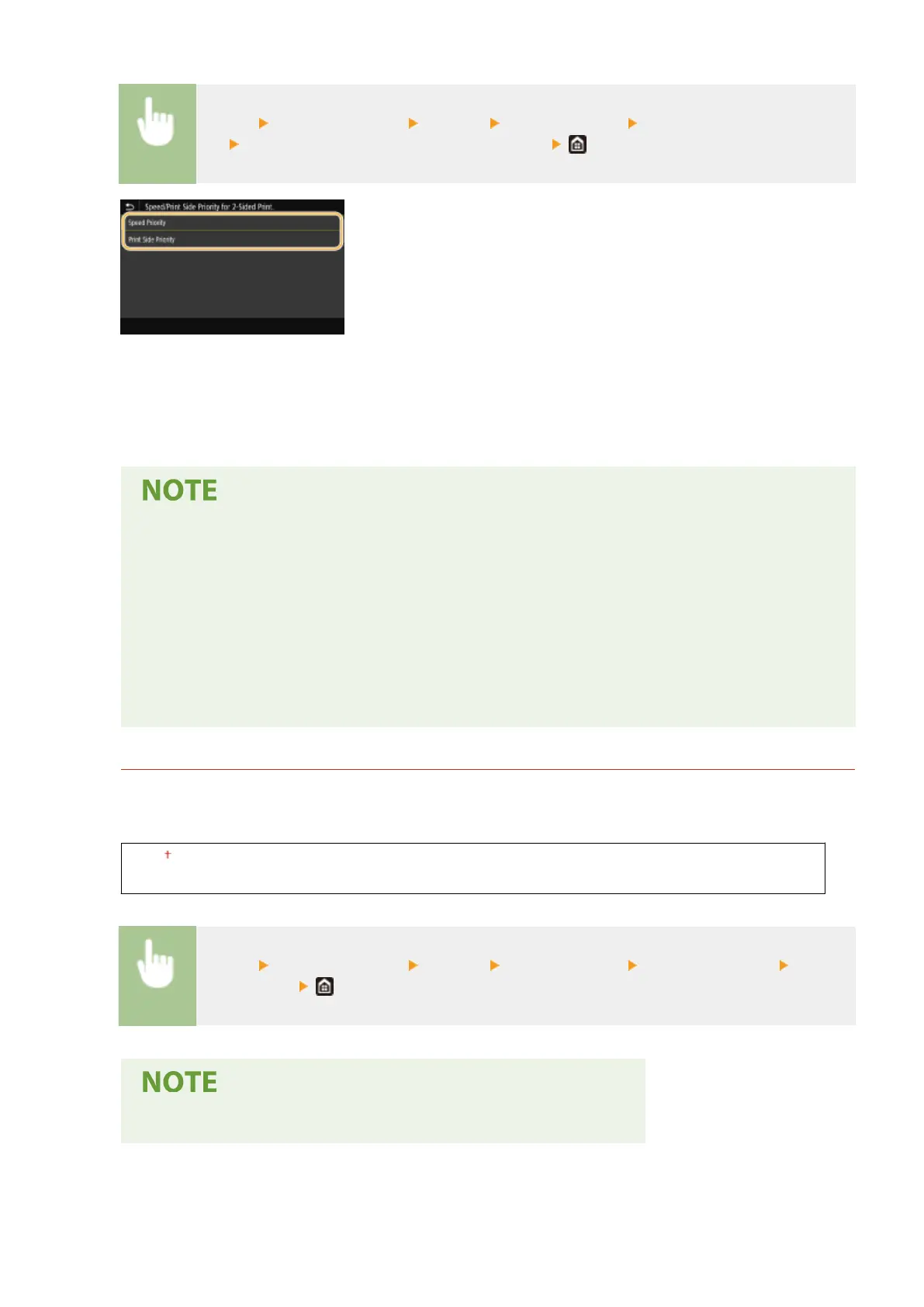
<Menu> <Function Settings> <Printer> <Printer Settings> <Speed/Prt. Side Priority for 2-
Sd> Select <Speed Priority> or <Print Side Priority>
<Speed Priority>
Processes the last page using 1-sided printing.
<Print Side Priority>
Also processes the last page using 2-sided printing.
When a document containing an even number of pages is ended with 1-sided
printing
● When <Speed Priority> is selected, the last page that is blank or unprintable is processed using 1-
sided printing even if the document consists of the even number of pages.
When you use paper that has been preprinted with a logo
● If <Speed Priority> is selected and the last page is processed using 1-sided printing, the page
orientation or print side may differ from that of other pages. In such a case, select <Print Side
Priority>.
<Prioritize MP Tray>
Specify whether to feed paper from the multi-purpose tray when Auto Select Paper is enabled. If <On> is
selected, paper is fed from the multi-purpose tray when paper of the same size and same type is loaded in both
the multi-purpose tray and paper drawer.
<Off>
<On>
<Menu> <Function Settings> <Printer> <Printer Settings> <Prioritize MP Tray> Select
<Off> or <On>
● This setting is only available when <Escape Tray Mode> is set to <Off>.
Setting Menu List
364













 To Next Page