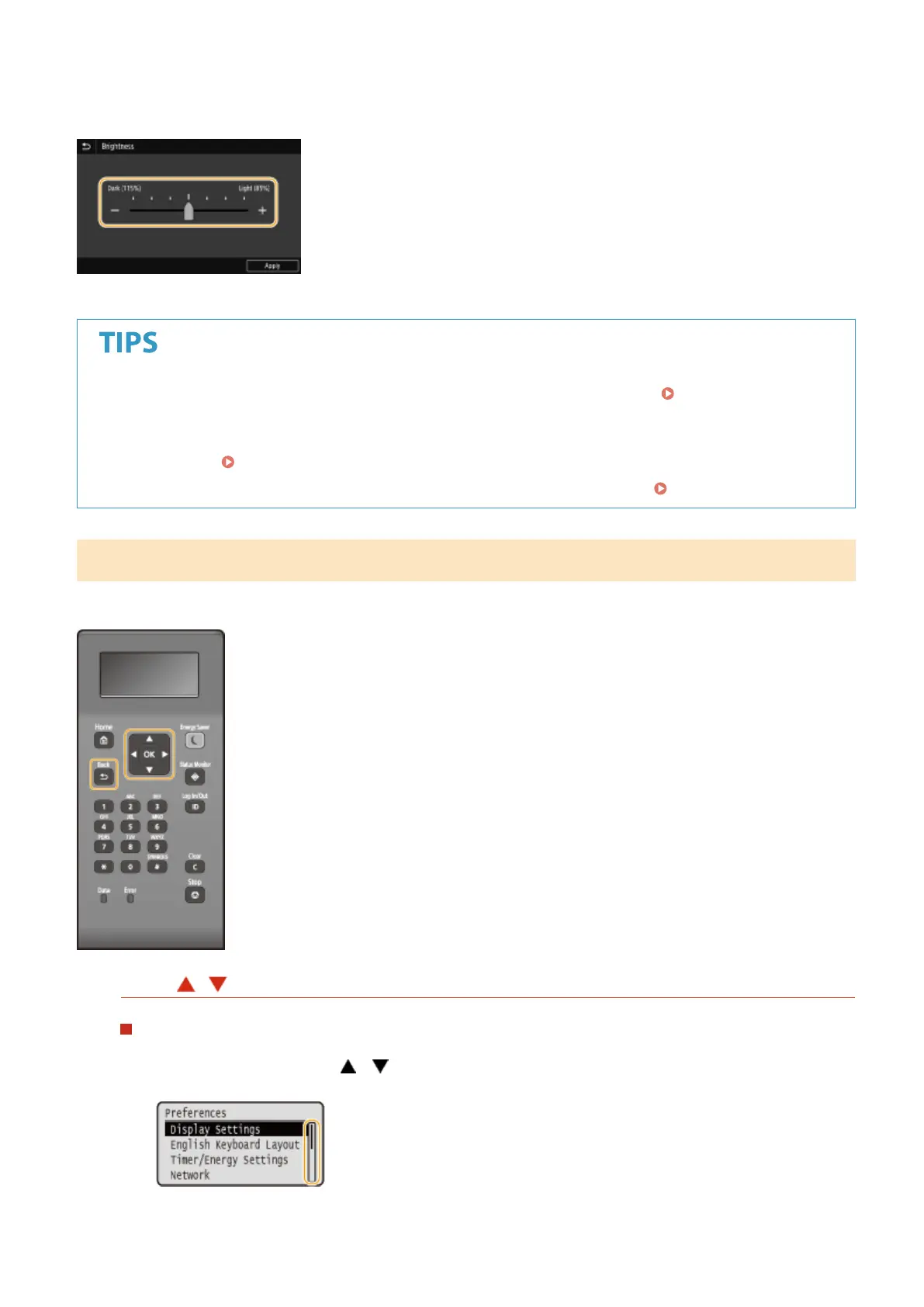
◼ Changing the Setting Value
Tap <+>/<-> to adjust the setting on the scale. You can also adjust a setting by icking the slider left or right.
● You can change a variety of display-related settings, such as the display language: <Display
Settings>(P. 297)
● You can change the screen that is automatically displayed when the machine remains idle for a specied
length of time:
<Function After Auto Reset>(P. 304)
● You can change various settings about the operability such as screen brightness: <Accessibility>(P. 326)
Basic Operation of Black and White LCD Model
Use the keys shown below to specify settings and adjust values.
Using /
Scrolling the Screen
The scroll bar is displayed on the right side of the screen when not all of the information ts on one screen. If
the scroll bar is displayed, use
/ to scroll up or down. The text and background colors of an item are
inverted when it is selected.
Basic Operations
116













 To Next Page