<Gram/Pound Switch>
Select the unit of measurement for the basis weight. This setting is available when <Select Country/Region> is set to
<United States (US)>.
<Gram>
<Pound>
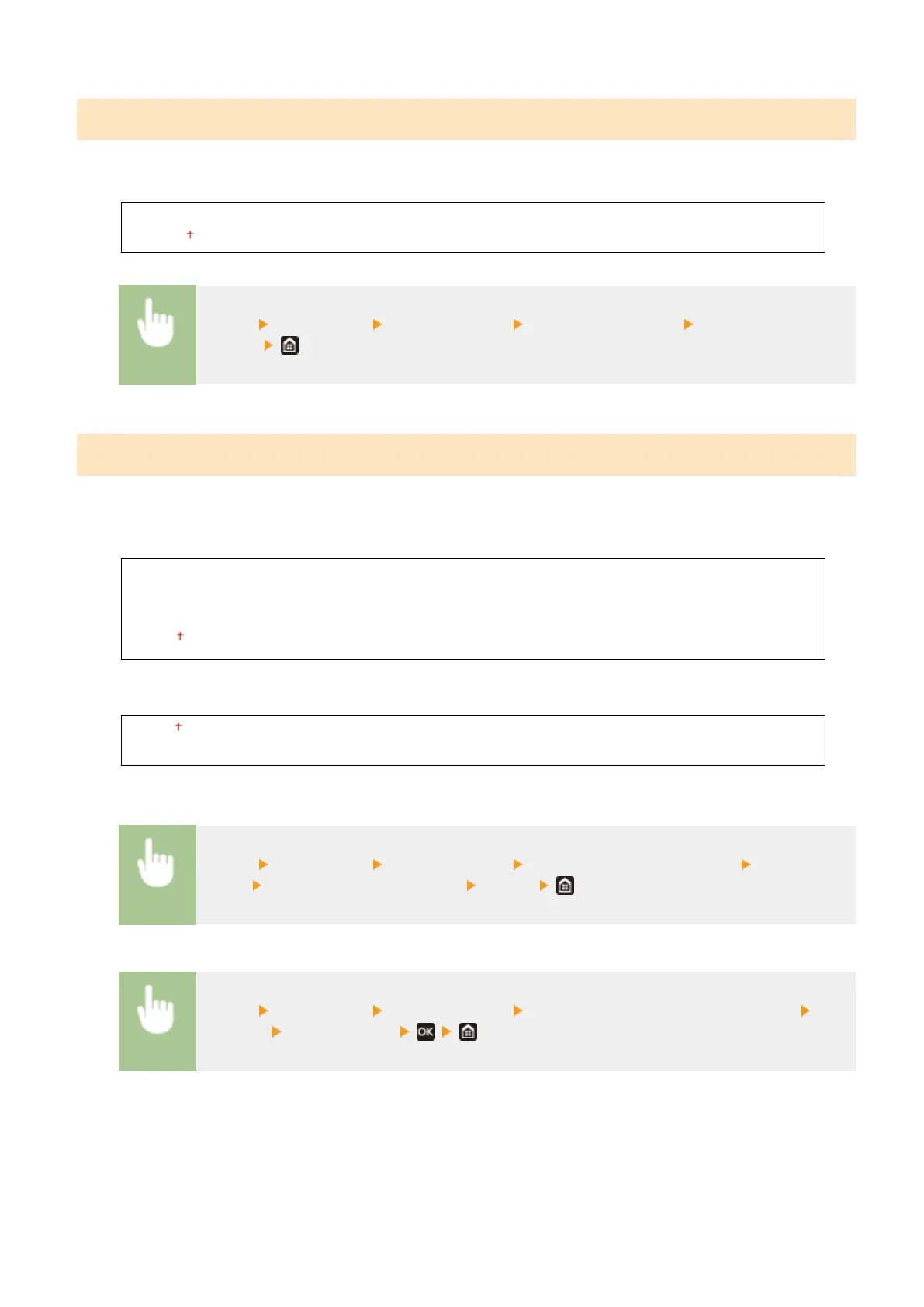
<Menu> <Preferences> <Display Settings> <Gram/Pound Switch> Select <Gram> or
<Pound>
<Display Timing for Cart. Prep.>/<Displ. Timing for Cartridge Prep. Notif.>
Set the display timing for the message notifying you that the amount remaining in the toner cartridges is low.
Touch panel model
<Auto>
<Off>
<Custom>
<On>
Black and white LCD model
<Auto>
<Custom>
Touch panel model
<Menu> <Preferences> <Display Settings> <Display Timing for Cart. Prep.> Select <Off> in
<Auto> Enter toner level in <Custom> <Apply>
Black and white LCD model
<Menu> <Preferences> <Display Settings> <Displ. Timing for Cartridge Prep. Notif.>
<Custom> Enter toner level
Setting Menu List
299













 To Next Page