Value range
● Values in ( ) displayed the entry box are the enterable value range.
When buttons other than the numeric keys are displayed
● When <+>/<-> or / are displayed, you can tap the buttons and increase or decrease the
numeric value or move the cursor.
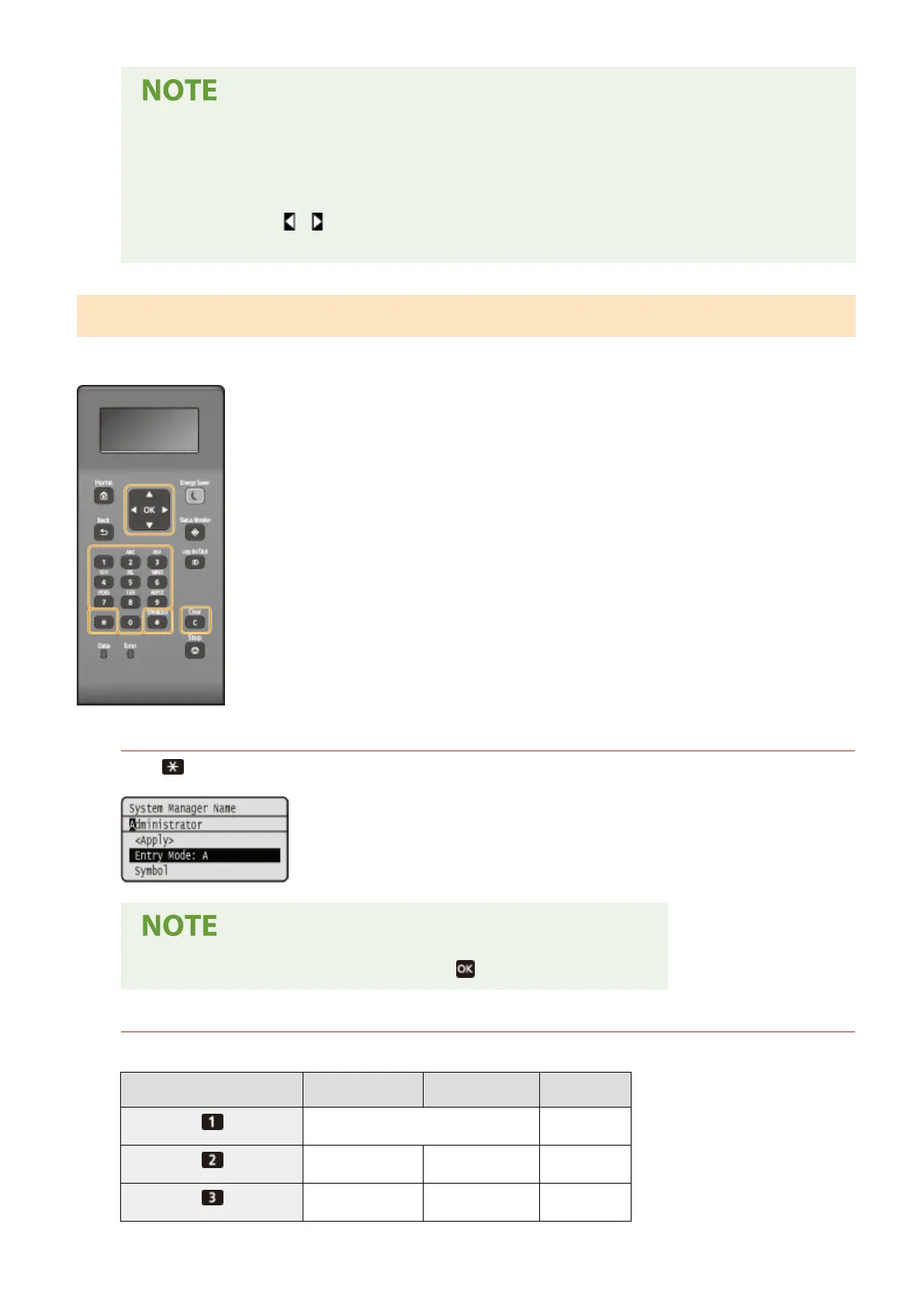
Entering Text on the Black and White LCD Model
Use the numeric keys to enter text and values.
Switching the Type of Text
Press to switch the type of text that is entered.
● You can also select <Entry Mode> and press to switch the type of text.
Types of Text That Can Be Entered
Text that can be entered is listed below.
Key
A a 12
@ . - _ / 1
ABC abc 2
DEF def 3
Basic Operations
120













 To Next Page