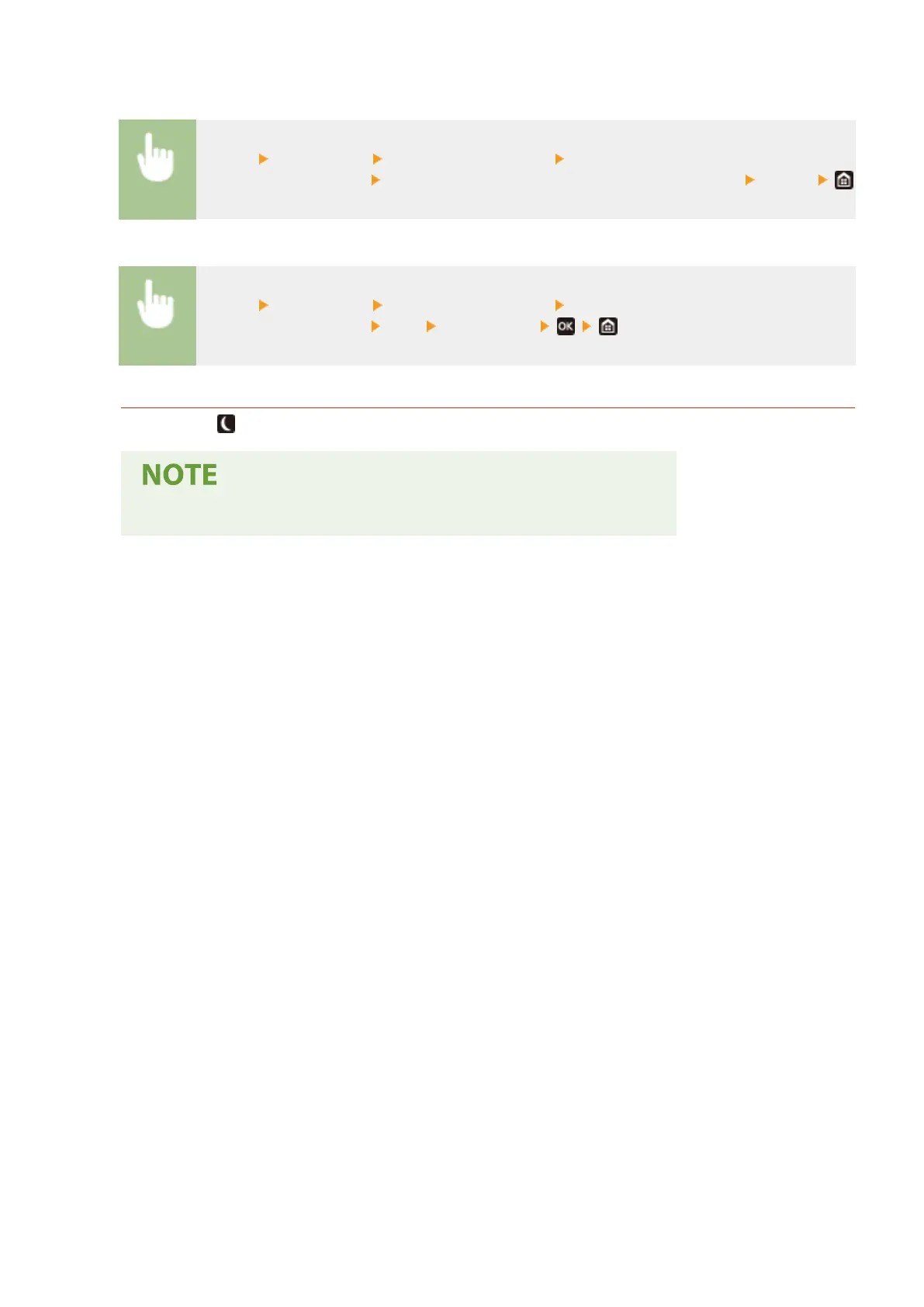
Touch panel model
<Menu> <Preferences> <Timer/Energy Settings> Select <Auto Sleep Daily Timer> or <Sleep
Mode Exit Time Settings> Select <On> in <Set This Function>, and enter the time <Apply>
Black and white LCD model
<Menu> <Preferences> <Timer/Energy Settings> Select <Auto Sleep Daily Timer> or <Sleep
Mode Exit Time Settings>
<On> Enter the time
Exiting Sleep Mode
You can press or any other key on the operation panel to exit the sleep mode.
● For the touch panel model, you can also tap the display to exit sleep mode.
Basic Operations
164













 To Next Page