2
Select <Select File and Print>.
<Index Print>
● You can print thumbnails of the JPEG les stored in a USB memory device. To print the images in
thumbnails, select <Index Print> on the screen, and proceed to the next step.
<Sort Files>
● You can change the le sort order when selecting a le to be printed.
● For information about how to display les based on the same criteria every time, see <File Sort Default
Settings>(P. 406) .
3
Select the le to print, and press .
● You can select multiple les.
● To clear a selection, select the le you have selected ( ) again, and press .
● Selecting a folder displays its contents. To return to the folder in the upper level, select .
● Folders and les lower than the third directory are not displayed.
● When you move to another folder, the previous le selections will be cleared.
To select all les
1
Select <Select All>.
● To clear all selections, select <Clear All>.
2
If le types are mixed, select <JPEG/TIFF> or <PDF>.
4
Select <Apply>.
5
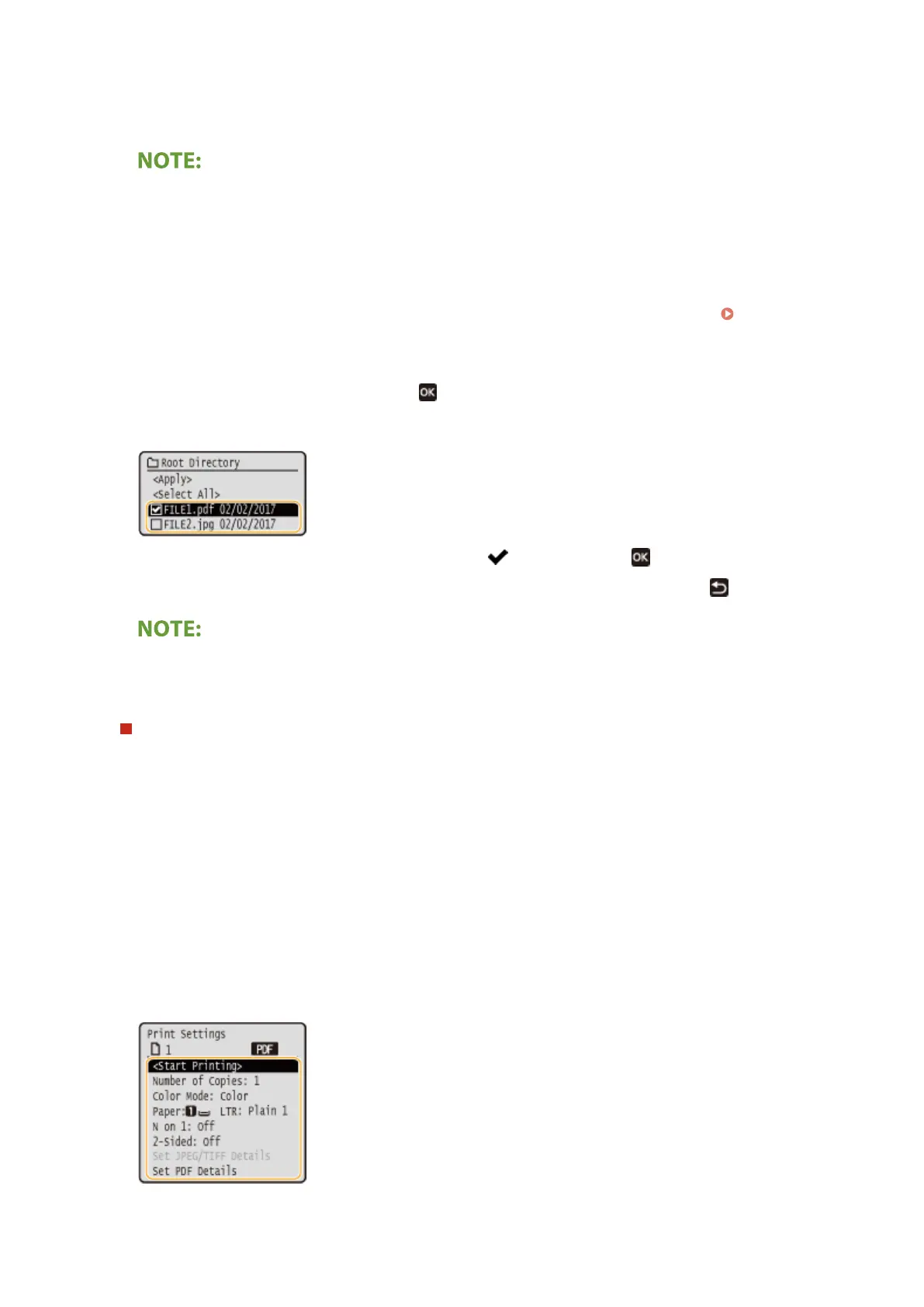
Specify the print settings as necessary.
● Select the item you want to set.
Printing
188













 To Next Page