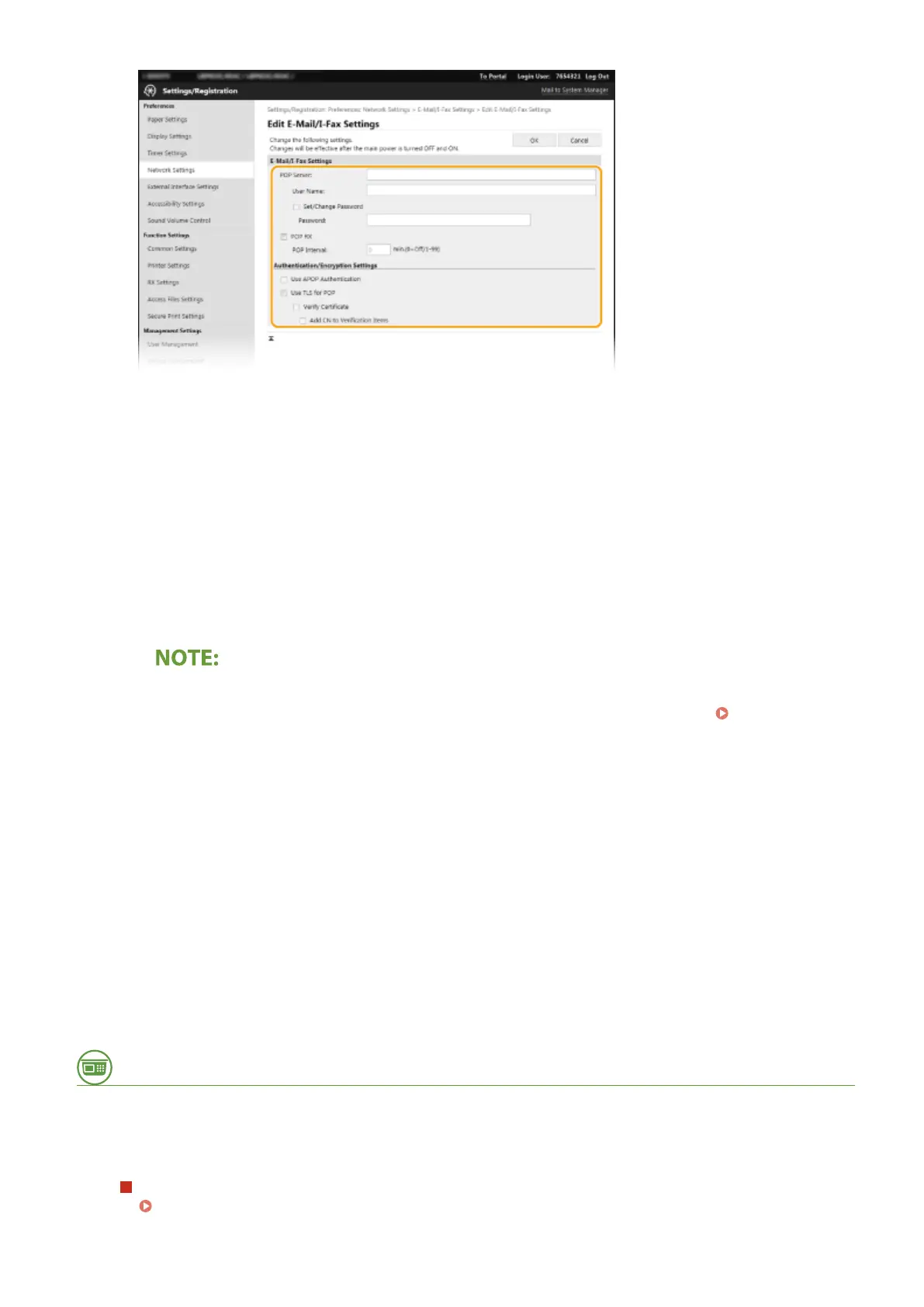
[POP Server]
Enter alphanumeric characters as the POP3 server name or IP address for receiving I-Faxes.
[User Name]
Enter alphanumeric characters as the user name for the specied e-mail account.
[Set/Change Password]
To set or change the password, select the check box and enter alphanumeric characters in [Password].
[POP RX]
Select the check box to receive I-Faxes.
[POP Interval]
This sets the interval (in minutes) used for automatically connecting to the POP3 server. If there are any I-Fax
documents on the server, they are automatically received and printed.
To disable automatic reception
● Set [POP Interval] to [0]. When [0] is set, you receive I-Faxes manually.
Receiving I-Faxes
Manually(P. 196)
[Use APOP Authentication]
Select the check box to use APOP to encrypt the password during the authentication process.
[Use TLS for POP]
Select the check box to encrypt communication with the POP3 server using TLS. Select the check box for
[Verify Certicate] or [Add CN to Verication Items] depending on your needs.
6
Click [OK].
7
Restart the machine.
● Turn OFF the machine, wait for at least 10 seconds, and turn it back ON.
From the Operation Panel
8
Specify the print settings as necessary.
Specifying the setting for 2-sided printing
<Print on Both Sides>(P. 396)
Printing
195













 To Next Page