3
Launch Canon PRINT Business on the mobile device. Utilizing the Machine through
Applications(P. 207)
4
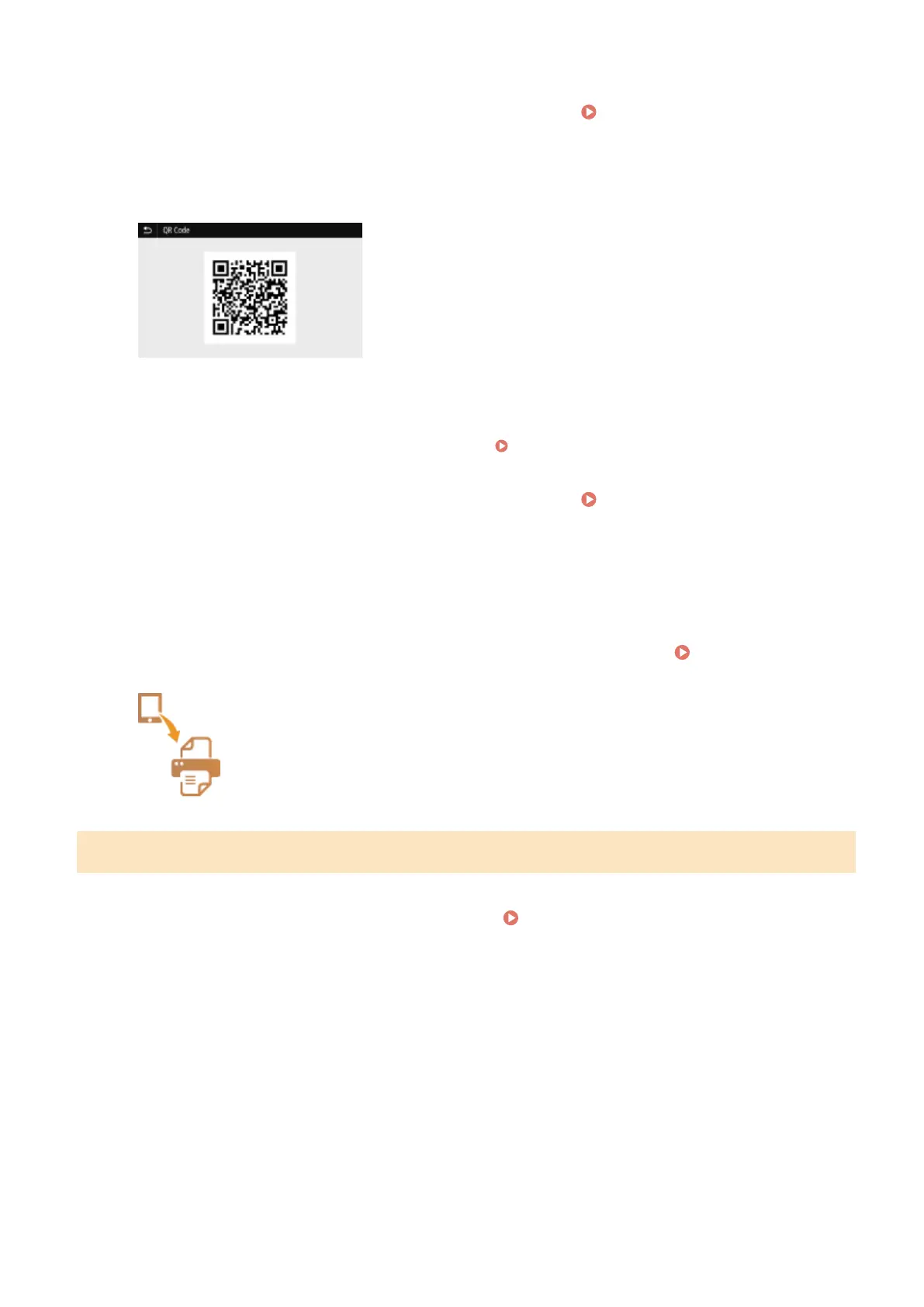
Read the QR code displayed on the screen using the mobile device.
◼ Connecting Using the NFC (Android)
Before using the NFC, check whether <Use NFC> is set to <On>. <Use NFC>(P. 412)
1
Launch Canon PRINT Business on the mobile device. Utilizing the Machine through
Applications(P. 207)
2
Enable the NFC settings of the mobile device.
3
Move the mobile device closer to the NFC mark of the machine. Operation
Panel(P. 97)
Connecting via a Wireless LAN Router (Black and White LCD Model)
1
Select <Mobile Portal> in the Home screen. Home Screen(P. 107)
2
Select <Display Device Name/IP Address>.
3
Connect from the mobile device to the IP address that appears on the screen.
Linking with Mobile Devices
201













 To Next Page