Prints an outline of dark text or a gure with a smooth nish. This is the optimal mode for various types of
printing.
<Mode 2>
Prints gure outline and internal halftones with a smooth nish.
<Mode 3>
Prints dark text or lines on an area with a colored background with a smooth nish.
<Mode 4>
Prints an image such as a photo or an outline of a gure or text with a smooth nish.
<Mode 5>
Prints an image and halftones with an even balance.
<Mode 6>
Prints the entire image with a smooth nish.
● When <Error Diffusion> is set to <On> in <Halftones>, printing in modes other than <Mode 5> all produces
the same results.
● When <Resolution> is set to <1200 dpi>, all settings other than <Mode 6> produce the same result.
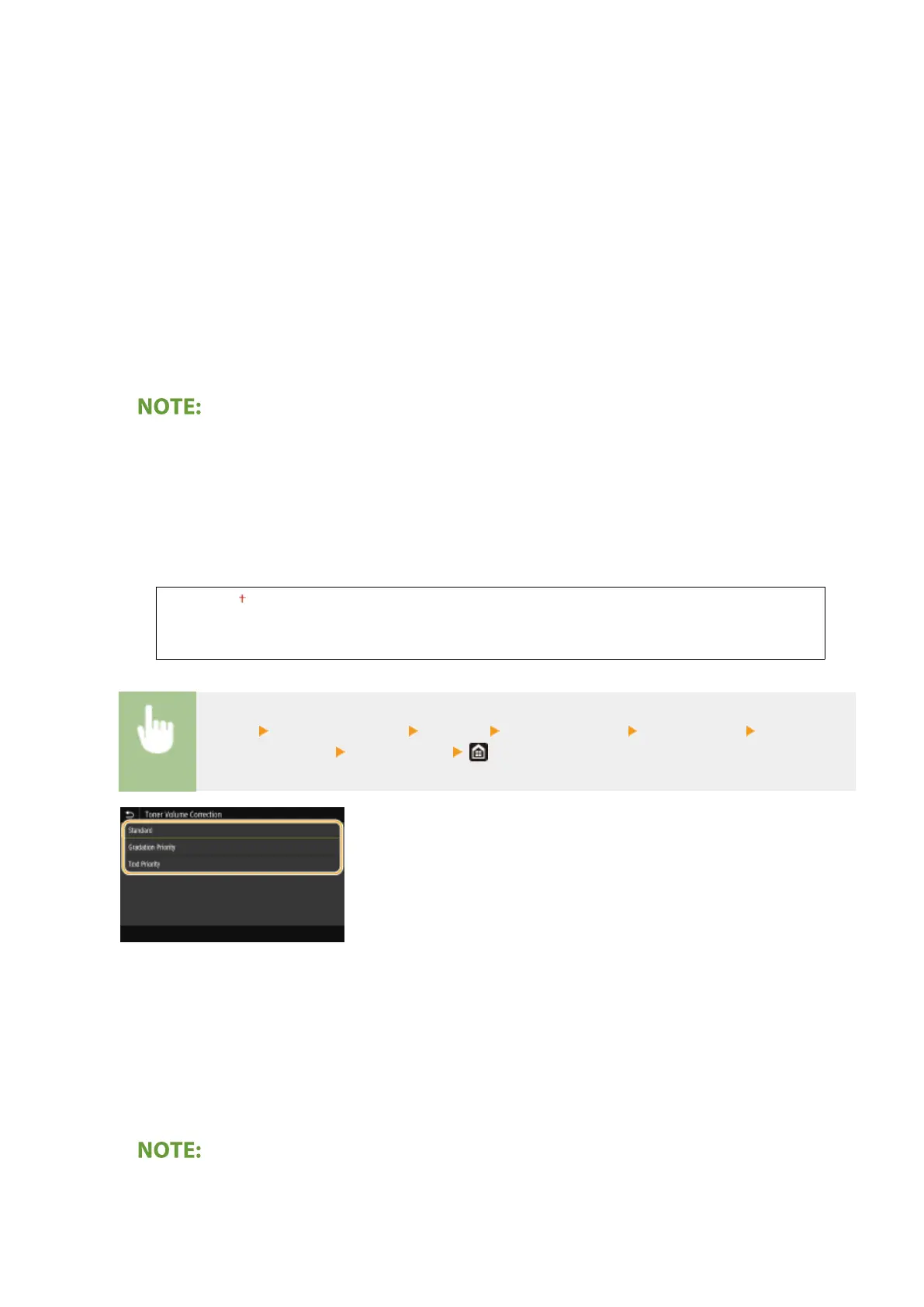
<Toner Volume Correction>
When the toner volume for text or lines exceeds the limit value of the machine, make a correction so that the
toner volume does not exceed the limit value.
<Standard>
<Gradation Priority>
<Text Priority>
<Menu> <Function Settings> <Printer> <Printer Settings> <Print Quality> <Toner
Volume Correction> Select the item
<Standard>
Adjusts the toner supply amount so that proper resolution is ensured for text and lines, and that proper color
tone is ensured for other types of print data.
<Gradation Priority>
Adjusts the toner supply amount so that proper color tone is ensured for all types of print data.
<Text Priority>
Adjusts the toner supply amount so that proper resolution is ensured for all types of print data.
● The display position is different on the black and white LCD model.
Setting Menu List
356













 To Next Page