<Menu> <Management Settings> <Device Management> <Display Consumables
Information (RUI/Toner Status)> Specify the settings
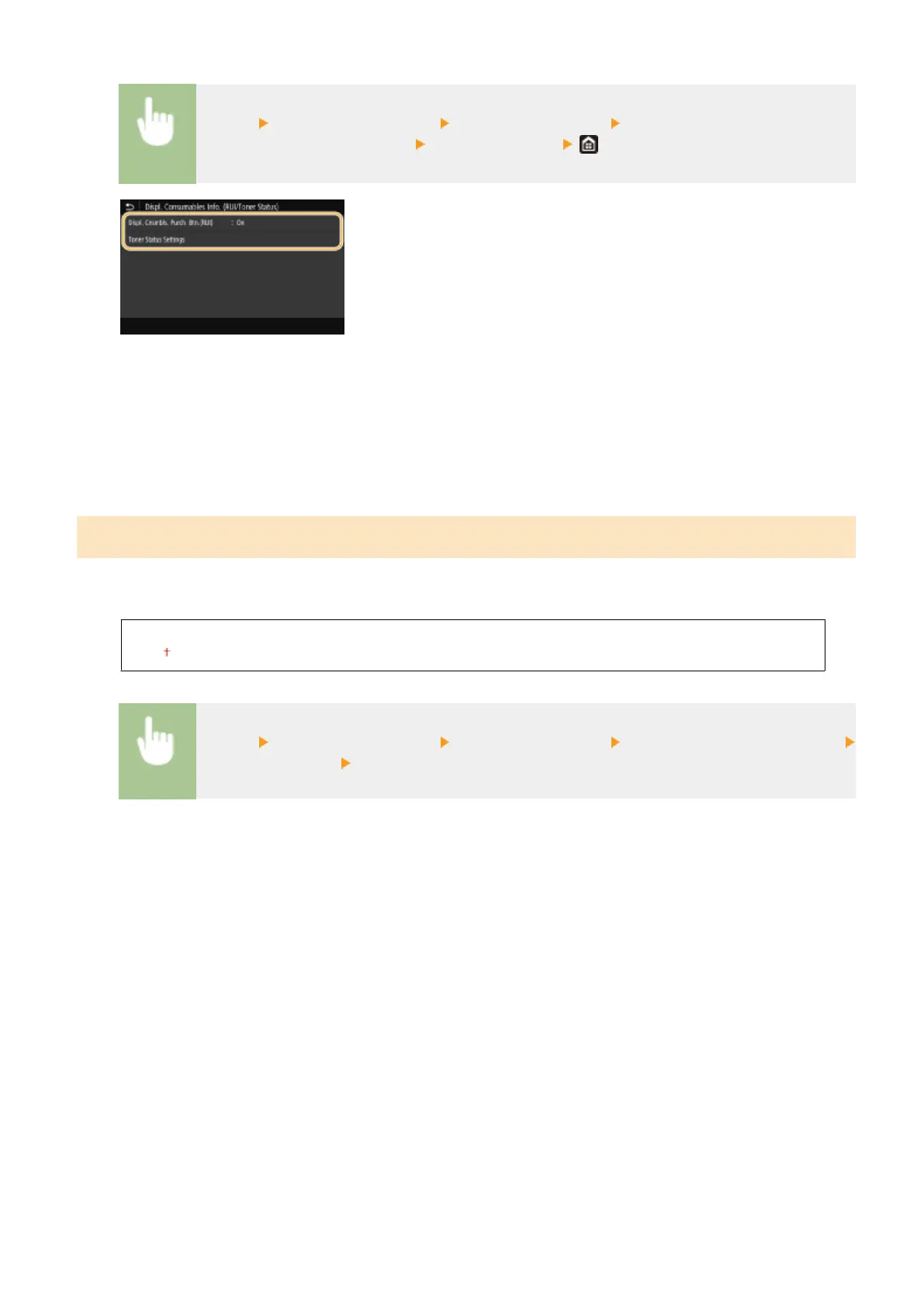
<Displ. Cnsmbls. Purch. Btn.(RUI)>/<Displ. Consumables Purchase Button (RUI)>
Select <Off> to prevent a button that accesses sites for purchasing toner cartridges from being displayed in the
Remote UI.
<Toner Status Settings>
If you do not want to use Toner Status, select <Off>. To prevent a button that accesses sites for purchasing
toner cartridges from being displayed in Toner Status, select <On> and then <Off>.
<Notify to Check Paper Settings>
Specify whether to display a message prompting you to check paper settings when loading the paper drawer into the
machine.
<Off>
<On>
<Menu> <Management Settings> <Device Management> <Notify to Check Paper Settings>
Select <Off> or <On> Restart the machine
Setting Menu List
413













 To Next Page